3 Raspberry Pi Kitchen Projects for Your Weekend
Key Takeaways
- A recipe kiosk using Mealie and a touchscreen helps families break out of dinner ruts
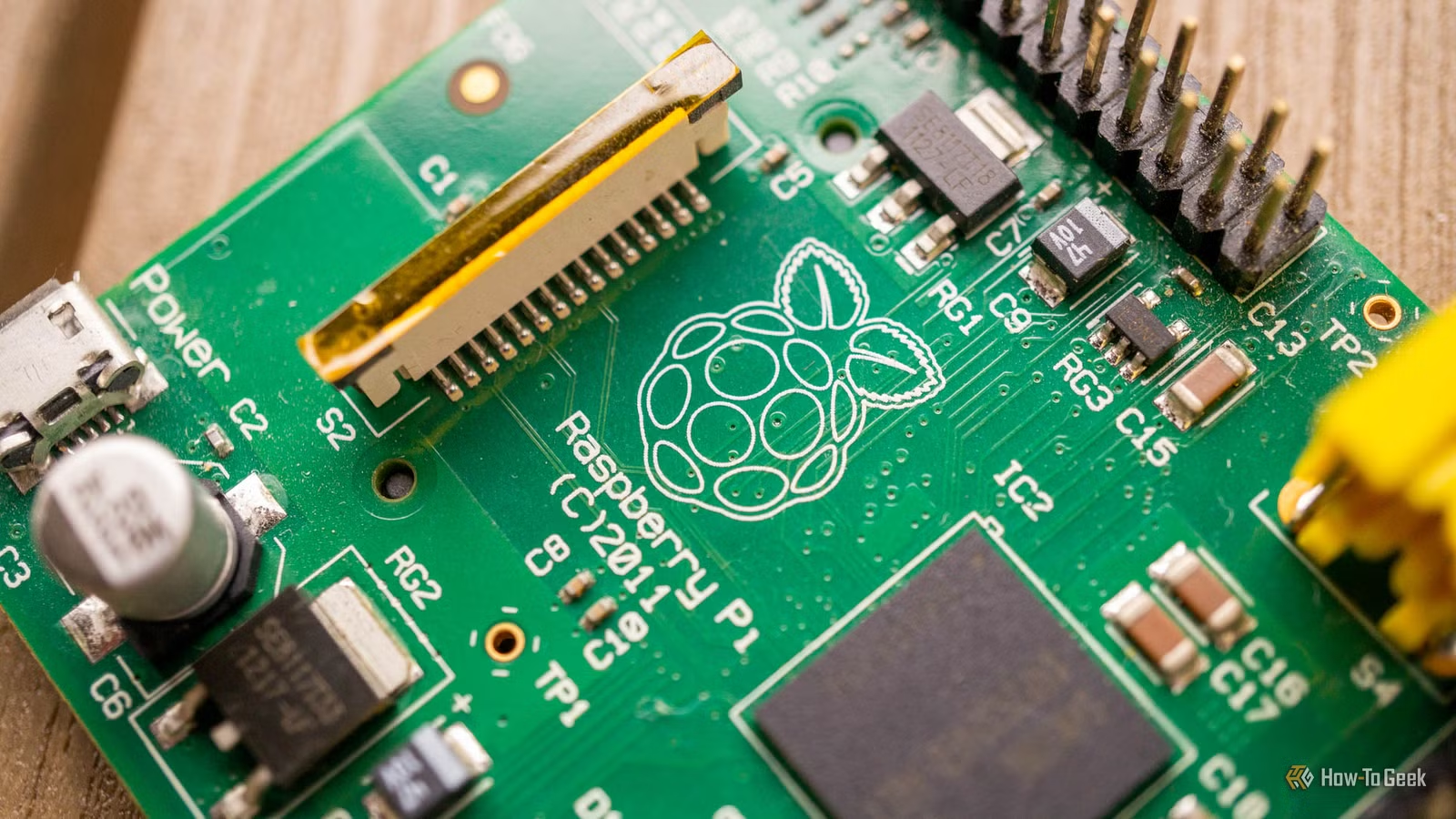
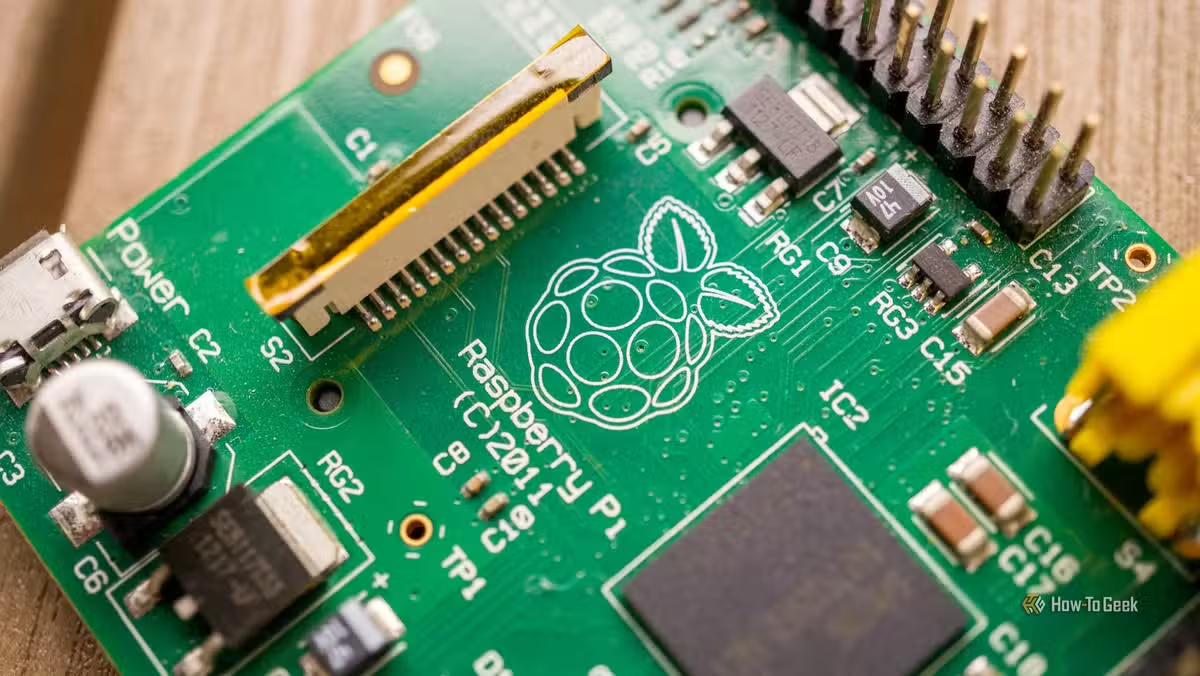
- All three projects use a Raspberry Pi 4 Model B, available for $38
- The builds require Raspberry Pi OS Lite and Docker for software setup
Weekend tinkerers looking for practical Raspberry Pi projects now have three new options from How-To Geek. Two solve genuine kitchen problems. One is pure fun.
The common thread: all three builds use a Raspberry Pi 4 Model B, which runs $38 at CanaKit. Each project combines the single-board computer with freely available software and a display of some kind.
Project 1: A Family Recipe Kiosk
The first project tackles a problem many home cooks know well. You try new recipes, enjoy them, then forget they exist. Weeks later you're back to the same five dinners you've made for years.
The solution is a dedicated recipe kiosk mounted in the kitchen. The build requires three components: a Raspberry Pi, a touchscreen display, and Mealie, an open-source recipe management system.
Setup is straightforward. Install Raspberry Pi OS Lite on the Pi, get Docker running, then install Mealie through Docker. The software lets you track, input, and categorize recipes. Connect a touchscreen, and you have a dedicated station for browsing your collection.
Patrick Campanale, the article's author, notes the real benefit is visibility. Scrolling through a dedicated display beats trying to remember what you liked three months ago.
Hardware You'll Need
The Raspberry Pi 4 Model B comes with a Cortex-A72 ARM v8 CPU and 2GB of memory in the base configuration. It's enough to run a lightweight OS and Docker containers without issue.
- Raspberry Pi 4 Model B ($38 at CanaKit)
- Touchscreen display compatible with Raspberry Pi
- MicroSD card for Raspberry Pi OS Lite
- Power supply for the Pi
The touchscreen is the variable cost. Basic 7-inch displays run $40 to $70. Larger e-ink options like the Waveshare 7.3-inch color display cost more but use less power and look better in kitchen light.

Why Mealie Works for This
Mealie runs as a self-hosted web application. It imports recipes from URLs, lets you enter them manually, and organizes everything with tags and categories. The interface is touch-friendly, which matters when you're cooking with messy hands.
The software also handles meal planning and shopping lists. Once your recipes are loaded, you can plan a week of dinners and generate a grocery list from the ingredients.
The Technical Setup
For those comfortable with Linux, the installation takes an hour or two. Raspberry Pi OS Lite is a headless version of the standard OS. It skips the desktop environment, which saves resources for running Docker containers.
Docker simplifies the Mealie installation. Instead of manually installing dependencies, you pull a pre-built container image and run it. Updates work the same way.
Two More Projects in the Roundup
The original How-To Geek article includes two additional builds. One solves another kitchen problem. The third is described as requiring "a bit harder" thinking to complete, positioned as the fun challenge of the weekend.
The source article was truncated, so full details on projects two and three weren't available. Check the original piece for the complete walkthrough.
Logicity's Take
Kitchen tech doesn't need to be expensive or complicated. A $38 Raspberry Pi and some free software solve real problems like recipe organization better than most commercial smart kitchen gadgets. The barrier is time and comfort with Linux, not money.
Is This Project Right for You?
If you've never used a Raspberry Pi, this is a reasonable first project. The software stack is well-documented, and Mealie has an active community for troubleshooting.
The time investment is the main consideration. Budget a weekend for the initial setup, plus ongoing time to enter your recipes. The payoff comes over months as you actually use the system.
More weekend projects for hardware tinkerers
Frequently Asked Questions
Which Raspberry Pi model works best for a recipe kiosk?
The Raspberry Pi 4 Model B with 2GB RAM handles Mealie and a touchscreen without issues. Older models like the Pi 3 will work but may feel slower.
How much does a Raspberry Pi recipe kiosk cost to build?
Budget $80 to $120 total. The Pi costs $38, a basic touchscreen runs $40 to $70, and you'll need a microSD card and power supply.
Can I access Mealie from my phone?
Yes. Mealie runs as a web app, so any device on your home network can access it through a browser. The touchscreen kiosk is for dedicated kitchen access.
Do I need to know Linux to set this up?
Basic command-line comfort helps. You'll need to install an OS, configure Docker, and run a few terminal commands. The process is well-documented for beginners.
Need Help Implementing This?
Building a Raspberry Pi project for your home or business? Logicity covers practical tech implementations for professionals who want to understand the tools, not just buy them. Reach out if you're working on something interesting.
Source: How-To Geek
Manaal Khan
Tech & Innovation Writer
اقرأ أيضاً

رأي مغاير: كيف يؤثر اختراق الأمن الداخلي الأميركي على شركاتنا الخاصة؟
في ظل اختراق عقود الأمن الداخلي الأميركي مع شركات خاصة، نناقش تأثير هذا الاختراق على مستقبل الأمن السيبراني. نستعرض الإحصاءات الموثوقة ونناقش كيف يمكن للشركات الخاصة أن تتعامل مع هذا التهديد. استمتع بقراءة هذا التحليل العميق

الإنسان في زمن ما بعد الوجود البشري: نحو نظام للتعايش بين الإنسان والروبوت - Centre for Arab Unity Studies
في هذا المقال، سنناقش كيف يمكن للبشر والروبوتات التعايش في نظام متكامل. سنستعرض التحديات والحلول المحتملة التي تضعها شركات مثل جوجل وأمازون. كما سنلقي نظرة على التوقعات المستقبلية وفقًا لتقرير ماكنزي

إطلاق ناسا لمهمة مأهولة إلى القمر: خطوة تاريخية نحو استكشاف الفضاء
تعتبر المهمة الجديدة خطوة هامة نحو استكشاف الفضاء وتطوير التكنولوجيا. سوف تشمل المهمة إرسال رواد فضاء إلى سطح القمر لconducting تجارب علمية. ستسهم هذه المهمة في تطوير فهمنا للفضاء وتحسين التكنولوجيا المستخدمة في استكشاف الفضاء.