3 Pixel Camera Features You're Probably Ignoring
Key Takeaways
- Photo Unblur in Google Photos can rescue old, shaky shots you thought were ruined
- Many Pixel users never explore beyond the default camera because it already works well
- Google's AI photography tools now define the Pixel experience more than hardware specs
The Default Experience Is Too Good
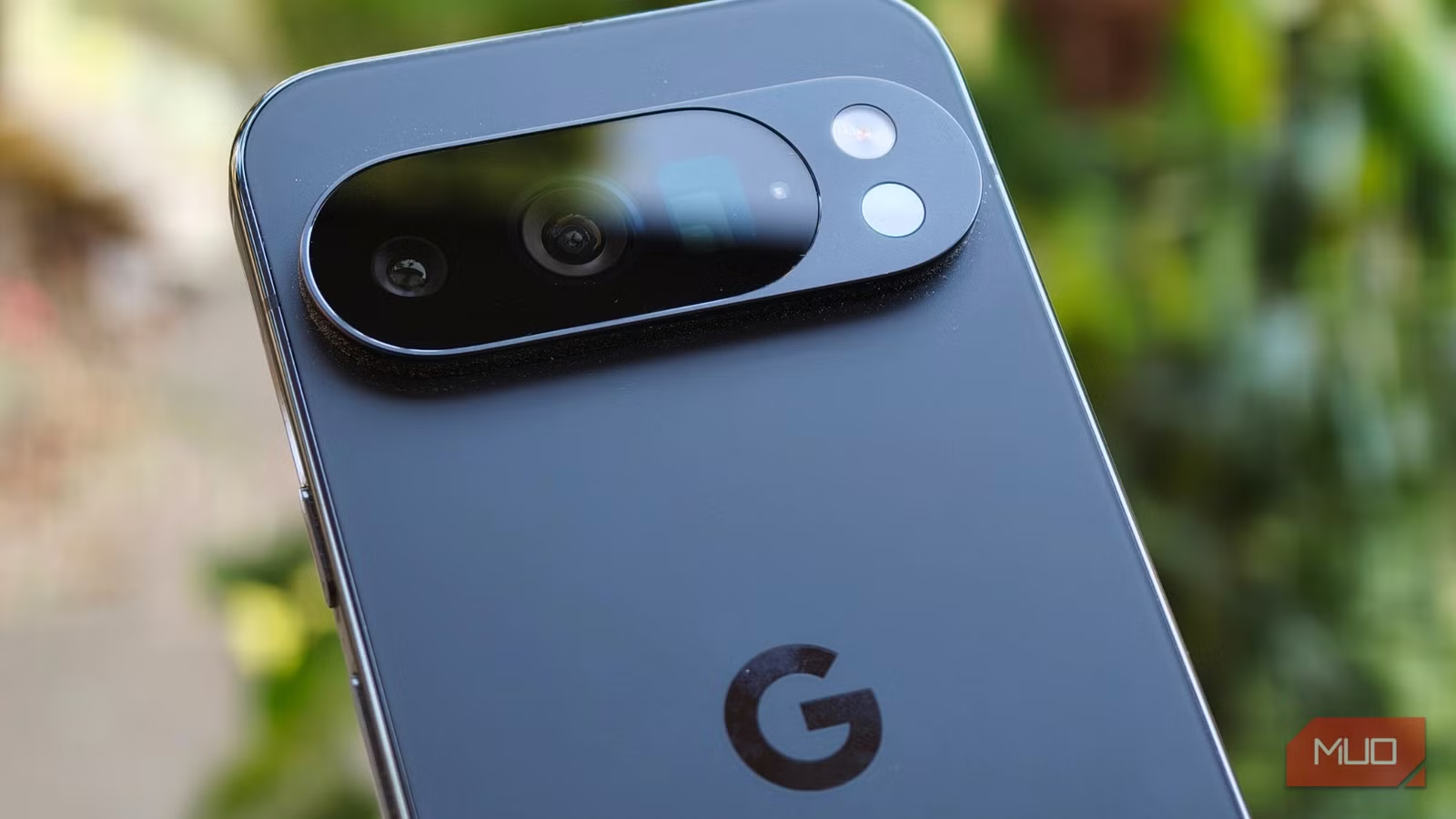
Here's the irony of owning a Pixel phone: the camera works so well out of the box that you never bother exploring what else it can do. Open the app, tap the shutter, trust Google's processing. That workflow produces excellent photos 90% of the time.
But that reliability creates a blind spot. Features that could solve specific problems, like blurry shots or tricky lighting, get ignored because the baseline is already strong. One Pixel user recently discovered this firsthand after years of assuming they knew the camera inside out.
Photo Unblur: The Gallery Hoarder's Best Friend
If you're the type who keeps blurry photos because "there's still something worth saving," Google Photos has a tool for you. Photo Unblur uses AI to sharpen images after the fact. It won't turn a motion-blurred mess into a crisp portrait, but it can rescue shots where your hands weren't quite steady enough.
The process is simple: open a blurry photo in Google Photos, tap Edit, then select Photo Unblur. The phone handles the processing in seconds. The feature has existed for a while, but most users never try it because they assume blurry photos are beyond saving.
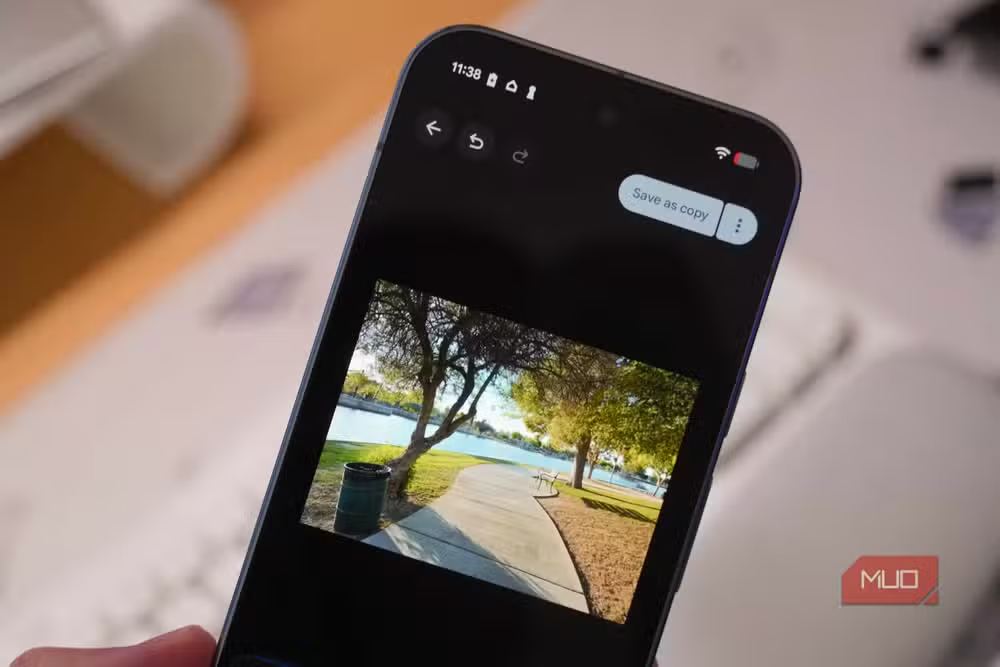
This fits a broader pattern in how Google approaches photography. The company has shifted focus from sensor specs to computational power. The Tensor G5 chip in current Pixel phones processes images in ways that would have required professional software a few years ago.
“The goal of AI in our cameras isn't to replace the photographer, but to remove the technical friction so the intent of the image takes center stage.”
— Rick Osterloh, SVP of Devices & Services at Google
The Computational Photography Shift
By 2026, Google's Pixel series has become defined less by lens hardware and more by what happens after you press the shutter. Features like "Add Me" (which composites the photographer into group shots) and generative post-processing tools solve physical limitations that previously required professional equipment.
The numbers back this up. Around 150 million active Pixel users now tap into Google Photos AI features every month. Mobile photography uploads using generative AI tools increased 38% year-over-year as of early 2026.
Not everyone celebrates this shift. On Reddit's r/GooglePixel, users debate where "true" photography ends and "AI-generated" imagery begins. Many praise tools like Add Me as genuinely useful for social events. Others worry about losing the authenticity of captured moments.
Why These Features Stay Hidden
Google faces a design tension: the default camera experience should be simple enough that anyone can use it, but that simplicity buries advanced tools. Features like Photo Unblur sit in Google Photos rather than the camera app itself. Others require navigating settings menus most users never open.
The result is that many Pixel owners use maybe 20% of what their cameras can do. That's not necessarily a problem. The baseline experience handles most situations well. But when you hit a specific limitation, like rescuing an important but blurry shot, knowing these tools exist matters.
Logicity's Take
Getting Started
If you own a Pixel phone, spend ten minutes exploring Google Photos' edit tools. Open a few older, imperfect photos and see what the AI can do. You might rescue shots you'd written off years ago.
- Open Google Photos and select a blurry image
- Tap Edit at the bottom of the screen
- Look for Photo Unblur in the tools section
- Let the phone process, then compare before and after
A look at how smartphone makers differentiate through software and design philosophy
Frequently Asked Questions
Does Photo Unblur work on photos taken with other phones?
Yes. Photo Unblur works on any image in your Google Photos library, regardless of which device captured it. The processing happens on your Pixel phone.
Is Photo Unblur free or part of Google One?
Photo Unblur is available free on Pixel phones. Some features require a Google One subscription on non-Pixel devices.
Does using AI editing change the original photo?
Google Photos saves edits as a separate version by default. Your original photo remains untouched unless you explicitly overwrite it.
What's the difference between Photo Unblur and Magic Eraser?
Photo Unblur sharpens blurry images. Magic Eraser removes unwanted objects or people from photos. Both use AI but solve different problems.
Need Help Implementing This?
Source: MakeUseOf
Huma Shazia
Senior AI & Tech Writer
اقرأ أيضاً

رأي مغاير: كيف يؤثر اختراق الأمن الداخلي الأميركي على شركاتنا الخاصة؟
في ظل اختراق عقود الأمن الداخلي الأميركي مع شركات خاصة، نناقش تأثير هذا الاختراق على مستقبل الأمن السيبراني. نستعرض الإحصاءات الموثوقة ونناقش كيف يمكن للشركات الخاصة أن تتعامل مع هذا التهديد. استمتع بقراءة هذا التحليل العميق

الإنسان في زمن ما بعد الوجود البشري: نحو نظام للتعايش بين الإنسان والروبوت - Centre for Arab Unity Studies
في هذا المقال، سنناقش كيف يمكن للبشر والروبوتات التعايش في نظام متكامل. سنستعرض التحديات والحلول المحتملة التي تضعها شركات مثل جوجل وأمازون. كما سنلقي نظرة على التوقعات المستقبلية وفقًا لتقرير ماكنزي

إطلاق ناسا لمهمة مأهولة إلى القمر: خطوة تاريخية نحو استكشاف الفضاء
تعتبر المهمة الجديدة خطوة هامة نحو استكشاف الفضاء وتطوير التكنولوجيا. سوف تشمل المهمة إرسال رواد فضاء إلى سطح القمر لconducting تجارب علمية. ستسهم هذه المهمة في تطوير فهمنا للفضاء وتحسين التكنولوجيا المستخدمة في استكشاف الفضاء.