Zed vs VS Code: the Rust editor that feels instant
Key Takeaways
- Zed starts in under one second compared to VS Code's 3-5 seconds with extensions
- GPU-accelerated rendering via GPUI delivers 60-120fps scrolling even in massive files
- Memory usage stays at 200-400MB while VS Code can hit multiple gigabytes
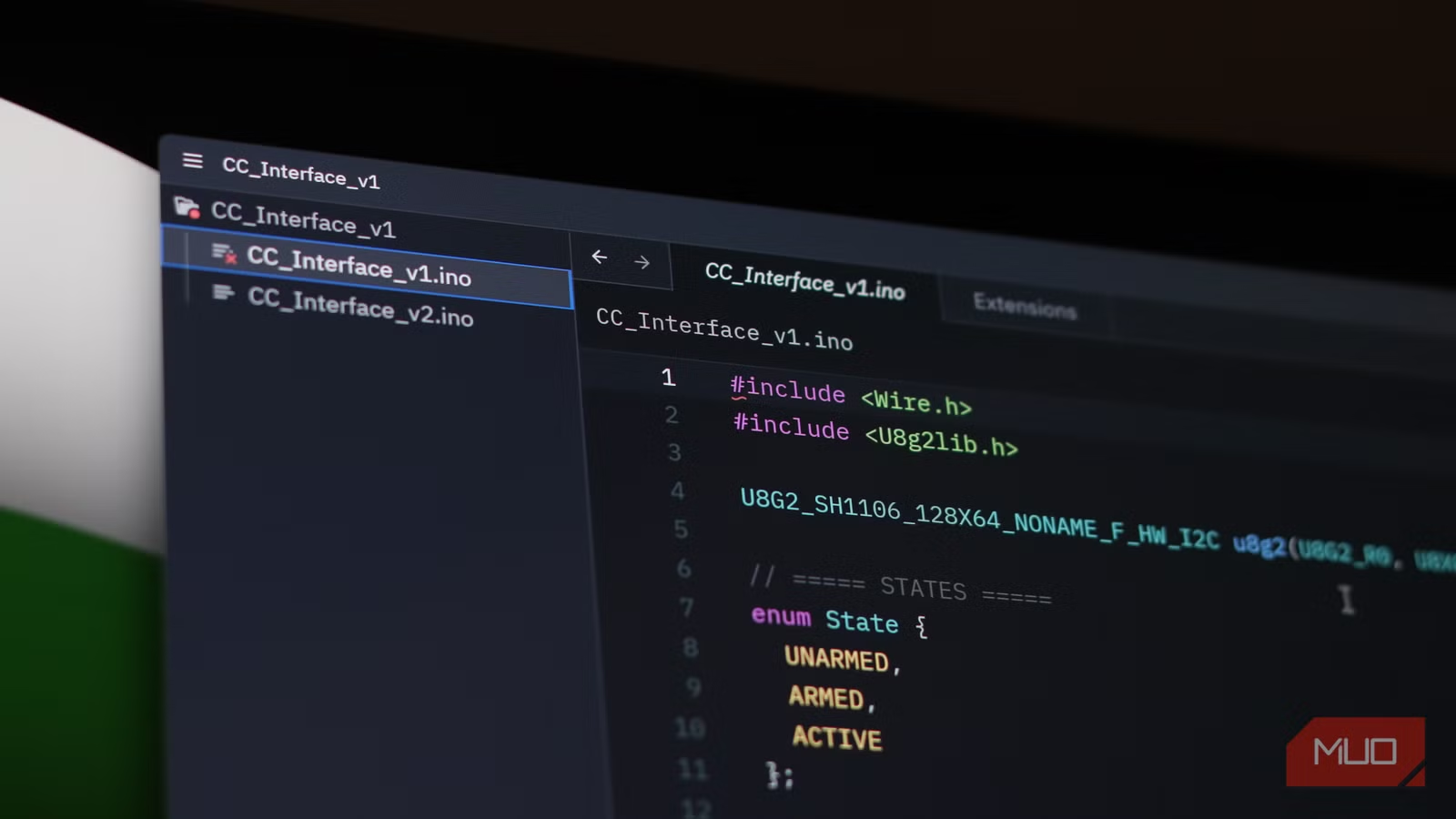
Zed, a Rust-based code editor built by the team that created Atom and Electron, is shipping performance numbers that make VS Code look sluggish. Cold start under one second. Memory footprint between 200 and 400MB. GPU-accelerated rendering at 60 to 120 frames per second. For developers who've grown accustomed to watching VS Code choke on large files, those numbers are hard to ignore.
The irony is thick here. Nathan Sobo and his team at Zed Industries built the very technology that powers VS Code. Now they've spent half a decade writing a million lines of Rust specifically to avoid it.
Why is Zed so much faster than VS Code?
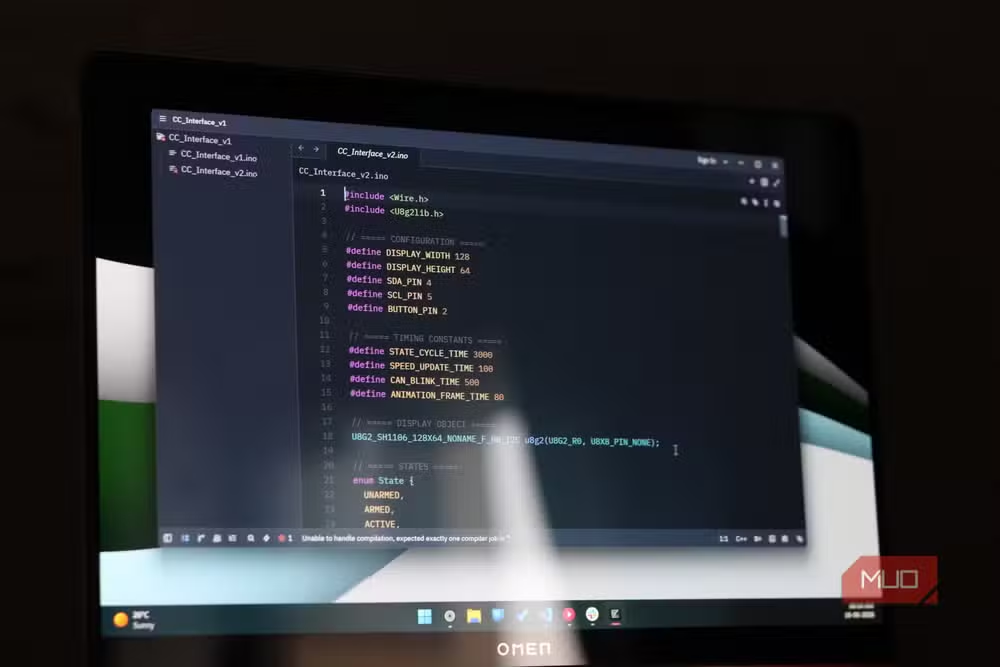
VS Code runs on Electron, which means every keystroke passes through a web rendering stack. That architecture made cross-platform development easier, but it was never designed for the microsecond precision that coding demands. Zed takes a different approach entirely.
Zed uses GPUI, a custom UI framework that talks directly to your graphics card. On macOS, it renders through Metal. On Linux, Vulkan. The result is an editor that maintains consistent frame rates even when you're scrolling through files with tens of thousands of lines.
“We didn't just want to build another editor; we wanted to build the fastest environment that doesn't just treat AI as a plugin, but as a core component of the editing experience.”
— Nathan Sobo, CEO at Zed Industries
The performance gap shows up in everyday use. VS Code with a handful of extensions can take three to five seconds to launch. Zed starts in about half a second. Keystroke-to-display latency is practically non-existent. Tab switching is immediate. You can scroll through a 100,000-line file without frame drops.
How does memory usage compare?
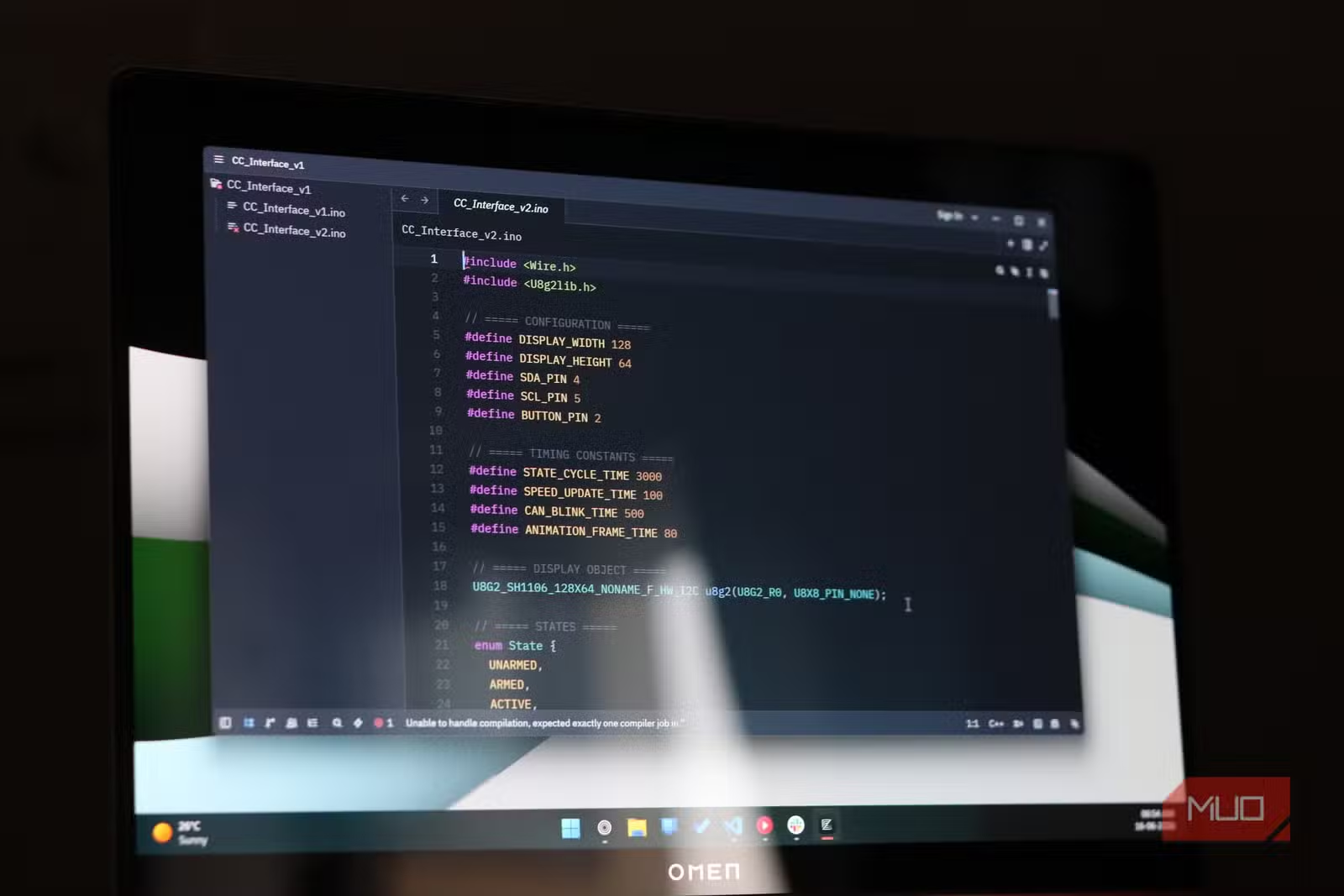
Memory is where the difference becomes stark. Zed hovers around 200 to 400MB during normal use. VS Code can hit 700MB when idle and climb into multiple gigabytes when you've got several documents open.
| Metric | Zed | VS Code |
|---|---|---|
| Cold start time | ~0.5 seconds | 3-5 seconds (with extensions) |
| Idle memory usage | 200-400MB | 700MB+ |
| Heavy workload memory | <500MB | Multiple gigabytes |
| Frame rate | 60-120fps | Variable, drops in large files |
| Edit latency reduction | ~40% faster | Baseline |
If you work on large monorepos, Zed indexes them and responds within a second. Repo-wide search is nearly instant. Results update as you type, and the editor doesn't start stuttering when the codebase grows.
What about AI features?
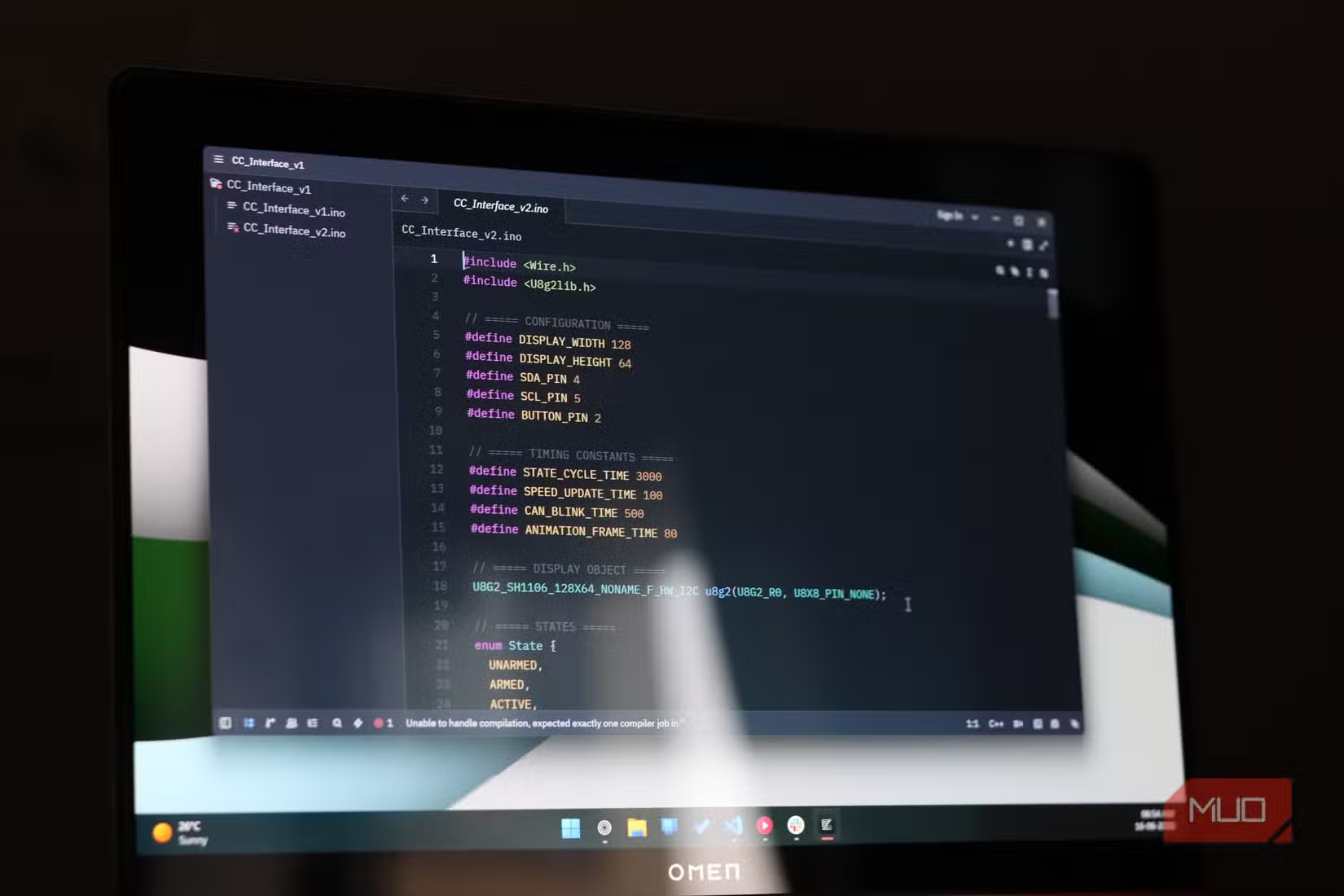
Every code editor in 2026 ships with AI integration. Zed is no different, but the implementation matters. There are no extensions to install, no API wrappers to configure, no performance overhead on top of your existing workflow. The AI layer is built directly into the editor's code.
Zed's Agent Panel lets you hand off tasks to AI assistants without leaving the editor. It's functional without being intrusive. You won't find a chatbot showroom here.
The extension problem
Here's where the conversation gets complicated. VS Code's extension ecosystem is massive. Enterprise teams depend on specific language servers, linters, and integrations that may not exist for Zed yet.

Community reaction on Reddit's r/programming and HackerNews reflects this tension. Veteran developers love the raw performance and minimalist approach. Others remain cautious, pointing out that the switch is difficult for workflows that rely on VS Code's plugin library.

Zed runs on Windows, Linux, and macOS. It's free and open-source. But free doesn't solve the migration cost if your team has spent years building around VS Code tooling.

Should you switch from VS Code to Zed?
The answer depends on what's slowing you down. If you spend your days in large codebases and you've accepted VS Code's performance quirks as the cost of doing business, Zed offers a genuine alternative. The speed isn't a benchmark. It's a feeling. After a few hours with Zed, VS Code starts to feel like you're running a second OS on top of Windows.

If your workflow depends heavily on specific VS Code extensions, the switch is harder to justify today. Zed's extension ecosystem is growing, but it's not there yet.

The performance numbers tell a clear story. Zed starts faster, uses less memory, and renders smoother than VS Code. Whether that's enough to overcome ecosystem lock-in is a question each developer has to answer for themselves.




AI integration in development tools is becoming standard
Logicity's Take
Zed represents what happens when the people who built a dominant technology decide it was a mistake. The Electron framework enabled VS Code's rise, but it also created a performance ceiling that frustrated power users for years. Zed proves that a modern editor can be both feature-rich and genuinely fast. The real question isn't whether Zed is better. It's whether Microsoft will respond by investing in native performance for VS Code, or whether they'll let a Rust-based competitor chip away at their developer mindshare.
Frequently Asked Questions
Is Zed free to use?
Yes. Zed is free and open-source, available for Windows, Linux, and macOS.
Can Zed use VS Code extensions?
No. Zed has its own extension system. Many VS Code extensions don't have Zed equivalents yet, which is the main barrier to switching for enterprise users.
Why is Zed faster than VS Code?
Zed is written in Rust and uses GPU-accelerated rendering through a custom framework called GPUI. VS Code uses Electron, which routes everything through a web rendering stack.
Who created Zed?
Zed was built by Zed Industries, founded by Nathan Sobo and the team that originally created Atom and Electron at GitHub.
Does Zed have AI features?
Yes. Zed includes built-in AI integration through its Agent Panel, with no extensions or API configuration required.
Need Help Implementing This?
If your team is evaluating code editors or considering a migration from VS Code to Zed, Logicity can help you assess the tradeoffs. Contact our team for guidance on developer tooling decisions that balance performance with workflow requirements.
Source: MakeUseOf
Manaal Khan
Tech & Innovation Writer
اقرأ أيضاً

رأي مغاير: كيف يؤثر اختراق الأمن الداخلي الأميركي على شركاتنا الخاصة؟
في ظل اختراق عقود الأمن الداخلي الأميركي مع شركات خاصة، نناقش تأثير هذا الاختراق على مستقبل الأمن السيبراني. نستعرض الإحصاءات الموثوقة ونناقش كيف يمكن للشركات الخاصة أن تتعامل مع هذا التهديد. استمتع بقراءة هذا التحليل العميق

الإنسان في زمن ما بعد الوجود البشري: نحو نظام للتعايش بين الإنسان والروبوت - Centre for Arab Unity Studies
في هذا المقال، سنناقش كيف يمكن للبشر والروبوتات التعايش في نظام متكامل. سنستعرض التحديات والحلول المحتملة التي تضعها شركات مثل جوجل وأمازون. كما سنلقي نظرة على التوقعات المستقبلية وفقًا لتقرير ماكنزي

إطلاق ناسا لمهمة مأهولة إلى القمر: خطوة تاريخية نحو استكشاف الفضاء
تعتبر المهمة الجديدة خطوة هامة نحو استكشاف الفضاء وتطوير التكنولوجيا. سوف تشمل المهمة إرسال رواد فضاء إلى سطح القمر لconducting تجارب علمية. ستسهم هذه المهمة في تطوير فهمنا للفضاء وتحسين التكنولوجيا المستخدمة في استكشاف الفضاء.