Windows 11 Xbox Mode Arrives: New UI, No Performance Gains
Key Takeaways
- Xbox mode for Windows 11 began rolling out April 30, 2026 in select markets
- The feature is a UI change only. No performance improvements are included
- It aggregates games from Xbox Game Pass and other PC storefronts in one controller-friendly interface
Microsoft announced Xbox mode for Windows 11 back in March, promising a "dedicated gaming experience" by April. On April 30, 2026, with hours to spare, the company delivered. The feature is now rolling out to select markets.
If you're hoping for better frame rates or reduced input lag, prepare for disappointment. Xbox mode is purely a user interface change. It gives Windows a console-style skin. Nothing under the hood has changed.
What Xbox Mode Actually Does
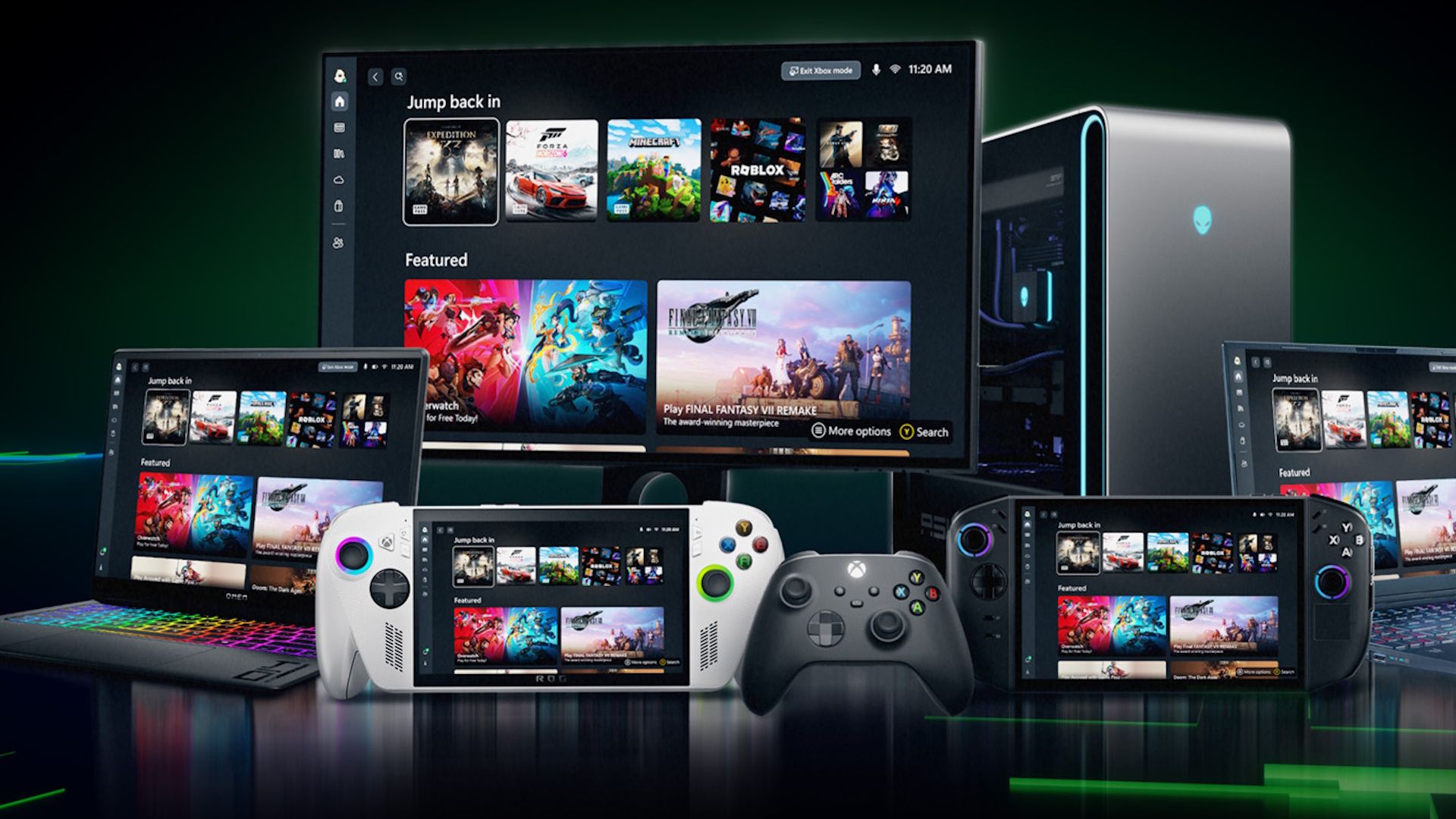
Xbox mode is a full-screen interface designed for controller navigation. It hides the standard Windows desktop and presents your game library front and center. Think Steam's Big Picture mode, but from Microsoft.
“Whether you're playing on a high-performance desktop, a gaming laptop, or a Windows handheld, Xbox mode makes it easier to jump into your games. It adds another way to enjoy games on your PC with a controller-optimized, full screen experience that is built for play.”
— Jason Ronald and Ian LeGrow, Microsoft VPs
The mode lets users browse and launch games with a controller, switch between Xbox mode and the regular desktop at will, and access an aggregated library that includes Xbox Game Pass titles alongside games installed from Steam and other storefronts.
- Browse and launch games using a controller-optimized interface
- Switch between Xbox mode and Windows 11 desktop anytime
- Access games from Xbox Game Pass and other PC storefronts in one place
Who Is This For?
For traditional desk-and-monitor setups, Xbox mode offers little value. Mouse and keyboard remain superior for navigating Windows. But for couch gaming or handheld PCs like the ROG Ally, a controller-first interface makes sense.
Windows wasn't designed for thumbsticks. Navigating the Start menu or file explorer with a gamepad is painful. Xbox mode sidesteps this by hiding all of that. You get a streamlined launcher that puts games within two or three button presses.
How to Get It
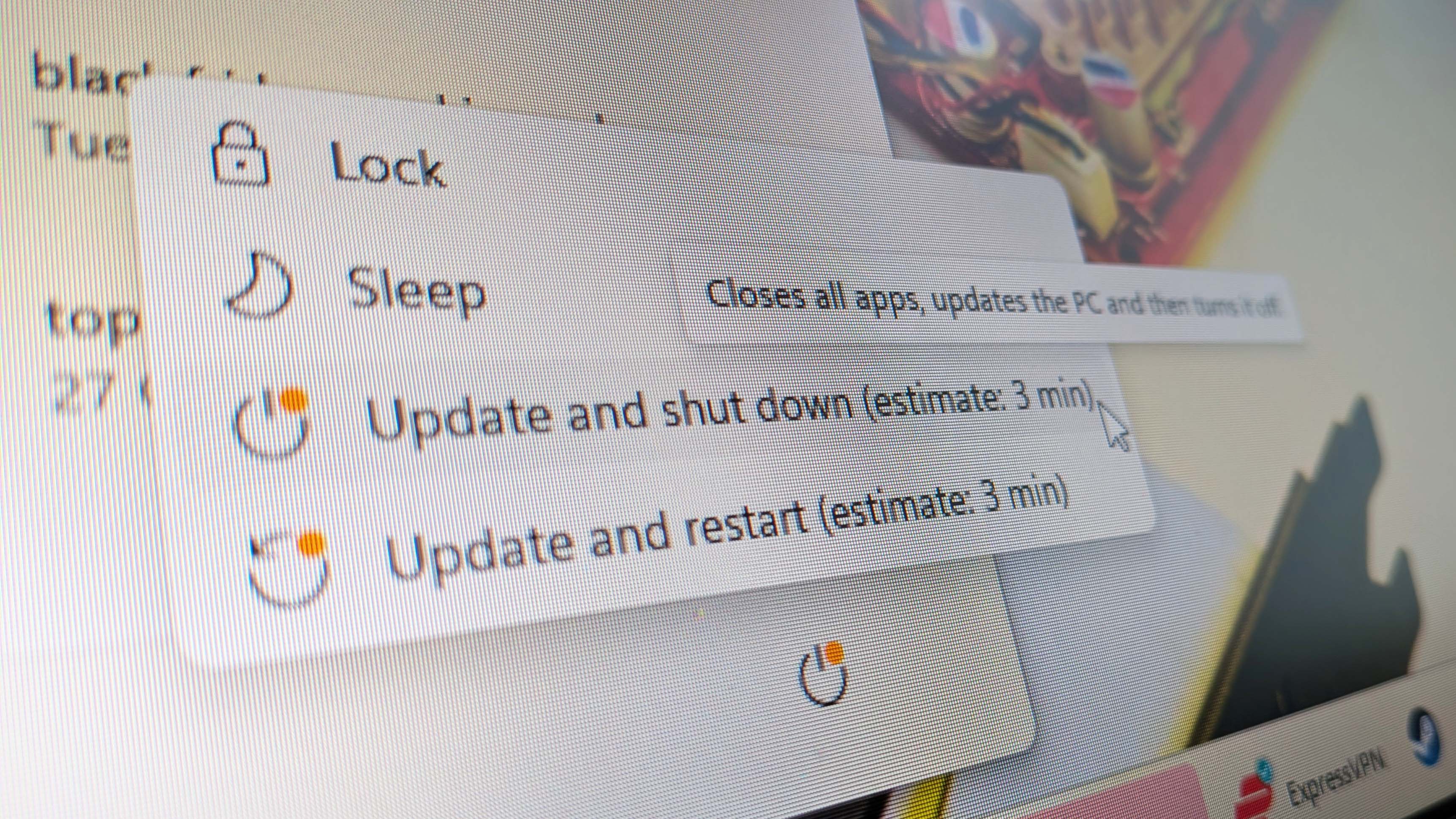
Microsoft hasn't published the list of markets included in the initial rollout. The only way to know if you're eligible is to set Windows 11 to download updates automatically, then wait. If the update appears, you're in.
The feature requires Windows 11 version 25H2. If you're on an older build, you'll need to update first.
Microsoft's Bigger Play
Xbox mode fits into Microsoft's broader strategy to unify the Xbox experience across devices. The company wants Xbox to feel the same whether you're on a console, a gaming laptop, or a handheld PC.
This approach makes sense given the rise of Windows-based handhelds. Devices like the Asus ROG Ally and Lenovo Legion Go run Windows 11 but compete with the Steam Deck, which has SteamOS and a console-like interface baked in. Xbox mode is Microsoft's answer.


Logicity's Take
No Performance Boost
The headline feature is what Xbox mode doesn't do. It won't make your games run faster. There's no frame rate improvement, no reduced background processes, no special memory management.
This is a missed opportunity. Windows is notorious for running dozens of background tasks that can interfere with gaming. A true "game mode" that suppressed those processes would be welcome. Xbox mode isn't that.
Frequently Asked Questions
Does Xbox mode improve gaming performance on Windows 11?
No. Xbox mode is a user interface change only. It does not improve frame rates, reduce input lag, or optimize system resources for gaming.
How do I enable Xbox mode on Windows 11?
Set Windows 11 to download updates automatically. If you're in a selected market and running version 25H2, the update will appear. Microsoft hasn't published the list of eligible regions.
Can I use Xbox mode with Steam games?
Yes. Xbox mode aggregates games from multiple sources, including Steam and other PC storefronts, alongside Xbox Game Pass titles.
Is Xbox mode similar to Steam Big Picture mode?
Yes. Both are full-screen, controller-optimized interfaces designed for gaming without a mouse and keyboard. Xbox mode adds Xbox Game Pass integration.
Another recent gaming review from Logicity
Need Help Implementing This?
Source: PCGamer latest
Update: KB5083631 Details and Access Shortcuts
The new article provides specific technical details, including the update package number (KB5083631) and that it is an optional preview update. Crucially, it reveals the 'Windows logo key + F11' keyboard shortcut and other methods (Xbox app and Game Bar) to trigger the new mode.
How to Access and Toggling the New Experience
The new source provides a specific actionable step for users to receive the update faster by enabling the 'Get the latest updates as soon as they are available' toggle in Windows Update. It also provides context on the interface's origin from the Asus ROG Xbox Ally X and explicitly mentions the ability to switch back to the standard Windows experience at any time.
Feature Origins and Project Helix Integration
The new source provides significant historical context, detailing the feature's origins as a handheld-exclusive 'Full Screen Experience' and its subsequent leak and rollout history. It also identifies specific supported storefronts like Steam and Battle.net, and connects the announcement to 'Project Helix,' Microsoft's next-generation console hardware.
How to Enable Xbox Mode and Rollout Timeline
The new article provides specific instructions on how to enable Xbox Mode via the 'Get the latest updates as soon as they are available' toggle in Windows Update. It also clarifies that the full rollout will take several weeks and notes that the feature originated from the 'full screen experience' on Windows handhelds.
Manaal Khan
Tech & Innovation Writer
مقالات ذات صلة
تصفح الكل
Unreal Engine 6: دمج UEFN مع UE5 في محرك موحّد ينطلق عام 2027
كشفت Epic Games خلال مؤتمر State of Unreal 2026 في شيكاغو عن الجيل القادم من محرّكها الشهير: Unreal Engine 6، الذي يمثّل نقلة معمارية جذرية بدمج محرّك UEFN — النسخة المبسّطة المستخدمة لإنشاء خرائط For

استوديو Luna Abyss يُسرّح فريق التطوير بالكامل بعد شهر واحد من الإطلاق
أعلنت Kwalee Labs عن تسريح فريق تطوير Luna Abyss بالكامل، بعد شهر واحد فقط من إطلاق اللعبة التي حظيت بإشادة نقدية واسعة. القرار جاء صادماً لمتابعي الصناعة، إذ يكشف عن الهوة العميقة بين النجاح النقدي و

تيم سويني: ألعاب AAA تواجه «موجة عارمة» من الإخفاقات وEpic تراهن على نظام بيئي مترابط
تشهد صناعة ألعاب AAA أزمة حقيقية تتمثل في فجوة متسعة بين تكاليف التطوير المتصاعدة والإيرادات المتراجعة، وفقاً لتيم سويني الرئيس التنفيذي لشركة Epic Games، الذي وصف الوضع الراهن بأنه «وقت أزمة وفرصة مع
ويندوز 11 يتسامح أخيراً مع أخطائك الإملائية: تحديث البحث الذكي وصل
انتهى عصر الإحباط من شريط البحث في ويندوز 11. أطلقت مايكروسوفت تحديثاً جديداً لبحث ويندوز 11 يتعامل بذكاء مع الأخطاء الإملائية والحروف الناقصة أو الزائدة، ليفهم ما تقصده فعلاً بدلاً من إرسالك إلى نتائ
اقرأ أيضاً
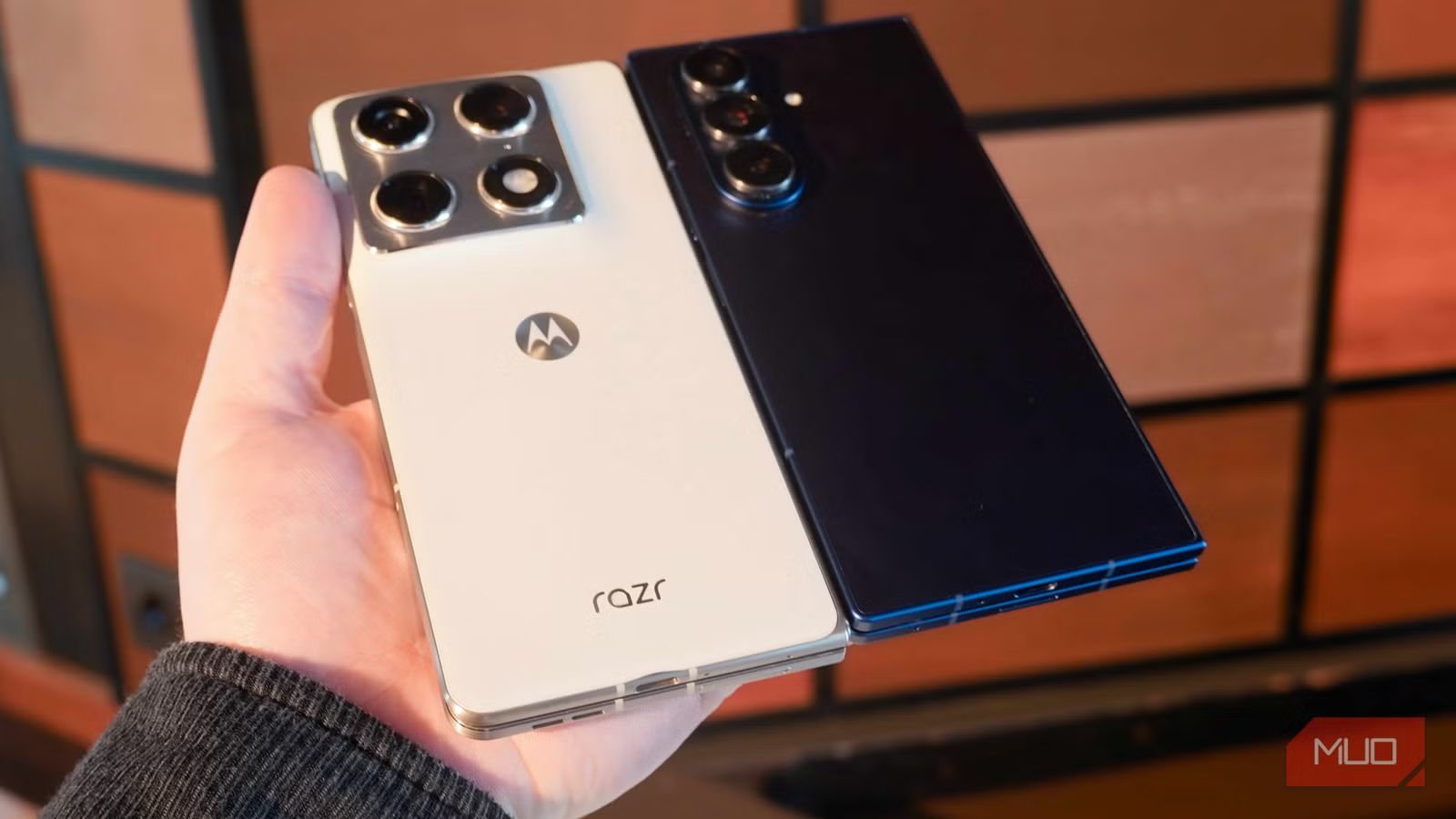
لماذا تتجنب Apple وSamsung بطاريات السيليكون-كربون رغم تفوقها؟
تتصدر الشركات الصينية سباق بطاريات السيليكون-كربون منذ عامين، بينما تقف Apple وSamsung موقف المتفرج الحذر. هذه التقنية تعد بسعات تصل إلى 6500 ميلي أمبير في هياكل أنحف، فلماذا تتمسك أكبر علامتين تجاريت

5 سيارات SUV تُهدد عرش تويوتا RAV4 في سوق الكروس أوفر الأمريكي
تواجه تويوتا RAV4 أشرس موسم تنافسي منذ سنوات، إذ تتقدم خمس سيارات SUV بخطى متسارعة نحو اقتناص حصتها السوقية في الولايات المتحدة. فبينما عانت RAV4 من تحديات إنتاجية أثّرت على توافرها في الوكالات، استغل
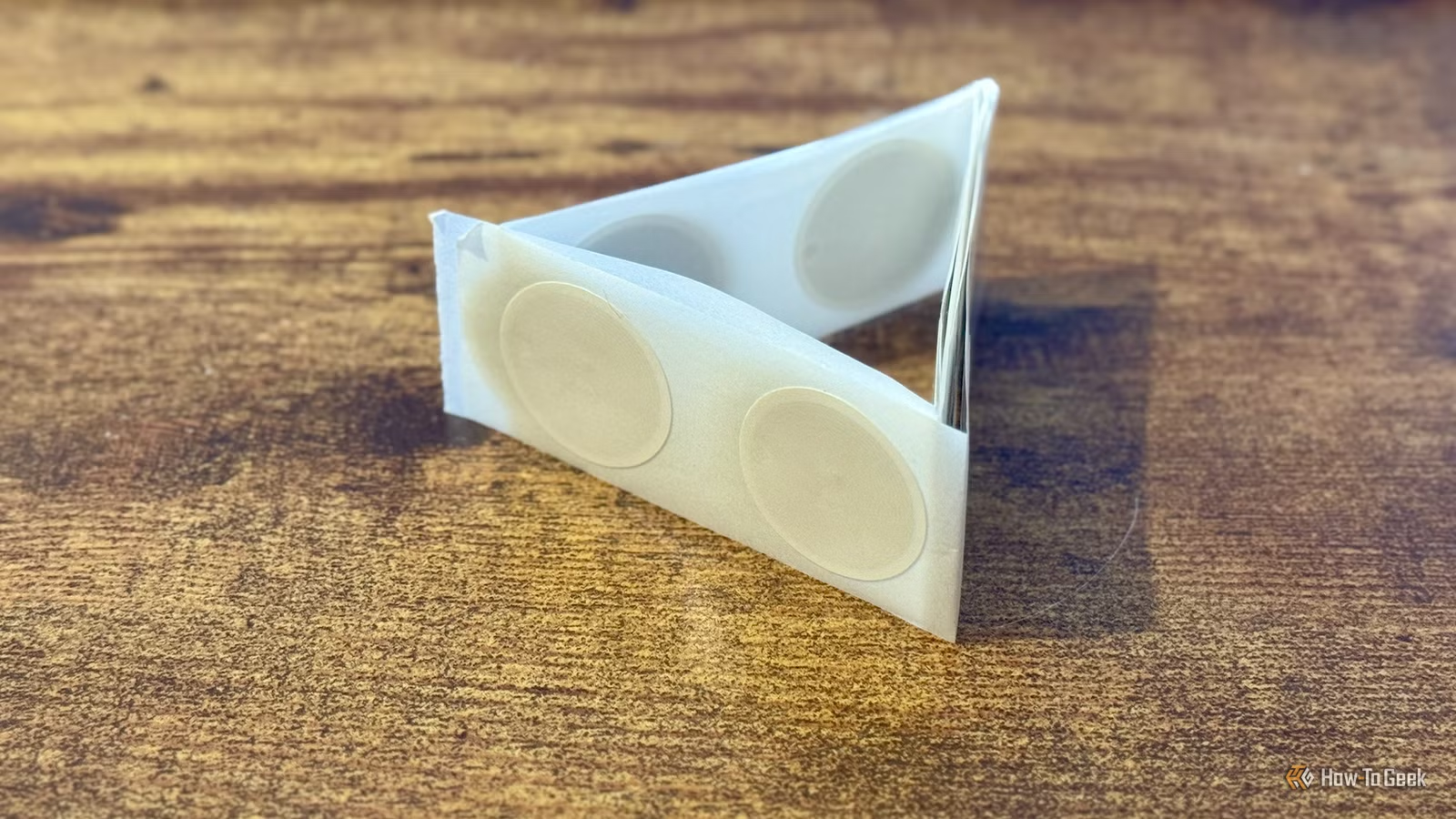
7 استخدامات ذكية تتفوق فيها شرائح NFC على حساسات الحركة في المنزل الذكي
حين نتحدث عن أتمتة المنزل الذكي، يتبادر إلى الذهن فوراً حساسات الحركة والجداول الزمنية. لكن ثمة أداة بسيطة بتكلفة لا تتجاوز نصف دولار قد تكون الخيار الأذكى في كثير من السيناريوهات: شرائح NFC. هذه المل