Why Samsung Members Isn't Bloatware You Should Disable
Key Takeaways
- Samsung Members is the only way to install One UI beta software without developer tools
- The app's diagnostics can test 20+ hardware components, useful for trade-ins and warranty claims
- With 500 million+ downloads, the app has shifted from 'bloatware' to 'essential utility' in user perception
The Pre-Installed App Most People Get Wrong
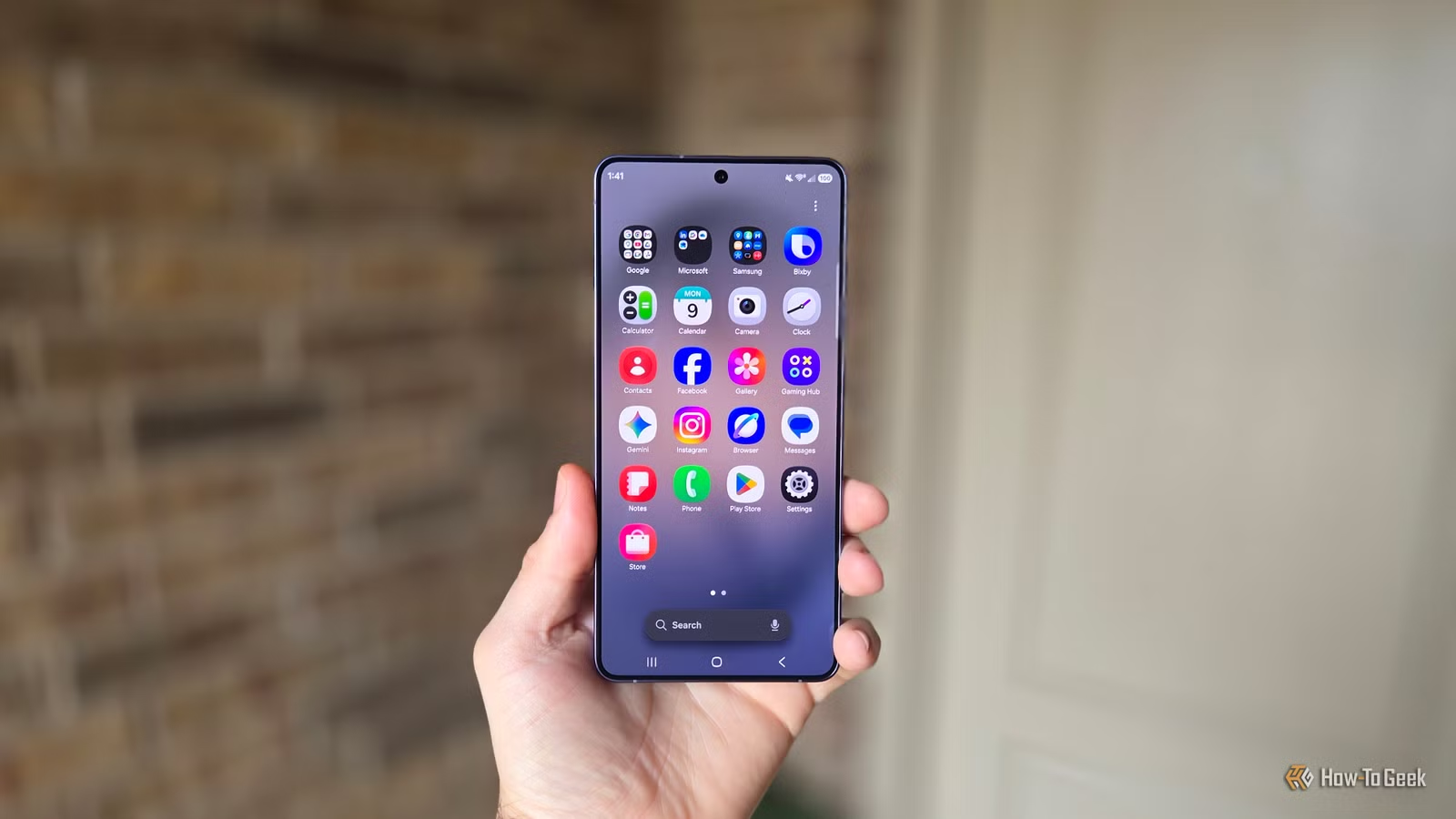
Samsung Galaxy phones ship with a lot of apps. Between Samsung's own software and Google's required suite, new owners face a crowded app drawer. The natural instinct is to disable or uninstall anything that looks like marketing material.
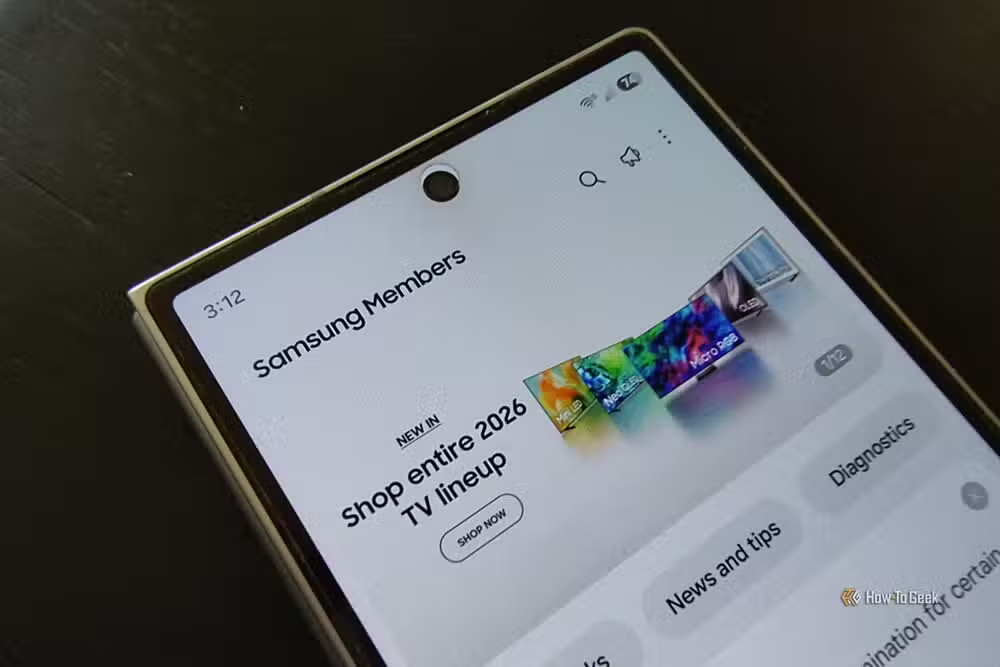
Samsung Members often lands on that chopping block. The name sounds like a loyalty program. The icon doesn't scream 'utility.' And opening it reveals banners promoting Samsung products you already own. It looks like bloatware.
It isn't. Samsung Members is the central hub for device diagnostics, direct support communication, and early access to new software. The app has been downloaded over 500 million times on Google Play alone, and the community perception has shifted from 'delete immediately' to 'keep this installed.'
The One Feature That Justifies Keeping It
Samsung Members is the only way to install One UI beta software without activating Android's developer mode or learning ADB commands. If you want to try One UI 8 before it ships to the general public, you need this app.
The process is simple. When a beta is available for your device, a banner appears in the Samsung Members app. Tap to opt in. The beta then appears as a standard software update in your settings. Charge your battery, download, install, and you're running pre-release software.
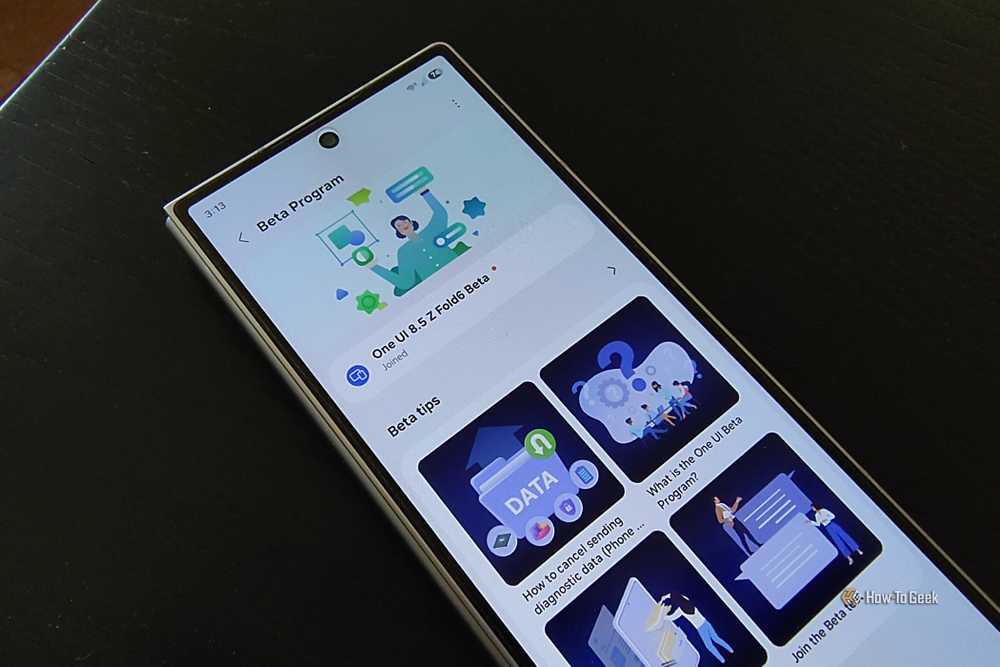
There's one requirement: your device needs an active SIM card. Samsung limits beta access to devices with active cellular service, presumably to ensure testers are using the phone as their daily driver and will report real-world bugs.
For tech enthusiasts, this matters. One UI 7 brought significant interface changes. One UI 8 introduced features worth testing early. Without Samsung Members, the only path to early access involves command-line tools most users never touch.
A Diagnostic Tool in Your Pocket
Samsung Members includes a diagnostics suite that can test over 20 hardware components. Touch screen, sensors, battery health, camera focus, speakers, microphone, the list covers most things that can go wrong with a phone.
“The diagnostics tool within Samsung Members is essentially a first-line support technician you carry in your pocket; it often catches hardware failures before you even notice them.”
— Sarah Jenkins, Senior Tech Analyst at Digital Trends
This has practical value beyond troubleshooting. On Reddit communities like r/Samsung and r/OneUI, users recommend running diagnostic reports before trade-ins or warranty submissions. A clean report from Samsung's own tool strengthens your case that a problem isn't user-caused damage.
Direct Support Without the Runaround
Samsung Members provides direct access to Samsung support channels. You can chat with support, submit error reports, and escalate issues without navigating Samsung's sprawling website or sitting on hold.
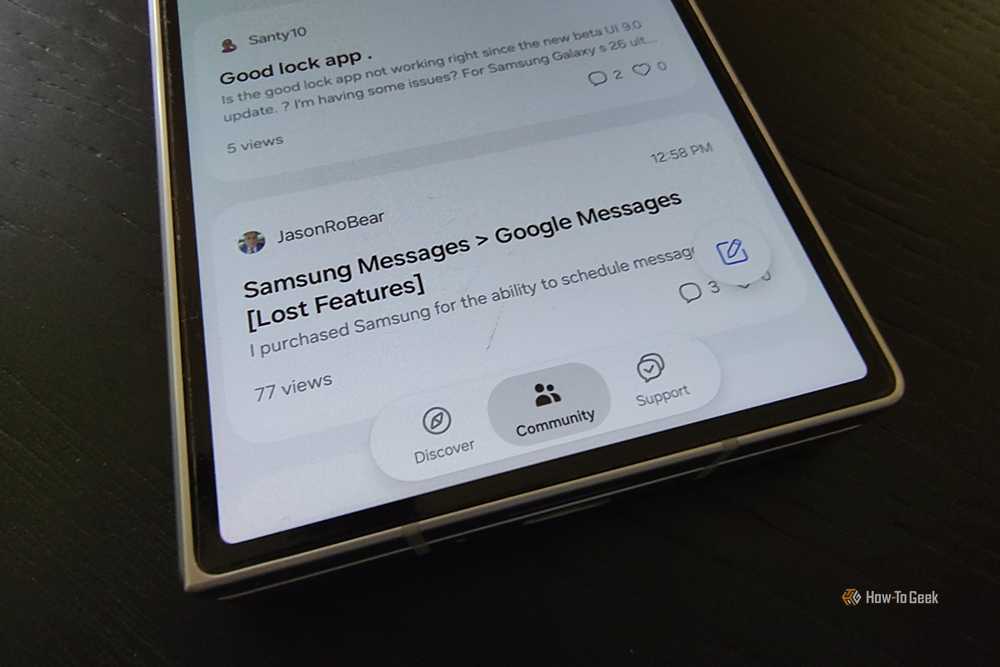
The app also hosts a community section where Samsung users discuss problems and solutions. It's not as active as independent forums, but it's moderated and occasionally features Samsung staff responses.
Yes, It's Also Marketing
Samsung Members is transparent about its commercial purpose. The app promotes Samsung products, offers exclusive deals to Galaxy owners, and tries to sell you more hardware. This is why many users dismiss it.
But the marketing layer doesn't negate the utility layer. You can ignore the promotional banners and still use the diagnostics, beta access, and support features. The value exists whether or not you engage with the sales pitches.
Logicity's Take
How to Get It Back If You Disabled It
If you've already disabled Samsung Members, you can re-enable it in Settings > Apps > Samsung Members > Enable. If you uninstalled it completely (possible on some carriers), reinstall it from the Galaxy Store or Google Play.
You don't need to keep the app open or running in the background. Install it, check for beta availability a few times a year, run diagnostics when something seems off, and otherwise let it sit. The value is in having access when you need it.
Frequently Asked Questions
Is Samsung Members free to use?
Yes. Samsung Members is free and pre-installed on Galaxy devices. All features, including diagnostics and beta access, are available at no cost.
Do I need Samsung Members to get regular One UI updates?
No. Standard One UI updates arrive through Settings > Software Update. Samsung Members is only required for beta versions before official release.
Can I use Samsung Members on non-Samsung Android phones?
No. The app is exclusive to Samsung Galaxy devices and won't function on other Android phones.
Does Samsung Members drain battery in the background?
The app has minimal background activity. It doesn't need to run constantly and won't significantly impact battery life.
How do I know when a One UI beta is available for my phone?
Open Samsung Members and scroll through the main feed. Beta enrollment banners appear when a beta is available for your specific device model.
Need Help Implementing This?
Source: How-To Geek
Manaal Khan
Tech & Innovation Writer
اقرأ أيضاً

رأي مغاير: كيف يؤثر اختراق الأمن الداخلي الأميركي على شركاتنا الخاصة؟
في ظل اختراق عقود الأمن الداخلي الأميركي مع شركات خاصة، نناقش تأثير هذا الاختراق على مستقبل الأمن السيبراني. نستعرض الإحصاءات الموثوقة ونناقش كيف يمكن للشركات الخاصة أن تتعامل مع هذا التهديد. استمتع بقراءة هذا التحليل العميق

الإنسان في زمن ما بعد الوجود البشري: نحو نظام للتعايش بين الإنسان والروبوت - Centre for Arab Unity Studies
في هذا المقال، سنناقش كيف يمكن للبشر والروبوتات التعايش في نظام متكامل. سنستعرض التحديات والحلول المحتملة التي تضعها شركات مثل جوجل وأمازون. كما سنلقي نظرة على التوقعات المستقبلية وفقًا لتقرير ماكنزي

إطلاق ناسا لمهمة مأهولة إلى القمر: خطوة تاريخية نحو استكشاف الفضاء
تعتبر المهمة الجديدة خطوة هامة نحو استكشاف الفضاء وتطوير التكنولوجيا. سوف تشمل المهمة إرسال رواد فضاء إلى سطح القمر لconducting تجارب علمية. ستسهم هذه المهمة في تطوير فهمنا للفضاء وتحسين التكنولوجيا المستخدمة في استكشاف الفضاء.