Why ReviOS Became My Default Windows 11 Installation
Key Takeaways
- ReviOS cuts Windows 11 idle RAM usage from 3GB+ to roughly 1.5GB by removing background services and telemetry
- The modification disables Windows Update entirely, leaving users responsible for manual security patches
- Disabling VBS and HVCI can boost gaming performance by 5-25%, but removes hardware-level exploit protections
The post-install ritual we all know
Every new Windows 11 machine comes with invisible baggage. Not the specs, but the hours you spend afterward: uninstalling Clipchamp, dismissing OneDrive wizards, removing Candy Crush from the Start menu, and hunting for privacy toggles that should have been off by default.
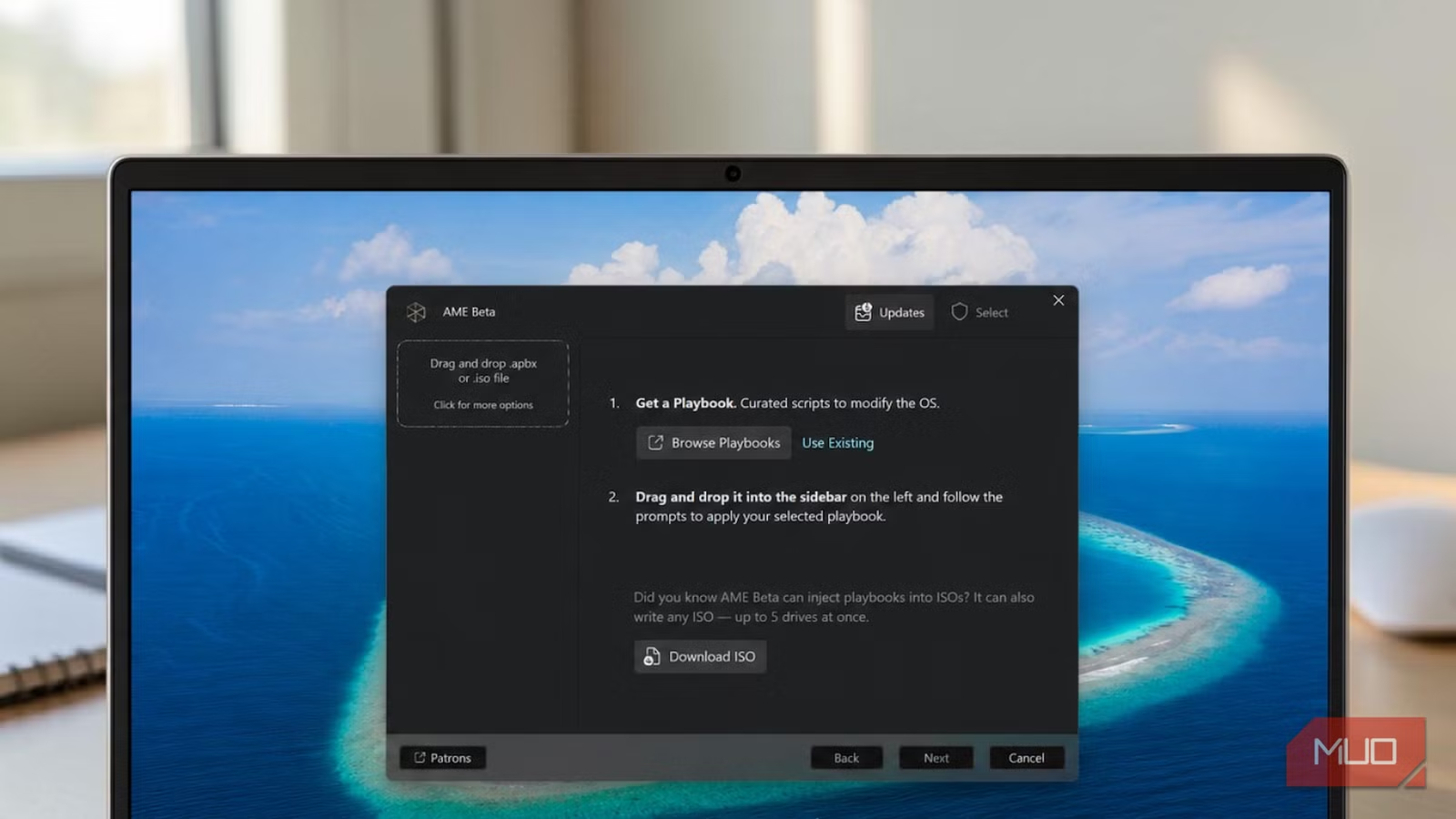
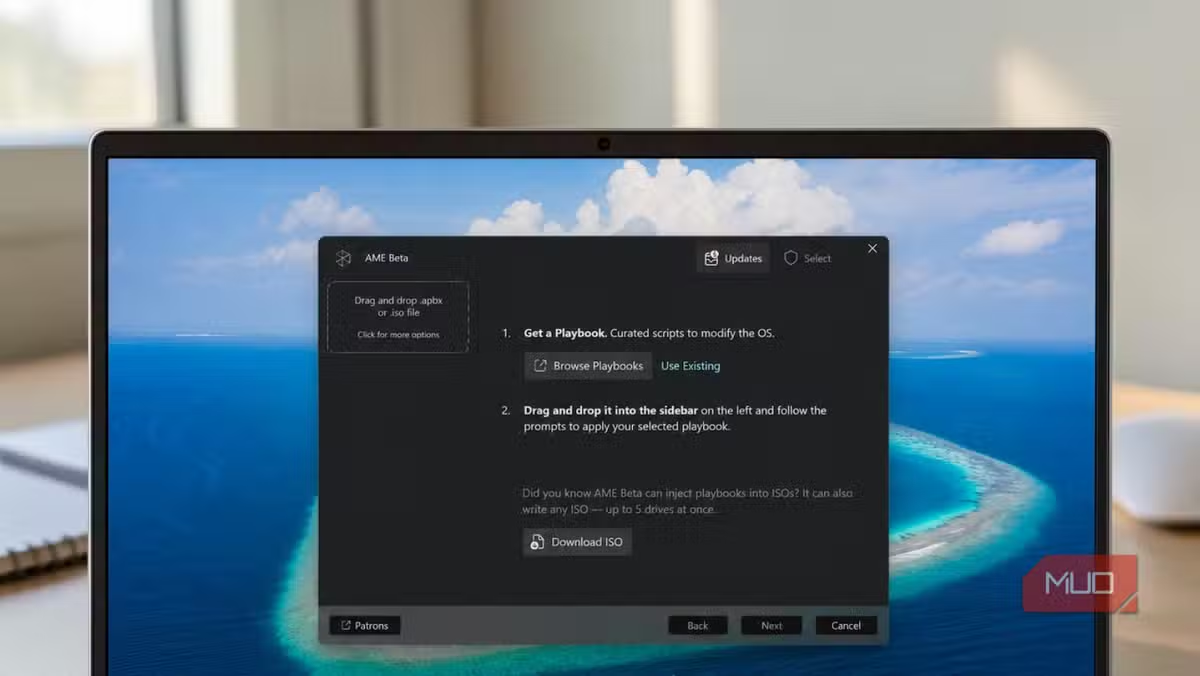
Oluwademilade Afolabi, writing for MakeUseOf, describes this as a ritual. You buy the machine, disinfect the experience, and only then start using it. After years of repeating this process, he stopped. Now he installs ReviOS, a modified Windows 11 configuration applied through an open-source tool called AME Wizard.
What ReviOS actually removes
ReviOS uses configuration files called Playbooks to strip Windows 11 down to essentials. The removals go far beyond typical debloating scripts. The tool eliminates Microsoft's telemetry services, background update processes, and in some configurations, Windows Defender itself.
The results are measurable. An ameliorated Windows 11 installation typically uses around 1.5GB of RAM at idle. Stock Windows 11 often exceeds 3GB before you open any applications. That difference matters on machines with 8GB of RAM, where every gigabyte affects what you can run simultaneously.
Network activity drops even more dramatically. Community reports claim a 99% reduction in idle network traffic after applying privacy-focused Playbooks. The operating system essentially stops phoning home.
The performance argument
Gamers have a specific reason to consider these modifications. Windows 11 enables Virtualization-based Security (VBS) and Hypervisor-protected Code Integrity (HVCI) by default on supported hardware. These security features protect against kernel-level exploits but consume CPU cycles.
Disabling VBS and HVCI through ReviOS or similar tools can improve gaming performance by 5-25%, depending on the title and hardware configuration. For competitive players chasing frame rates, that margin matters.
“The goal of AME is not just to debloat, but to give the user back ownership of their hardware.”
— Lead Developer, AME Labs
What you lose
This is where the trade-offs become serious. ReviOS disables Windows Update entirely. Your installation becomes a frozen snapshot that stops receiving security patches. You become responsible for manually tracking and applying critical fixes.
“Stripping out Windows telemetry and core background services makes the UI noticeably snappier, but you are effectively turning your OS into a 'frozen' snapshot that stops receiving critical security patches.”
— Tech Industry Analyst
The Microsoft Store breaks. Xbox Game Pass stops working. Some applications that depend on Windows services may fail in unexpected ways. You're not running a supported operating system anymore. You're running a custom build that Microsoft will not help you fix.
✅ Pros
- • Cuts RAM usage by roughly 50% at idle
- • Eliminates nearly all background telemetry and network traffic
- • Removes bundled bloatware and advertising from Start menu
- • Can improve gaming performance by 5-25% with VBS/HVCI disabled
- • Cleaner, faster initial setup experience
❌ Cons
- • No automatic Windows Update means manual security patch management
- • Microsoft Store and Xbox Game Pass functionality break
- • Removes Windows Defender in some configurations
- • No official Microsoft support for modified installations
- • Some applications may have unexpected dependency failures
The community divide
Online communities are split on whether ReviOS and similar tools belong on daily driver machines. Subreddits like r/win_ame and r/PrivacyGuides see heated debates between performance enthusiasts who praise the snappiness and security professionals who warn against running unpatched systems.
The security argument is straightforward: every month brings new vulnerabilities. Running an operating system that cannot patch itself means accepting those vulnerabilities indefinitely. For a secondary gaming PC that never touches sensitive data, that risk calculation might be acceptable. For a work machine handling client information, it's not.
Who should consider this
Afolabi is clear that stock Windows 11 is not broken. It's stable, compatible, and backed by regular security updates that regular users are right to value. His frustration is specifically with the setup experience and Microsoft's persistent nudges toward its own services.
ReviOS makes sense for a specific type of user: someone who wants maximum performance, minimal background activity, and complete control over their system. Someone willing to manually manage security updates or accept the risk of not having them. Someone who doesn't need the Microsoft Store ecosystem.
For everyone else, the simpler path is spending 30 minutes after a fresh Windows install removing what you don't want. It's tedious, but it keeps Windows Update intact.
Context on why security patches matter for organizational systems
Logicity's Take
Frequently Asked Questions
Is ReviOS legal to use?
ReviOS modifies a licensed copy of Windows 11. You need a valid Windows license. The modifications themselves exist in a gray area. Microsoft does not officially support or endorse modified Windows installations.
Can I switch back to regular Windows 11 after installing ReviOS?
Not easily. ReviOS removes core Windows components. Reverting typically requires a clean reinstall of stock Windows 11 from official Microsoft media.
Does ReviOS work with all Windows 11 applications?
No. Applications that depend on removed Windows services may fail. The Microsoft Store, Xbox Game Pass, and some enterprise software will not function correctly.
How much faster is ReviOS than stock Windows 11?
RAM usage drops from 3GB+ to roughly 1.5GB at idle. Gaming performance can improve 5-25% with security features disabled. Actual gains depend on hardware and workload.
Is ReviOS safe for a work computer?
Security professionals generally advise against it. The lack of automatic updates means vulnerabilities remain unpatched. For machines handling sensitive data, this creates unacceptable risk.
Need Help Implementing This?
Source: MakeUseOf
Manaal Khan
Tech & Innovation Writer
اقرأ أيضاً

رأي مغاير: كيف يؤثر اختراق الأمن الداخلي الأميركي على شركاتنا الخاصة؟
في ظل اختراق عقود الأمن الداخلي الأميركي مع شركات خاصة، نناقش تأثير هذا الاختراق على مستقبل الأمن السيبراني. نستعرض الإحصاءات الموثوقة ونناقش كيف يمكن للشركات الخاصة أن تتعامل مع هذا التهديد. استمتع بقراءة هذا التحليل العميق

الإنسان في زمن ما بعد الوجود البشري: نحو نظام للتعايش بين الإنسان والروبوت - Centre for Arab Unity Studies
في هذا المقال، سنناقش كيف يمكن للبشر والروبوتات التعايش في نظام متكامل. سنستعرض التحديات والحلول المحتملة التي تضعها شركات مثل جوجل وأمازون. كما سنلقي نظرة على التوقعات المستقبلية وفقًا لتقرير ماكنزي

إطلاق ناسا لمهمة مأهولة إلى القمر: خطوة تاريخية نحو استكشاف الفضاء
تعتبر المهمة الجديدة خطوة هامة نحو استكشاف الفضاء وتطوير التكنولوجيا. سوف تشمل المهمة إرسال رواد فضاء إلى سطح القمر لconducting تجارب علمية. ستسهم هذه المهمة في تطوير فهمنا للفضاء وتحسين التكنولوجيا المستخدمة في استكشاف الفضاء.