Why I'm Rebuilding My Home Assistant Setup From Scratch
Key Takeaways
- Ghost entities from removed integrations clutter your Home Assistant instance and make finding the right controls harder
- A fresh install forces you to reinstall only the integrations you actually use
- Messy automations and dashboards are easier to rebuild than untangle
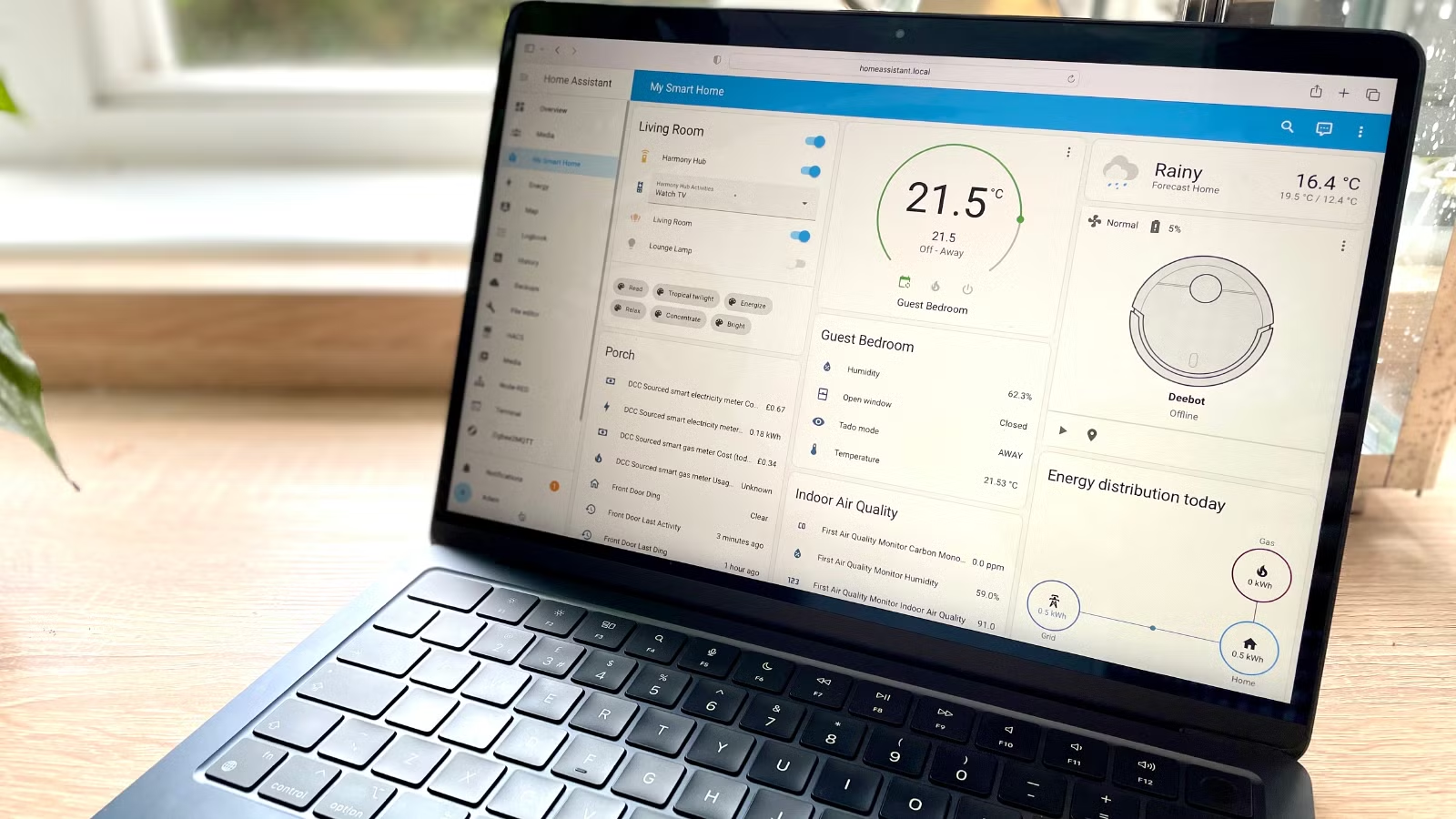
Adam Davidson at How-To Geek is doing something that makes most smart home enthusiasts wince: he's wiping his Home Assistant server and starting over. Not because something broke. Because years of tinkering left his setup haunted by digital ghosts.
His reasoning makes sense for anyone who's run Home Assistant for more than a year. The platform's flexibility is also its curse. Every integration you tried and abandoned, every device you replaced, every automation you half-finished leaves traces behind.
The Ghost Entity Problem
Davidson describes his current server as "more haunted than the gaze of a Z-list celebrity who's had too much Botox." The technical reality behind that joke: entities created by integrations he no longer uses are still floating around the system.
These ghost entities don't break anything. They just make everything harder. When you're trying to set up an automation and need to find the right light switch, scrolling through dozens of defunct entities from that smart plug system you tried two years ago gets old fast.
Yes, tools exist to clean this up. The Spook custom component can uncover and remove unwanted entities. But Davidson's point stands: a fresh install guarantees nothing slipped through.
The Integration Graveyard
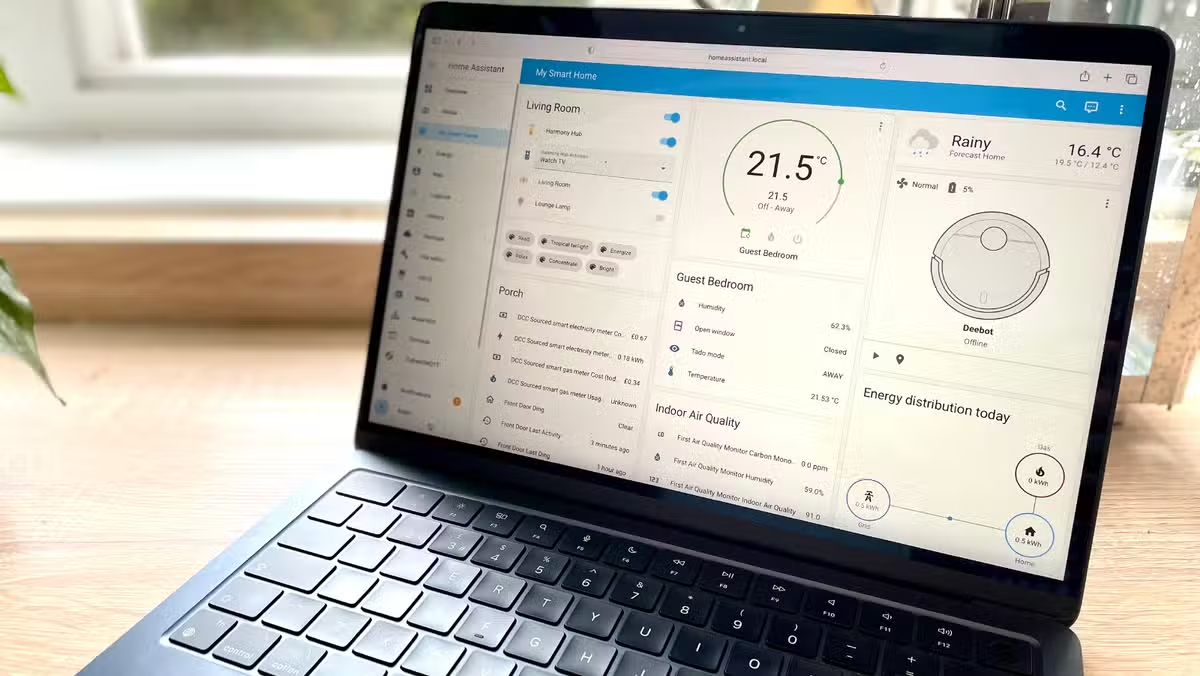
Ghost entities are just one symptom. The integration list itself becomes a graveyard over time. Integrations installed once and never used. Integrations replaced by better alternatives. Integrations requiring reauthentication that you keep ignoring.
The psychology here matters. You could go through and remove unused integrations one by one. But you'll leave some "just in case." A fresh install forces ruthlessness. You only reinstall what you actually need.
Automations That Made Sense Once
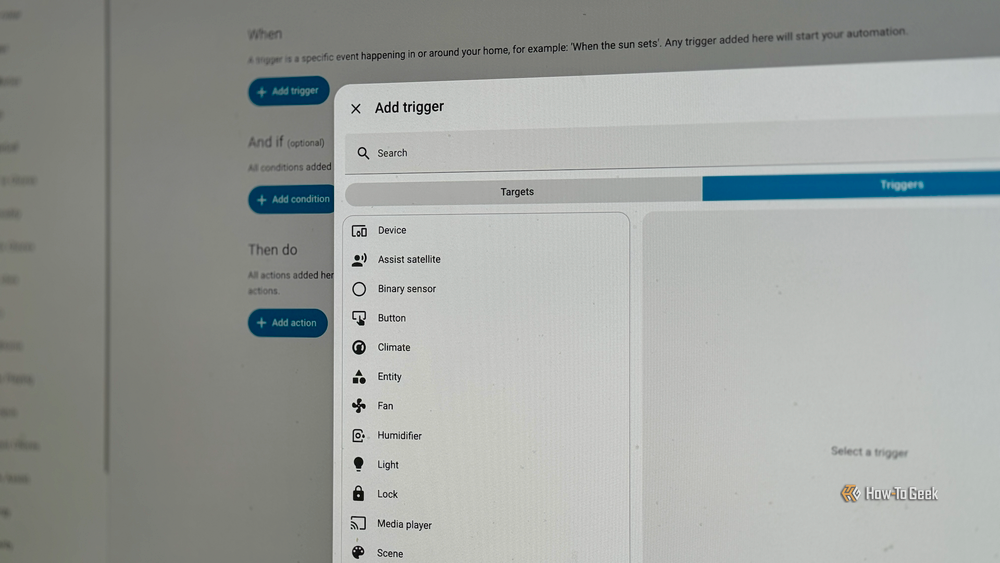
Home Assistant automations tend to grow like coral. You add a trigger here, a condition there, another action because why not. Six months later, you have automations that technically work but that you can't explain to anyone, including yourself.
Davidson's ideal smart home "should work with minimal interaction from the user, with automations running as if by magic rather than requiring you to push buttons on a control panel." That's hard to achieve when your automation list is a mess of experiments, workarounds, and things you meant to fix later.
The Dashboard Sprawl
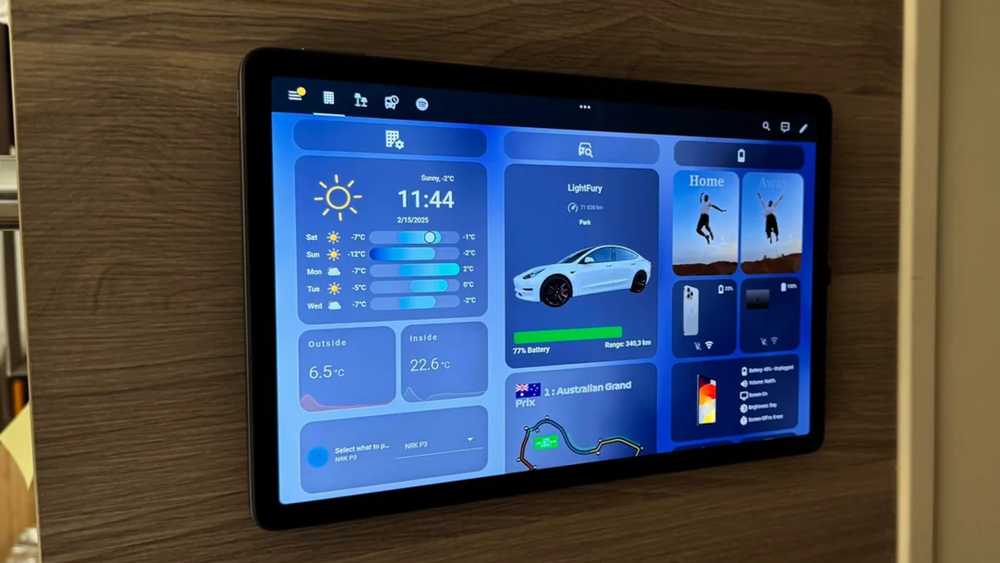
Dashboards suffer the same fate. You build one for the living room, another for climate controls, a third for testing new devices. Then you stop using two of them but never delete them. Or you have cards referencing entities that no longer exist.
A fresh install means building dashboards that reflect how you actually use your smart home today, not how you used it two years ago.
When Does a Rebuild Make Sense?
Not everyone should nuke their Home Assistant instance. If your setup works and you can find what you need, leave it alone. But if you recognize these symptoms, a rebuild might save more time than incremental fixes:
- You scroll past dozens of entities to find the one you need
- Your integration list includes services you forgot you tried
- You have automations you're afraid to touch because you don't remember how they work
- Dashboards reference things that no longer exist
- You've changed hardware (new server, new coordinator) and things feel unstable
How to Rebuild Without Losing Everything
The key is preparation. Before wiping anything:
- Export your current configuration files and automations (even messy ones serve as reference)
- Document which integrations you actually use daily versus those you've forgotten about
- Screenshot your dashboards so you can rebuild the layouts you like
- List your devices and their current names, areas, and groupings
- Back up any custom components or YAML configurations you've written
Then install fresh. Add integrations one at a time. Build automations only when you need them. Create dashboards that serve your current workflow.
The Dedicated Hardware Question
Davidson runs Home Assistant on a mini PC. For anyone considering a rebuild, this is also a good moment to evaluate your hardware. The Home Assistant Green, a $219 pre-built hub from the Home Assistant team, offers a plug-and-play option that eliminates the "is my server the problem?" question entirely.
Whether you run Home Assistant on a Raspberry Pi, a mini PC, a NAS, or dedicated hardware, a rebuild is a chance to start with known-good foundations.
Logicity's Take
Frequently Asked Questions
Will I lose my device history if I rebuild Home Assistant?
Yes. Historical data lives in the database. A fresh install means starting data collection over. If long-term history matters (energy monitoring, for example), export that data first or consider migrating the database.
Can I migrate automations to a new Home Assistant instance?
You can copy automation YAML files, but they'll reference old entity IDs. Most people find it faster to rebuild automations from scratch using the old ones as reference rather than fixing broken references.
How often should I rebuild Home Assistant?
There's no schedule. Rebuild when cruft makes management painful. Some users run the same instance for years without issues. Others benefit from a fresh start after major hardware or lifestyle changes.
What's the fastest way to remove ghost entities without rebuilding?
The Spook custom component can identify and remove orphaned entities. The Home Assistant Recorder integration also lets you purge old data. But if you have dozens of ghost entities across multiple integrations, a rebuild is often faster.
If you run Home Assistant on a NAS, expanding storage can complement a fresh install
For cloud automation needs that complement local Home Assistant setups
Need Help Implementing This?
Source: How-To Geek
Manaal Khan
Tech & Innovation Writer
اقرأ أيضاً

رأي مغاير: كيف يؤثر اختراق الأمن الداخلي الأميركي على شركاتنا الخاصة؟
في ظل اختراق عقود الأمن الداخلي الأميركي مع شركات خاصة، نناقش تأثير هذا الاختراق على مستقبل الأمن السيبراني. نستعرض الإحصاءات الموثوقة ونناقش كيف يمكن للشركات الخاصة أن تتعامل مع هذا التهديد. استمتع بقراءة هذا التحليل العميق

الإنسان في زمن ما بعد الوجود البشري: نحو نظام للتعايش بين الإنسان والروبوت - Centre for Arab Unity Studies
في هذا المقال، سنناقش كيف يمكن للبشر والروبوتات التعايش في نظام متكامل. سنستعرض التحديات والحلول المحتملة التي تضعها شركات مثل جوجل وأمازون. كما سنلقي نظرة على التوقعات المستقبلية وفقًا لتقرير ماكنزي

إطلاق ناسا لمهمة مأهولة إلى القمر: خطوة تاريخية نحو استكشاف الفضاء
تعتبر المهمة الجديدة خطوة هامة نحو استكشاف الفضاء وتطوير التكنولوجيا. سوف تشمل المهمة إرسال رواد فضاء إلى سطح القمر لconducting تجارب علمية. ستسهم هذه المهمة في تطوير فهمنا للفضاء وتحسين التكنولوجيا المستخدمة في استكشاف الفضاء.