Why I Ditched Copilot for Claude in Microsoft 365
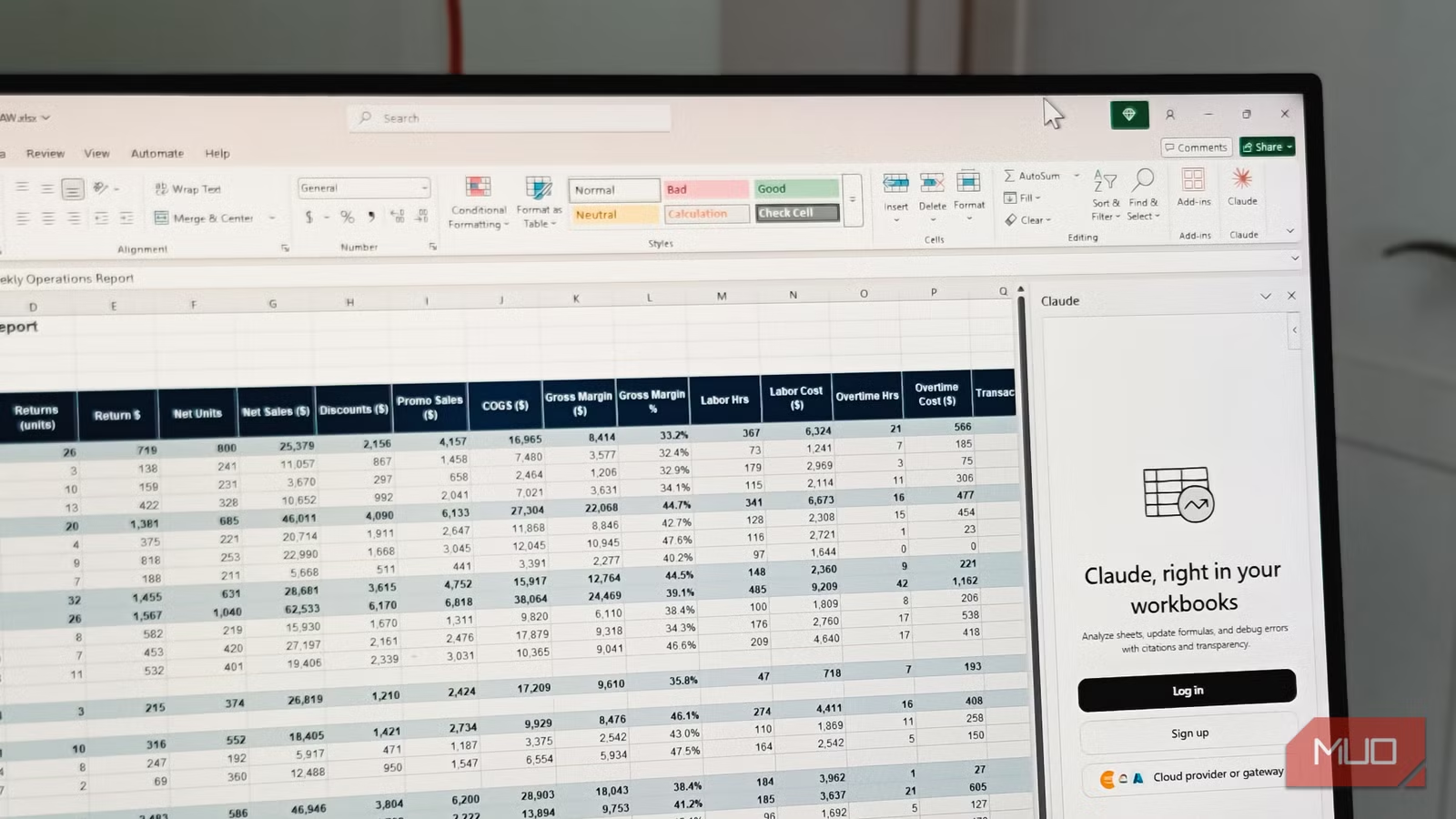
Tashreef Shareef, a tech writer at MakeUseOf, just did something that would have seemed unthinkable a year ago. He cancelled his Microsoft 365 Copilot subscription and replaced it with Anthropic's Claude. Not as a test. As his daily driver.
The timing makes sense. Anthropic recently released official add-ins for Word, Excel, and PowerPoint, giving Claude users a native way to work inside Microsoft's apps. For Shareef, the switch wasn't close. Claude's Opus 4.8 model, he says, is "superior to anything Copilot has to offer."
What You Need to Set This Up
Claude for Office requires a paid Anthropic plan. That means Claude Pro, Max, Team, or Enterprise. The free tier won't work. You also need Microsoft 365 with desktop versions of Word, Excel, and PowerPoint (2016 or later) on Windows or Mac. The add-in also works in the browser versions of these apps.
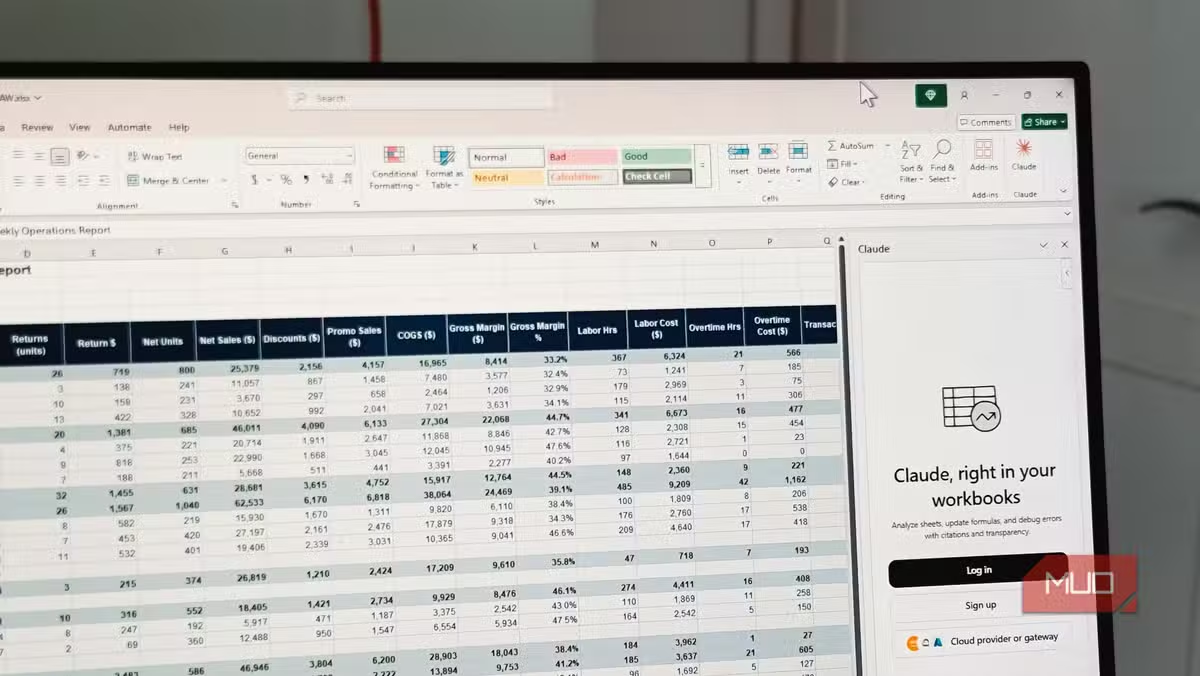
Installation is straightforward. Find the Claude for Microsoft 365 listing on the Microsoft Marketplace, click Get it now, and sign in with your Microsoft account. Use the Open in Word, Open in Excel, and Open in PowerPoint buttons to attach the add-in to each app. A Claude icon appears on the ribbon. Sign in once with your Claude account, grant permissions, and the sidebar is ready.
There's also an Outlook add-in in beta if you want Claude in your inbox.
The Skills Feature Changes Everything
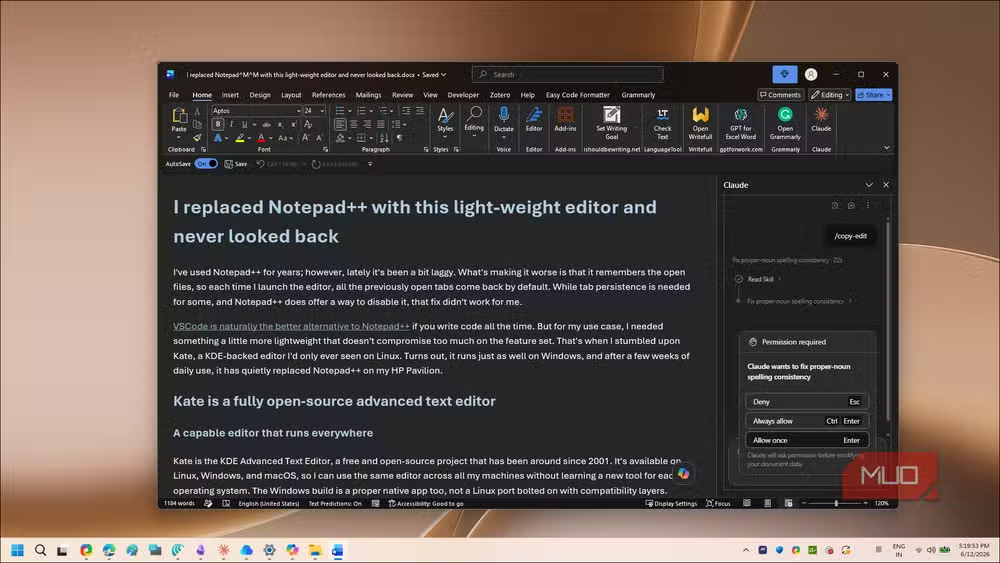
Shareef primarily uses Word to write and edit articles. The built-in spelling and grammar checks, he notes, miss a lot of grammar and style issues. This is where Claude's Skills architecture becomes valuable.
Skills are reusable instruction sets. Instead of re-explaining your style guide or editing preferences every time, you create a Skill once and invoke it repeatedly. Think of it as turning Claude into a proper copy editor with consistent rules, not a chatbot you have to re-brief on every conversation.
This matters because consistency is the weak point of AI assistants. Copilot's broader, more automated approach handles simple tasks well, but it doesn't remember your preferences across sessions the way a trained colleague would. Claude's Skills fill that gap.
Cross-App Memory Is the Real Differentiator
The feature that most impressed Shareef isn't the editing quality. It's the cross-app memory.
“The switch wasn't just about output quality; it was about agency. Claude doesn't just draft a doc; it understands my folder structure and cross-references files I created three months ago.”
— Tashreef Shareef, MakeUseOf
This is a big claim. It suggests Claude can operate as something closer to a virtual coworker than a sidebar assistant. Anthropic's official announcement emphasized this cross-app memory feature, noting that Claude can read Slide Master branding in PowerPoint and write Excel formulas instead of just performing the math itself.
The technical foundation for this is Claude's context window. Opus 4.8 supports over one million tokens, enough to ingest entire technical libraries or year-long email archives. Copilot's context is smaller and more constrained by Microsoft's ecosystem architecture.
The Cost Calculation
Shareef downgraded his Microsoft 365 subscription to the Personal plan after cancelling Copilot. The math depends on your usage, but the key variables are: Claude Pro costs $20/month, Microsoft 365 Personal is $70/year, and Copilot Pro adds $20/month on top of your Microsoft 365 subscription.
If you're already paying for Claude Pro for other reasons, the Office add-ins come free. That makes the switch economically neutral for existing Claude users. If you'd be adding Claude specifically for Office work, you're paying roughly the same as Copilot Pro but getting what Shareef considers a better reasoning engine.
What the Community Is Saying
Reddit and Hacker News have been debating this switch heavily. The consensus favors Claude's "less AI-flavored" prose, meaning output that sounds more human and less like corporate boilerplate. There's also growing enthusiasm for Claude Cowork, Anthropic's desktop autonomy feature that lets Claude act as a Virtual Coworker rather than just responding to prompts.
But not everyone is sold. Some users report what one anonymous analyst called "agentic burnout."
“We are seeing a clear shift toward 'agentic burnout.' High-performance teams are starting to push back against the constant micro-interruptions of AI collaborators.”
— Anonymous industry analyst, Hacker News
The concern is that AI assistants create overhead even as they save time. One popular framework calls this the 30/70 split: AI excels at the first 30% of a task (drafting, research, initial analysis) but creates editing and management overhead in the remaining 70%.
Another productivity tool that streamlines Windows workflows
Should You Make the Switch?
This depends on what you use Office apps for. If you're doing basic document editing, email drafting, and simple spreadsheets, Copilot's tight integration with Microsoft's ecosystem is probably fine. It works out of the box without add-in installation or separate accounts.
If you're doing complex data analysis, need consistent editing rules across documents, or want an AI that remembers your project context across sessions, Claude's add-ins are worth testing. The Skills feature alone addresses a pain point that Copilot hasn't solved.
The free trial math is tricky. Claude doesn't offer a trial, so you'd need to commit to a month of Claude Pro ($20) to test it properly. Copilot Pro has the same limitation. If you're already paying for one, testing the other means a month of double-paying.
✅ Pros
- • Superior reasoning for complex editing and data tasks
- • Skills feature enables consistent, reusable instructions
- • Cross-app memory references prior work across documents
- • Million-token context window handles large projects
❌ Cons
- • Requires paid Claude subscription ($20/month minimum)
- • Separate login and permissions from Microsoft account
- • No free tier to test before committing
- • Outlook add-in still in beta
Logicity's Take
This isn't about Claude being universally better than Copilot. It's about specialization. Copilot optimizes for breadth and ecosystem integration. Claude optimizes for reasoning depth and memory. Power users who hit Copilot's limits on complex tasks are the ones who'll benefit most from switching. Casual Office users probably won't notice the difference.
Frequently Asked Questions
Does Claude for Office work with the free version of Claude?
No. You need Claude Pro, Max, Team, or Enterprise. The free tier doesn't support the Office add-ins.
Can I use Claude add-ins in the browser version of Microsoft 365?
Yes. The add-ins work in both desktop (2016 or later) and web versions of Word, Excel, and PowerPoint.
Is there a Claude add-in for Outlook?
Yes, but it's currently in beta. The Word, Excel, and PowerPoint add-ins are fully released.
How does Claude's context window compare to Copilot's?
Claude Opus 4.8 supports over one million tokens. Copilot's context window is smaller and more constrained by Microsoft's architecture.
What are Claude Skills?
Skills are reusable instruction sets that let you define consistent rules for editing, formatting, or analysis. You create them once and invoke them repeatedly.
Need Help Implementing This?
If you're evaluating AI assistants for your team's Office workflows, we can help you navigate the tradeoffs. Reach out to our team for a consultation on which tools fit your specific use cases.
Source: MakeUseOf
Manaal Khan
Tech & Innovation Writer
اقرأ أيضاً

رأي مغاير: كيف يؤثر اختراق الأمن الداخلي الأميركي على شركاتنا الخاصة؟
في ظل اختراق عقود الأمن الداخلي الأميركي مع شركات خاصة، نناقش تأثير هذا الاختراق على مستقبل الأمن السيبراني. نستعرض الإحصاءات الموثوقة ونناقش كيف يمكن للشركات الخاصة أن تتعامل مع هذا التهديد. استمتع بقراءة هذا التحليل العميق

الإنسان في زمن ما بعد الوجود البشري: نحو نظام للتعايش بين الإنسان والروبوت - Centre for Arab Unity Studies
في هذا المقال، سنناقش كيف يمكن للبشر والروبوتات التعايش في نظام متكامل. سنستعرض التحديات والحلول المحتملة التي تضعها شركات مثل جوجل وأمازون. كما سنلقي نظرة على التوقعات المستقبلية وفقًا لتقرير ماكنزي

إطلاق ناسا لمهمة مأهولة إلى القمر: خطوة تاريخية نحو استكشاف الفضاء
تعتبر المهمة الجديدة خطوة هامة نحو استكشاف الفضاء وتطوير التكنولوجيا. سوف تشمل المهمة إرسال رواد فضاء إلى سطح القمر لconducting تجارب علمية. ستسهم هذه المهمة في تطوير فهمنا للفضاء وتحسين التكنولوجيا المستخدمة في استكشاف الفضاء.