Why DVDs Still Belong in Your Homelab Backup Strategy
Key Takeaways
- Burned DVD-Rs can reliably store data for 10+ years under proper conditions, with archival-grade M-DISCs rated for 1,000 years
- Unpowered SSDs can experience data loss in 18-24 months due to charge leakage, making optical media a safer cold storage option
- Standard DVDs hold 4.7GB, dual-layer discs hold 8.5GB, and Blu-ray options store significantly more for critical file archival
The Case Against Hard Drives as Your Only Backup
You probably haven't touched a DVD in years. Your laptop doesn't have an optical drive. Your NAS is humming along with terabytes of RAID-protected storage. So why would anyone suggest adding a disc burner to a modern homelab?
Because every storage medium you rely on has a fatal flaw. Hard drives have moving parts that wear out. SSDs need power to maintain their data. Cloud storage depends on someone else's servers and your continued subscription. A burned DVD sitting in a drawer doesn't care about any of that.
Sydney Butler, a technology writer with over 20 years of experience as a freelance PC technician, puts it bluntly: "The cloud is for convenience and collaboration, but physical media is for survival. In 2026, air-gapped, immutable optical storage is the only way to truly guarantee your data remains yours."
“The cloud is for convenience and collaboration, but physical media is for survival. In 2026, air-gapped, immutable optical storage is the only way to truly guarantee your data remains yours.”
— Sydney Butler, Technology Writer and PC Technician
The SSD Problem Nobody Talks About
Here's something that doesn't get enough attention: SSDs can lose data when they sit unpowered. The cells that store your bits rely on trapped electrons, and those electrons leak over time. Industry observations suggest some modern SSDs can experience data degradation in as little as 18 to 24 months without power.
This isn't a problem if you're using your SSD daily. But for cold storage? For that backup drive sitting in a closet "just in case"? It's a real concern. And it's one reason homelab enthusiasts are rethinking their approach to archival storage.
A 2026 wave of high-profile data loss incidents involving cold SSD storage has accelerated this shift. Add in growing frustration with subscription-based digital media access, and you've got a perfect storm driving what some call the "sovereign tech" movement.
What Optical Storage Actually Offers
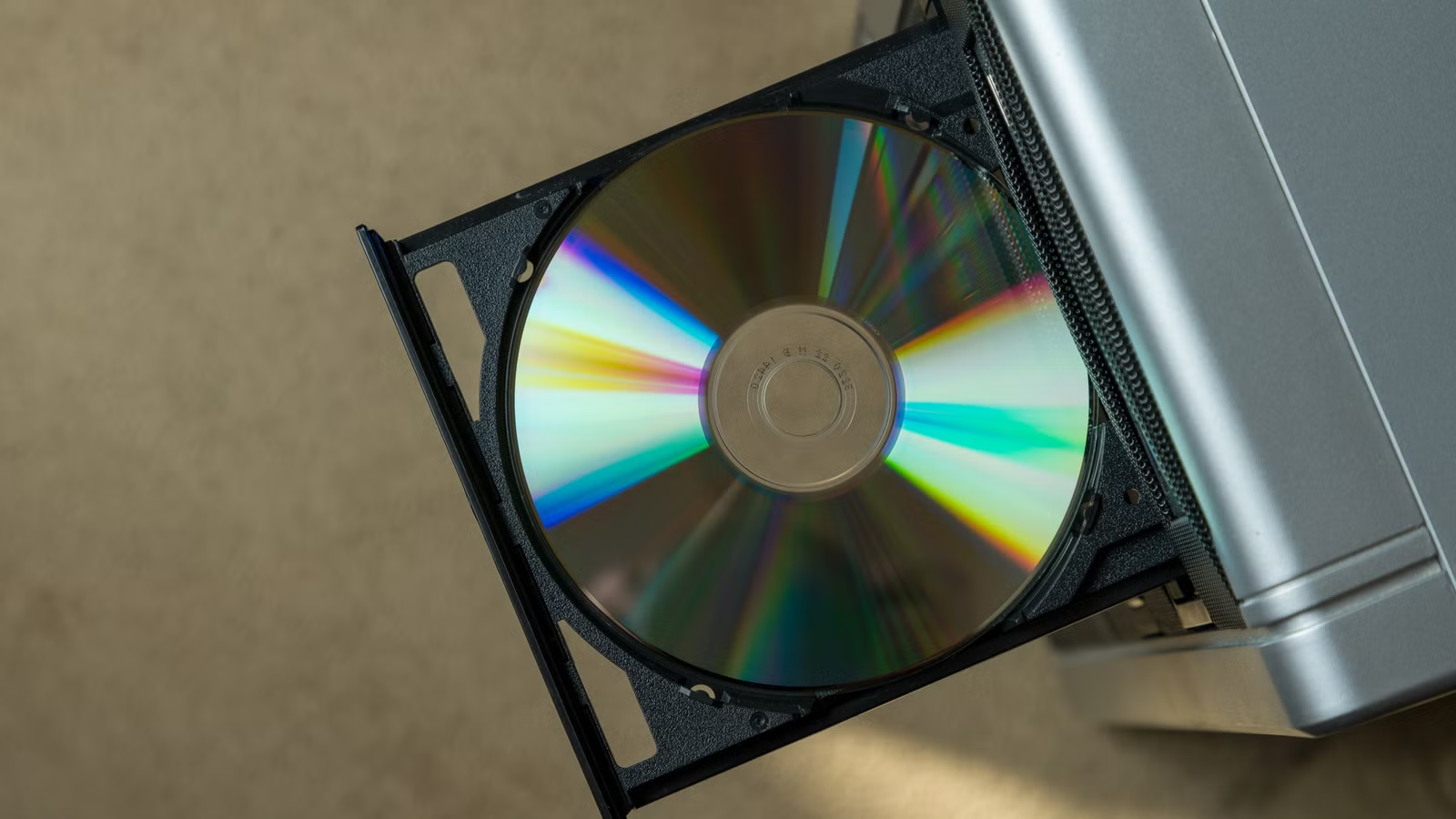
A burned DVD-R, stored properly, should give you at least ten years of reliable data retention. Many last longer. The technology is mature, well understood, and dirt cheap. Standard DVDs hold 4.7GB. Dual-layer discs bump that to 8.5GB.
That's not much by 2026 standards. But it's plenty for encryption keys, password vaults, critical documents, family photos, and other irreplaceable files that don't change often but absolutely cannot be lost.
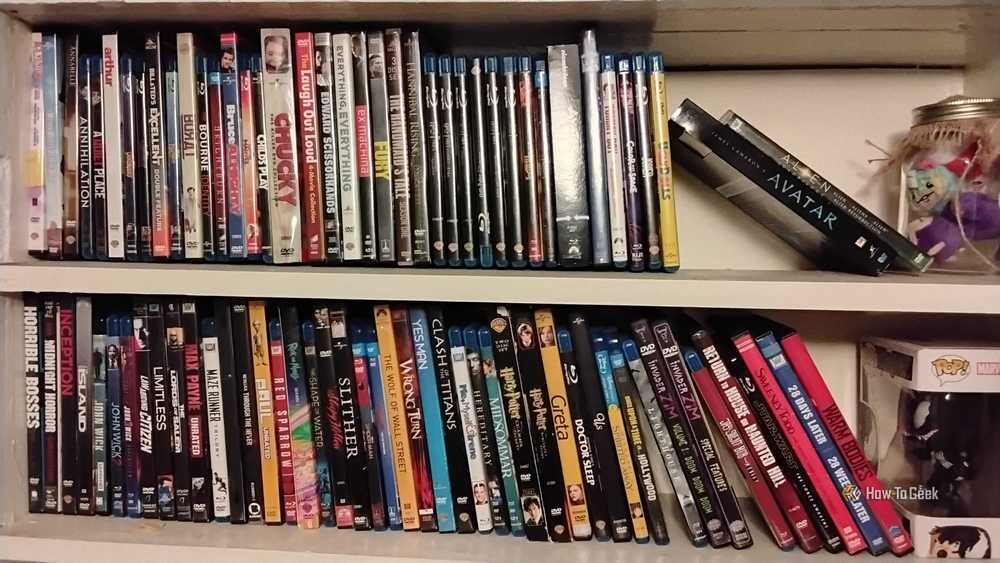
Want more capacity? Blu-ray drives read and write discs that store significantly more data per disc, and the format is more robust than DVD. The tradeoff is cost. Both drives and media are pricier, and Butler notes that availability may become an issue: "you better hurry" if you're interested in Blu-ray, he writes.
M-DISC: The Thousand-Year Option
For serious archivists, there's M-DISC. This format uses a rock-like data layer instead of organic dyes, making it resistant to light, heat, and humidity. Under controlled storage conditions, M-DISC is rated for an estimated 1,000-year lifespan.
You won't live to verify that claim. But accelerated aging tests suggest M-DISC outlasts standard optical media by a wide margin. For files you genuinely need to survive you, it's worth considering.
The Air-Gap Advantage
Optical media offers something your NAS and cloud backup can't: a true air gap. Once you burn a disc and put it in a drawer, no ransomware can encrypt it. No accidental rm -rf can delete it. No service discontinuation can lock you out.
On Reddit's r/homelab and related communities, discussions about this approach have grown heated. Some dismiss optical discs as legacy tech. But a growing faction is building "physical vaults" for encryption keys and irreplaceable family archives. They see the permanence as a necessary hedge against digital fragility.
One viral Twitter thread framed it as "the ultimate homelab flex" in an age of subscription fatigue and degraded SSDs. Another user shared photos of a rack full of archived BD-XL discs with the caption: "Because they can't delete what they can't touch."
Practical Implementation
Adding optical storage to your homelab doesn't require major investment. USB external drives work fine. Internal drives are cheap if you have a spare bay. The key decisions are:
- DVD vs Blu-ray: DVD is cheaper and sufficient for small critical files. Blu-ray makes sense if you need higher capacity.
- Standard vs archival media: Regular DVD-Rs last a decade. M-DISC costs more but offers extreme longevity.
- Storage conditions: Keep discs in cases, away from light and heat. A cool, dry closet works fine.
The backup strategy often discussed is "3-2-1-1": three copies of important data, on two different media types, with one offsite and one air-gapped. Optical storage slots neatly into that final requirement.
✅ Pros
- • Extremely long archival lifespan (10+ years, 1,000+ for M-DISC)
- • True air-gapped storage immune to ransomware and network attacks
- • Low cost per GB for cold storage
- • No power required to maintain data integrity
- • Technology is mature and well-understood
❌ Cons
- • Limited capacity compared to modern drives (4.7GB-25GB typical)
- • Slow write speeds versus SSD or HDD
- • Requires physical storage space for disc collection
- • Blu-ray availability may decline over time
- • Not practical for frequently-changing data
What This Means for Your Setup
Nobody's suggesting you ditch your NAS or cancel your cloud backup. Optical storage isn't a replacement. It's a layer. A failsafe for files that must survive no matter what else fails.
If you've got encryption keys, password manager exports, birth certificates, tax records, or family photos that exist nowhere else, burning a disc and stashing it somewhere safe is cheap insurance. The technology is old. That's precisely why it works.
Logicity's Take
The optical media revival isn't about nostalgia. It's about recognizing that every modern storage option has dependencies: power, connectivity, subscription fees, corporate goodwill. A burned disc in a drawer has none of those. For truly critical data, spending $50 on a USB burner and a spindle of archival-grade discs is one of the smartest investments a homelab can make.
Frequently Asked Questions
How long do burned DVDs actually last?
A properly stored DVD-R should last at least 10 years, often longer. Archival-grade M-DISCs are rated for 1,000 years under controlled conditions. Keep discs away from direct light, heat, and humidity for maximum lifespan.
Is Blu-ray better than DVD for homelab backup?
Blu-ray stores significantly more data per disc and is more robust than DVD. However, it costs more for both drives and media. DVD is sufficient for small critical files like encryption keys and documents.
Can SSDs lose data when unpowered?
Yes. SSDs store data using trapped electrons that can leak over time. Industry observations suggest some modern SSDs may experience data degradation in 18-24 months without power, making them unsuitable for long-term cold storage.
What is the 3-2-1-1 backup rule?
The 3-2-1-1 rule recommends keeping three copies of important data, on two different media types, with one copy offsite and one copy air-gapped (completely disconnected from networks). Optical media is ideal for the air-gapped requirement.
What files should I back up to optical media?
Focus on irreplaceable files that rarely change: encryption keys, password vault exports, legal documents, tax records, family photos and videos, and any data that would be catastrophic to lose permanently.
Need Help Implementing This?
Building a robust backup strategy for your homelab or small business? Logicity's team covers enterprise storage and data protection strategies regularly. Reach out to our editorial team for coverage of your data resilience solutions, or subscribe to our newsletter for weekly homelab and infrastructure insights.
Source: How-To Geek
Manaal Khan
Tech & Innovation Writer
اقرأ أيضاً

رأي مغاير: كيف يؤثر اختراق الأمن الداخلي الأميركي على شركاتنا الخاصة؟
في ظل اختراق عقود الأمن الداخلي الأميركي مع شركات خاصة، نناقش تأثير هذا الاختراق على مستقبل الأمن السيبراني. نستعرض الإحصاءات الموثوقة ونناقش كيف يمكن للشركات الخاصة أن تتعامل مع هذا التهديد. استمتع بقراءة هذا التحليل العميق

الإنسان في زمن ما بعد الوجود البشري: نحو نظام للتعايش بين الإنسان والروبوت - Centre for Arab Unity Studies
في هذا المقال، سنناقش كيف يمكن للبشر والروبوتات التعايش في نظام متكامل. سنستعرض التحديات والحلول المحتملة التي تضعها شركات مثل جوجل وأمازون. كما سنلقي نظرة على التوقعات المستقبلية وفقًا لتقرير ماكنزي

إطلاق ناسا لمهمة مأهولة إلى القمر: خطوة تاريخية نحو استكشاف الفضاء
تعتبر المهمة الجديدة خطوة هامة نحو استكشاف الفضاء وتطوير التكنولوجيا. سوف تشمل المهمة إرسال رواد فضاء إلى سطح القمر لconducting تجارب علمية. ستسهم هذه المهمة في تطوير فهمنا للفضاء وتحسين التكنولوجيا المستخدمة في استكشاف الفضاء.