Samsung Split-Screen: The Feature Apple Still Won't Copy
Key Takeaways
- Samsung introduced split-screen multitasking in 2012, four years before Android 7.0 made it a platform standard
- Apple's iPhone still lacks native split-screen despite screens reaching 6.9 inches
- Samsung's implementation lets users resize app windows, swap positions, and use pop-up views
Samsung beat Android to split-screen by four years
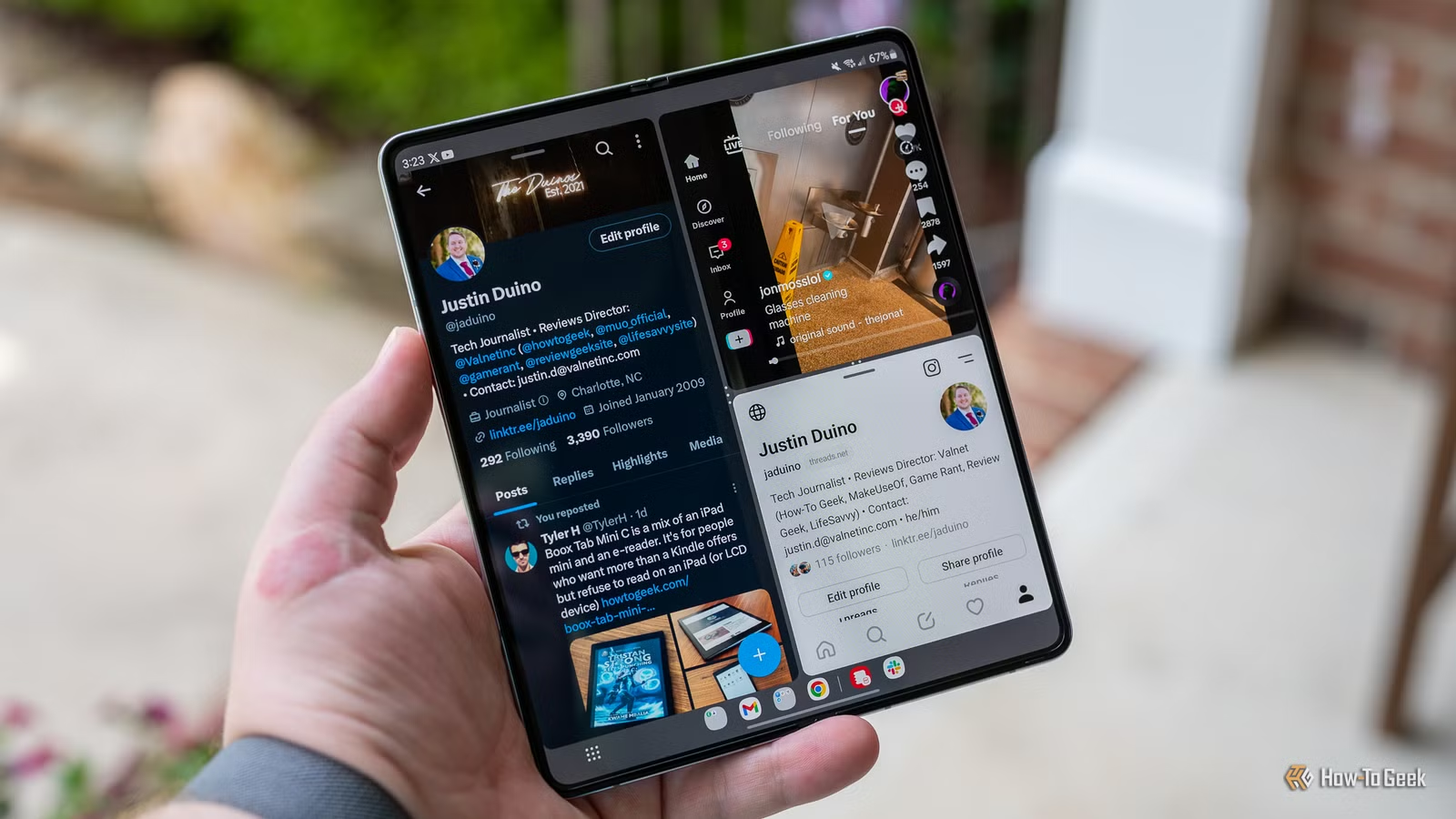
Samsung and Apple have spent years borrowing features from each other. Camera improvements, widget systems, and notification designs have crossed the aisle in both directions. But one feature Samsung introduced over a decade ago still hasn't made its way to the iPhone: split-screen multitasking.
Samsung first added split-screen view in 2012 on the Galaxy S3 and Note II. Android didn't make this a platform-wide feature until Android 7.0 Nougat in 2016. That's a four-year head start for Samsung users who wanted to run two apps at once.
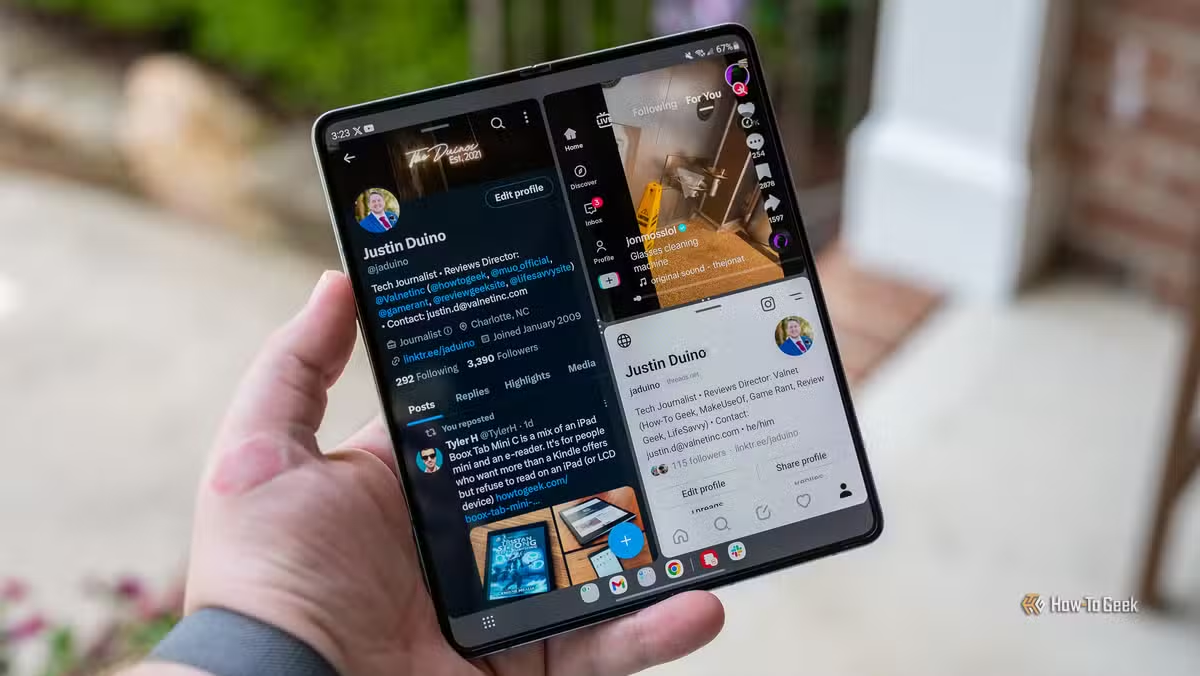
With phone screens now reaching 6.9 inches on the iPhone 16 Pro Max, the lack of split-screen on iOS feels like a missed opportunity. Samsung users have been resizing windows and running side-by-side apps for over a decade.
How Samsung split-screen actually works
The feature is straightforward to use. Open the app switcher and tap the icon of the app you want in split view. Select "Open in split screen view" from the menu. That app moves to the top of the screen, and you pick a second app to fill the bottom half.
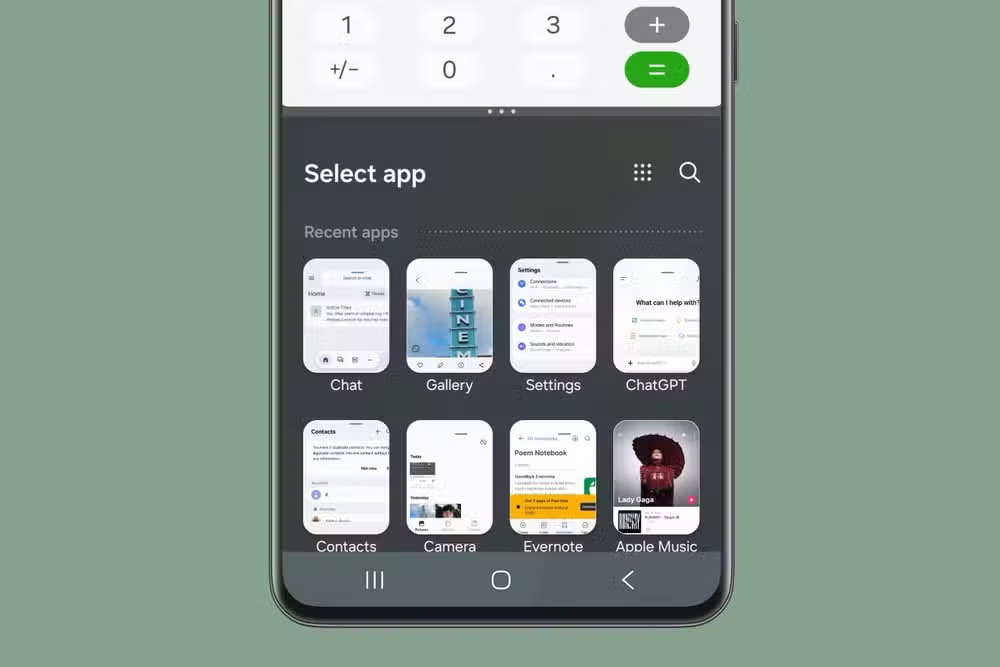
There's also a faster method: in the app switcher, tap and hold an app icon, then drag it to the top or bottom of the screen. The second app snaps into the remaining space.
Once you're in split-screen mode, a divider sits between the two apps. Drag it up or down to give one app more screen space than the other. Tap the divider to swap the apps' positions.
Controls for each app window
Samsung goes beyond basic split-screen. Each app window has a bar at the top with four controls:
- Nine-dot icon: swap the app with another
- Box-in-a-box icon: put the app into pop-up view
- Arrow icon: expand the app to full screen
- X icon: close the app

The pop-up view option is particularly useful. It turns an app into a floating window you can move anywhere on screen while keeping another app visible behind it.
Where Apple stands on multitasking
Apple introduced split-screen multitasking on iPad with iOS 9 in 2015. Stage Manager arrived with iPadOS 16, offering a more flexible windowing system. But the iPhone? Still limited to one app at a time.

Apple hasn't explained why iPhones don't support split-screen. The iPhone 16 Pro Max has a 6.9-inch display. That's larger than the original iPad mini's 7.9-inch screen, which supports full multitasking.
Some speculation points to Apple's focus on app experience. Forcing developers to support arbitrary window sizes could complicate app design. Others suggest Apple wants to differentiate iPad from iPhone to justify the higher-priced tablet.
Practical uses for split-screen
Split-screen isn't a gimmick. Common use cases include:
- Taking notes while watching a video
- Referencing a document while writing an email
- Comparing prices across two shopping apps
- Following directions while messaging someone your ETA
- Reading Slack while updating a spreadsheet
Not all Android apps support split-screen, but most major productivity and communication apps do. Samsung's own apps work well in this mode.
Logicity's Take
FAQ
Frequently Asked Questions
Does iPhone have split-screen like Samsung?
No. iPhones don't support split-screen multitasking. Only iPads running iPadOS have this feature through Split View and Stage Manager.
When did Samsung add split-screen to its phones?
Samsung introduced split-screen view in 2012 on the Galaxy S3 and Note II, four years before Android made it a standard platform feature.
Can all Android apps run in split-screen mode?
No. App developers must enable split-screen support. Most major productivity, communication, and media apps support it, but some games and specialized apps don't.
Will Apple ever add split-screen to iPhone?
Apple hasn't announced plans for iPhone split-screen. Given that iPads have had the feature since 2015, it's technically possible, but Apple may be keeping it as an iPad differentiator.
Need Help Implementing This?
Source: How-To Geek
Huma Shazia
Senior AI & Tech Writer
اقرأ أيضاً

رأي مغاير: كيف يؤثر اختراق الأمن الداخلي الأميركي على شركاتنا الخاصة؟
في ظل اختراق عقود الأمن الداخلي الأميركي مع شركات خاصة، نناقش تأثير هذا الاختراق على مستقبل الأمن السيبراني. نستعرض الإحصاءات الموثوقة ونناقش كيف يمكن للشركات الخاصة أن تتعامل مع هذا التهديد. استمتع بقراءة هذا التحليل العميق

الإنسان في زمن ما بعد الوجود البشري: نحو نظام للتعايش بين الإنسان والروبوت - Centre for Arab Unity Studies
في هذا المقال، سنناقش كيف يمكن للبشر والروبوتات التعايش في نظام متكامل. سنستعرض التحديات والحلول المحتملة التي تضعها شركات مثل جوجل وأمازون. كما سنلقي نظرة على التوقعات المستقبلية وفقًا لتقرير ماكنزي

إطلاق ناسا لمهمة مأهولة إلى القمر: خطوة تاريخية نحو استكشاف الفضاء
تعتبر المهمة الجديدة خطوة هامة نحو استكشاف الفضاء وتطوير التكنولوجيا. سوف تشمل المهمة إرسال رواد فضاء إلى سطح القمر لconducting تجارب علمية. ستسهم هذه المهمة في تطوير فهمنا للفضاء وتحسين التكنولوجيا المستخدمة في استكشاف الفضاء.