PDFgear vs Adobe Acrobat: Is the Free Alternative Enough?
Key Takeaways
- PDFgear provides text editing, OCR, and document signing at no cost, with no account required
- All processing happens locally on your device, avoiding the privacy risks of cloud-based PDF tools
- Adobe Acrobat still leads for complex enterprise workflows, but PDFgear handles most individual needs
The PDF Subscription Problem
You need to fix a date on a contract. Merge two files before a deadline. Sign something without printing it. These are basic tasks. Yet Adobe Acrobat charges $13 to $25 per month for them. That's $180 to $300 per year.
For legal departments processing hundreds of documents monthly, that cost makes sense. For someone who opens a PDF twice a month, it's absurd.
“Adobe Acrobat is priced for legal departments, not for the people who just need to open a PDF twice a month.”
— Jorge Aguilar, Tech Writer at MakeUseOf
The PDF editor market is projected to reach $2.94 billion by 2025, growing at 8.68% annually. That growth comes from rising demand for digital document management. But it also reflects how many users feel trapped by subscription pricing.
The Freemium Trap Is Worse
Avoiding Adobe often leads somewhere more frustrating. The internet is full of "free" PDF editors that reel you in, then hold your document hostage. Export requires an upgrade. A watermark appears across every page. Trial terms quietly enroll you in recurring charges.
Web-based tools create a different problem. Uploading your tax return, legal agreement, or medical records to a third-party server just to change a line of text is not a reasonable trade-off. Server misconfigurations happen. Data breaches happen.
This is why a free, fully local alternative matters. Not as a nice-to-have. As a necessity.
What PDFgear Actually Offers
PDFgear is a desktop PDF editor that costs nothing. No subscription. No watermarks. No account creation required. All processing happens on your local machine.
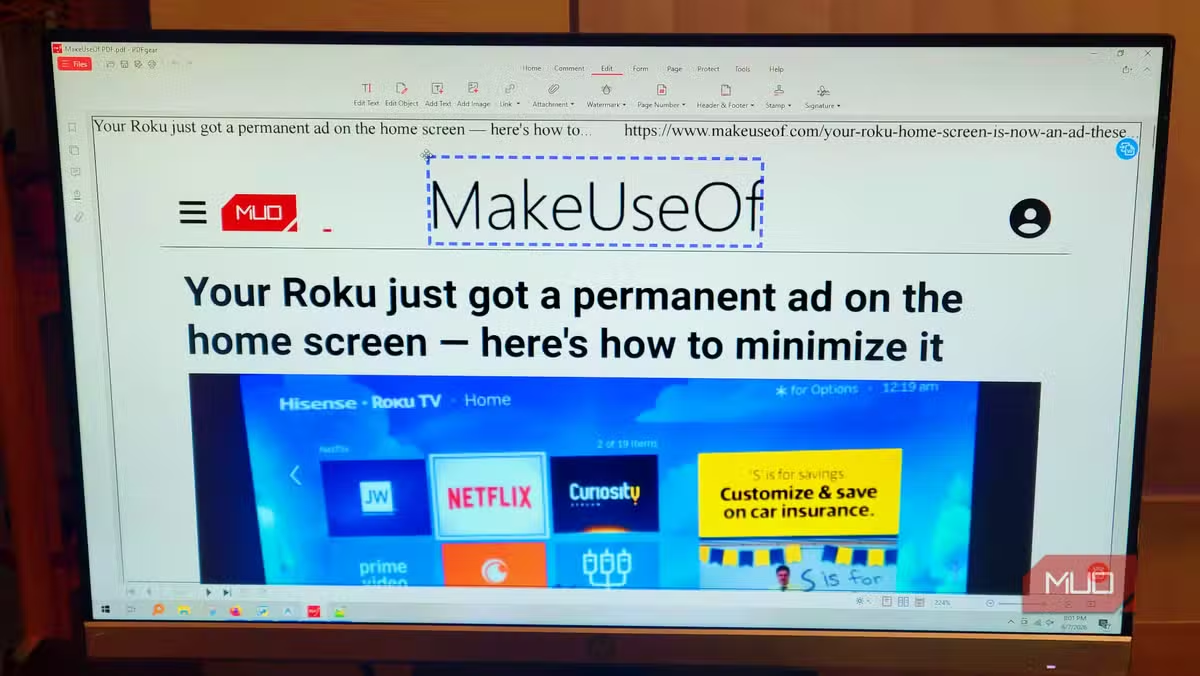
The core features cover what most individuals need: direct text editing, OCR for scanned documents, and document signing. These are exactly the capabilities Adobe locks behind its paid tiers.
Privacy-conscious users on Reddit and Hacker News specifically praise PDFgear's local processing. Your documents never leave your device. That's a significant advantage over cloud-based alternatives.
PDFgear vs Adobe Acrobat: Feature Comparison
| Feature | PDFgear | Adobe Acrobat Pro |
|---|---|---|
| Price | Free | $19.99/month |
| Text Editing | Yes | Yes |
| OCR | Yes | Yes |
| Document Signing | Yes | Yes |
| Account Required | No | Yes |
| Cloud Processing | No (local only) | Yes |
| Enterprise Workflows | Limited | Full support |
| Watermarks | None | None |
The comparison reveals where each tool fits. PDFgear handles individual and small-team use cases well. Adobe Acrobat remains the choice for complex enterprise workflows with advanced collaboration features.
Where PDFgear Falls Short
PDFgear is not a complete Adobe replacement for everyone. Enterprise features like advanced redaction, detailed access controls, and integration with document management systems remain Adobe's territory.
The user interface, while functional, lacks the polish of Adobe's decades of refinement. Power users who live in PDF editors daily may find the workflow less efficient.
And because PDFgear is a newer product, long-term support and development roadmap are less predictable than Adobe's established ecosystem.
✅ Pros
- • Completely free with no hidden fees or subscription traps
- • Local processing keeps sensitive documents off third-party servers
- • No account creation or registration required
- • Core features (editing, OCR, signing) match paid alternatives
❌ Cons
- • Limited enterprise and collaboration features
- • Less polished interface than Adobe Acrobat
- • Newer product with less established support track record
- • Advanced redaction and access controls missing
Who Should Switch
If you edit PDFs a few times a month, fix occasional typos, merge documents, or sign contracts, PDFgear handles these tasks without costing you $240 a year.
If you run a legal department processing hundreds of documents with complex access controls, keep Adobe. The enterprise features justify the cost.
For everyone in between, PDFgear is worth testing. The price is right, and the privacy benefits of local processing address a real concern that cloud-based alternatives ignore.
Another productivity tool where conventional wisdom costs you time
Logicity's Take
Frequently Asked Questions
Is PDFgear really completely free?
Yes. PDFgear offers text editing, OCR, and document signing without subscriptions, watermarks, or hidden fees. No account creation is required.
Does PDFgear upload my documents to the cloud?
No. All processing happens locally on your device. Your documents never leave your machine, unlike web-based PDF editors.
Can PDFgear replace Adobe Acrobat for business use?
For individual users and small teams doing basic editing, yes. For enterprises needing advanced collaboration, redaction, and access controls, Adobe Acrobat remains the better choice.
What platforms does PDFgear support?
PDFgear is available as a desktop application. It processes files locally without requiring an internet connection for core features.
How does PDFgear compare to online PDF editors?
PDFgear offers similar editing capabilities without uploading sensitive documents to third-party servers, addressing privacy concerns that cloud-based tools create.
Need Help Implementing This?
Source: MakeUseOf
Manaal Khan
Tech & Innovation Writer
اقرأ أيضاً

رأي مغاير: كيف يؤثر اختراق الأمن الداخلي الأميركي على شركاتنا الخاصة؟
في ظل اختراق عقود الأمن الداخلي الأميركي مع شركات خاصة، نناقش تأثير هذا الاختراق على مستقبل الأمن السيبراني. نستعرض الإحصاءات الموثوقة ونناقش كيف يمكن للشركات الخاصة أن تتعامل مع هذا التهديد. استمتع بقراءة هذا التحليل العميق

الإنسان في زمن ما بعد الوجود البشري: نحو نظام للتعايش بين الإنسان والروبوت - Centre for Arab Unity Studies
في هذا المقال، سنناقش كيف يمكن للبشر والروبوتات التعايش في نظام متكامل. سنستعرض التحديات والحلول المحتملة التي تضعها شركات مثل جوجل وأمازون. كما سنلقي نظرة على التوقعات المستقبلية وفقًا لتقرير ماكنزي

إطلاق ناسا لمهمة مأهولة إلى القمر: خطوة تاريخية نحو استكشاف الفضاء
تعتبر المهمة الجديدة خطوة هامة نحو استكشاف الفضاء وتطوير التكنولوجيا. سوف تشمل المهمة إرسال رواد فضاء إلى سطح القمر لconducting تجارب علمية. ستسهم هذه المهمة في تطوير فهمنا للفضاء وتحسين التكنولوجيا المستخدمة في استكشاف الفضاء.