How to Build a Local AI Coding Assistant with Ollama and VS Code
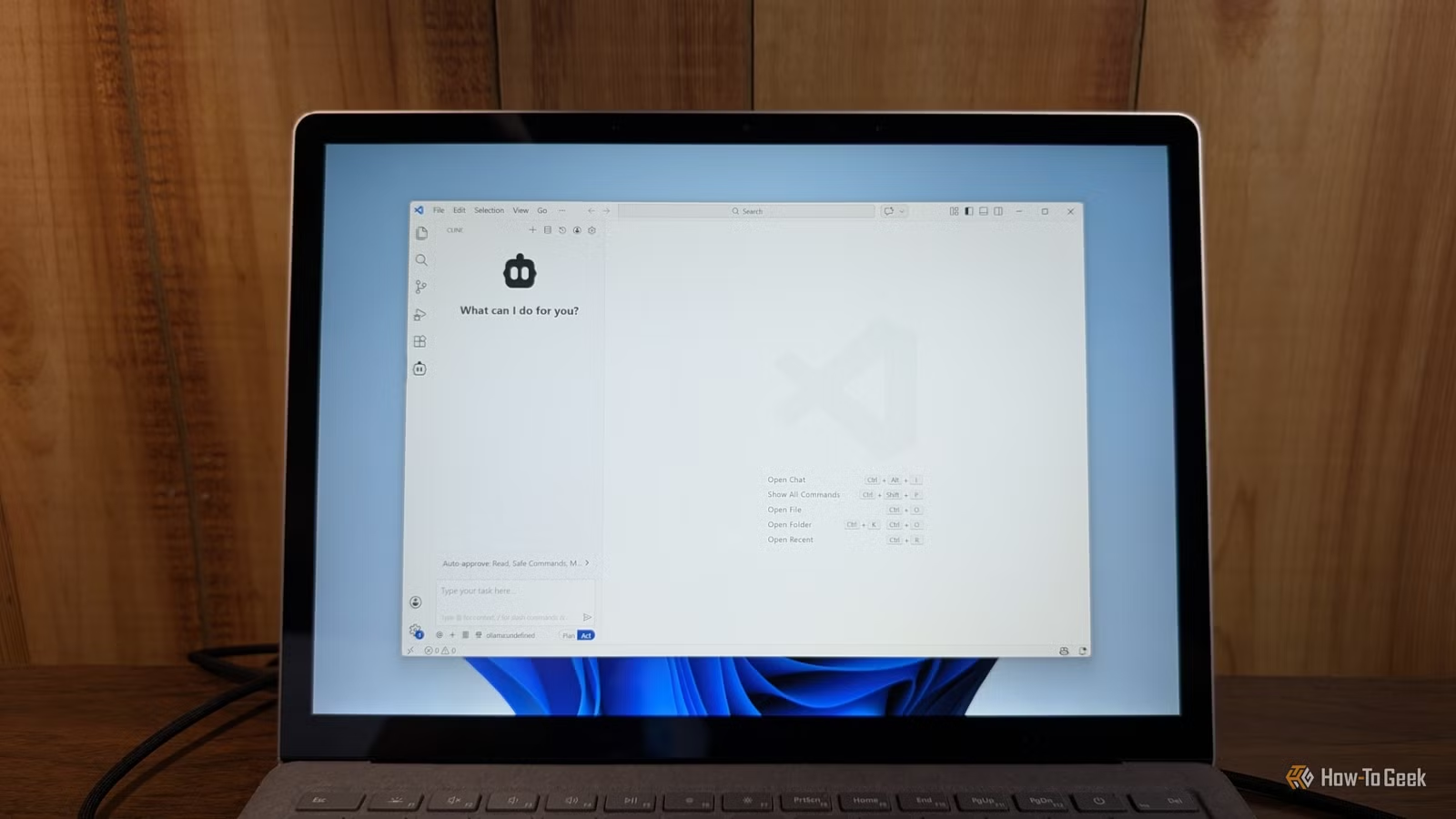
Key Takeaways
- Running Ollama locally eliminates subscription costs and keeps code off third-party servers
- VS Code extensions like Continue connect to local models for an integrated coding experience
- Local setups now rival cloud models for most coding tasks when work is broken into smaller chunks
Cloud-based coding assistants like GitHub Copilot and Claude are useful. They are also expensive. Claude's $20 monthly plan runs out fast for heavy users. The realistic starting point is $100 per month. Over a year, that is $1,200. You could buy an RTX 5080 for that.
There is another problem. Every line of code you send to a cloud service leaves your machine. If you work on proprietary software, handle regulated data, or just prefer keeping your work private, that is a dealbreaker.
The alternative is running everything locally. Ollama lets you run large language models on your own hardware. A VS Code extension connects your editor to that local model. The result is a private, offline coding assistant with no recurring fees.
“The era of blindly trusting cloud AI to handle your private codebase is over; the future of professional software engineering is local, verifiable, and offline-first.”
— Sarah Chen, Principal AI Architect at OpenInfrastructure Labs
Why Local Beats Cloud for Many Use Cases
Privacy is the obvious win. Your code never leaves your machine. No risk of leaking proprietary logic, exposing customer data, or violating compliance requirements like HIPAA or SOC 2. If auditors ask where your code goes, you can say "nowhere."
Cost follows. After the initial hardware investment, your only ongoing expense is electricity. No API metering. No token limits. No surprise bills when you use the assistant heavily during a deadline crunch.
Offline capability matters too. Flights, remote locations, or network outages do not shut down your workflow. The model runs on your GPU whether you have internet or not.
What You Need to Get Started
The setup requires three components: Ollama to run the model, a capable GPU, and a VS Code extension to connect the two.
- Ollama: A tool that downloads and runs LLMs locally on Windows, macOS, or Linux
- A GPU with sufficient VRAM: 8GB minimum for smaller models, 16GB+ for better performance
- VS Code with an extension like Continue or Cline that connects to local model endpoints
Recent models like Llama 3 and CodeLlama work well for coding tasks. They are not quite at GPT-4 or Claude 3.5 levels, but for code completion, refactoring, and explaining functions, they handle most everyday work.
Step 1: Install Ollama
Download Ollama from ollama.com. The Windows installer handles dependencies automatically. After installation, open a terminal and run:
ollama run codellamaThis downloads the CodeLlama model and starts it. The first download takes time depending on your connection. Models range from 4GB to 40GB depending on parameter count.
Once running, Ollama exposes a local API endpoint at localhost:11434. Any application on your machine can send requests to that endpoint and get responses from the model.
Step 2: Connect VS Code
Install the Continue extension from the VS Code marketplace. Continue is open source and designed specifically to work with local models.
After installation, open Continue's settings and configure it to point at your Ollama endpoint. The extension auto-detects Ollama in most cases. If not, set the API URL to http://localhost:11434.
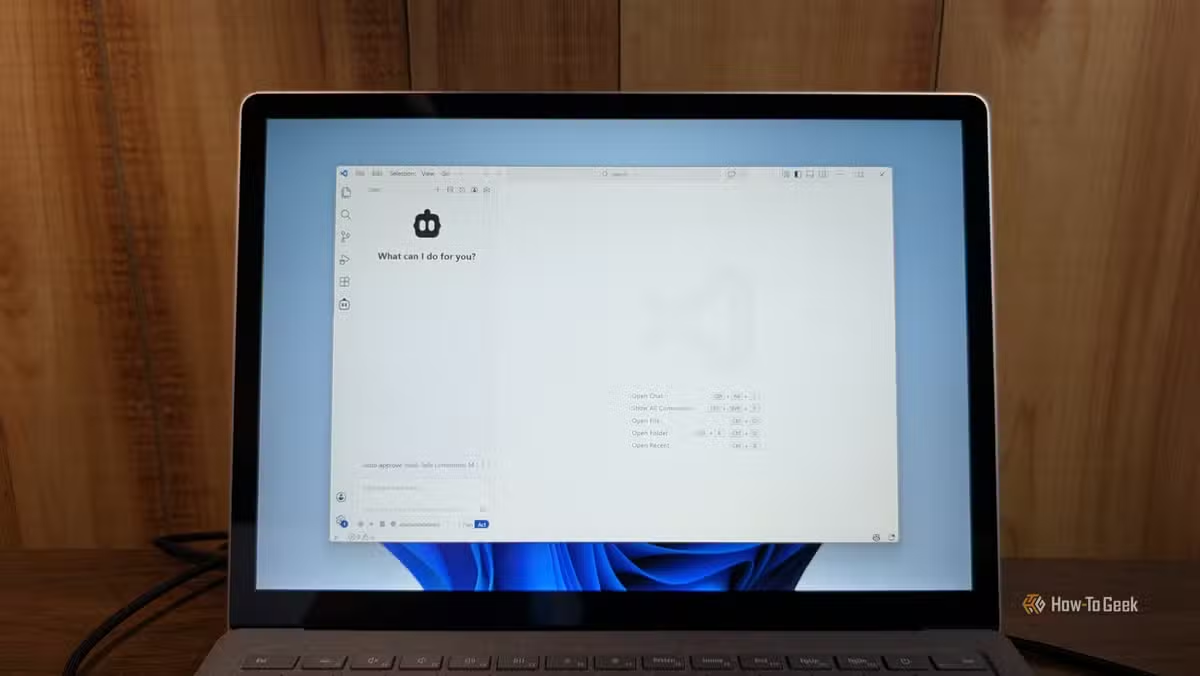
You can now highlight code, ask questions, request refactors, or generate new functions. The experience mirrors cloud assistants, but every request stays on your hardware.
Step 3: Choose the Right Model
Different models suit different tasks. CodeLlama excels at code-specific work. Llama 3 handles broader questions and documentation. Smaller models run faster but produce lower quality output.
A practical approach: start with a 7B parameter model. If responses feel shallow, try a 13B or 34B model. If latency becomes unbearable, drop back down. Match model size to your available VRAM.
ollama list
ollama pull llama3:8b
ollama pull codellama:34bData breaches highlight why keeping code off third-party servers matters
Tradeoffs Worth Knowing
Local models are not magic. They have limits.
✅ Pros
- • Zero ongoing subscription costs
- • Complete data privacy and regulatory compliance
- • Works offline without internet
- • No rate limits or token caps
❌ Cons
- • Requires upfront hardware investment
- • Quality lags behind frontier cloud models
- • Setup requires more technical effort than signing up for Copilot
- • Large models need significant VRAM
The quality gap is real but shrinking. For complex architectural decisions or novel algorithms, cloud models still lead. For everyday tasks like writing boilerplate, fixing bugs, or generating tests, local models handle the work.
Developer Sentiment Is Shifting
Community forums like Hacker News and r/LocalLLaMA show strong enthusiasm for local setups. Developers cite the "tinkering" aspect as a feature. You control context windows, model versions, and system prompts. Nothing changes unless you change it.
The trust dynamic has also shifted. Developer trust in AI-generated output dropped from 70% in 2023 to 29% in 2026 according to industry surveys. That distrust drives a "verify locally" approach. When you run the model yourself, you can inspect its behavior more directly.
When This Setup Makes Sense
Local coding assistants fit specific situations well: security-sensitive projects, teams with compliance requirements, developers working offline frequently, or anyone who objects to paying $100+ monthly for AI tools.
They fit less well when you need cutting-edge reasoning, work on a laptop without a dedicated GPU, or simply prefer not to maintain another piece of infrastructure.
Next-gen memory will enable running larger local models on consumer hardware
Logicity's Take
Frequently Asked Questions
How much VRAM do I need to run a local coding model?
8GB minimum for 7B parameter models. 16GB handles 13B models comfortably. For 34B models, you need 24GB or more.
Is a local AI coding assistant as good as GitHub Copilot?
For most everyday coding tasks, quality is comparable. For complex reasoning or novel problems, cloud models still have an edge.
Can I run Ollama on a Mac?
Yes. Ollama runs on macOS, Windows, and Linux. Apple Silicon Macs with 16GB+ unified memory work particularly well.
Do I need internet to use a local coding assistant?
Only for the initial model download. After that, the assistant works entirely offline.
Which VS Code extension works best with Ollama?
Continue is the most popular choice. It is open source and designed specifically for local model integration.
Need Help Implementing This?
Source: How-To Geek
Huma Shazia
Senior AI & Tech Writer
اقرأ أيضاً

رأي مغاير: كيف يؤثر اختراق الأمن الداخلي الأميركي على شركاتنا الخاصة؟
في ظل اختراق عقود الأمن الداخلي الأميركي مع شركات خاصة، نناقش تأثير هذا الاختراق على مستقبل الأمن السيبراني. نستعرض الإحصاءات الموثوقة ونناقش كيف يمكن للشركات الخاصة أن تتعامل مع هذا التهديد. استمتع بقراءة هذا التحليل العميق

الإنسان في زمن ما بعد الوجود البشري: نحو نظام للتعايش بين الإنسان والروبوت - Centre for Arab Unity Studies
في هذا المقال، سنناقش كيف يمكن للبشر والروبوتات التعايش في نظام متكامل. سنستعرض التحديات والحلول المحتملة التي تضعها شركات مثل جوجل وأمازون. كما سنلقي نظرة على التوقعات المستقبلية وفقًا لتقرير ماكنزي

إطلاق ناسا لمهمة مأهولة إلى القمر: خطوة تاريخية نحو استكشاف الفضاء
تعتبر المهمة الجديدة خطوة هامة نحو استكشاف الفضاء وتطوير التكنولوجيا. سوف تشمل المهمة إرسال رواد فضاء إلى سطح القمر لconducting تجارب علمية. ستسهم هذه المهمة في تطوير فهمنا للفضاء وتحسين التكنولوجيا المستخدمة في استكشاف الفضاء.