How to Borrow Ebooks for Free Using Library Apps
Key Takeaways
- Library apps like Libby let you borrow ebooks for free with just a library card
- 90% of US public libraries offer digital lending through OverDrive or Libby
- Unlike purchased ebooks, library loans sidestep DRM ownership frustrations
The Problem With Buying Ebooks
When you buy a physical book, you own it. You can lend it to a friend, resell it, donate it, or let it collect dust on a shelf for decades. Digital books work differently. Most ebooks come locked with Digital Rights Management software that restricts how you access what you paid for.
DRM means you're not buying a book. You're buying a license to access that book on a specific platform. The company that sold it to you can revoke that access. Amazon has done exactly this in the past, remotely deleting purchased Kindle books from customer devices.
Subscription services like Kindle Unlimited make this even clearer. You get access to millions of titles, but every single one disappears the moment you cancel. You're renting, not owning.
Library Apps Solve This
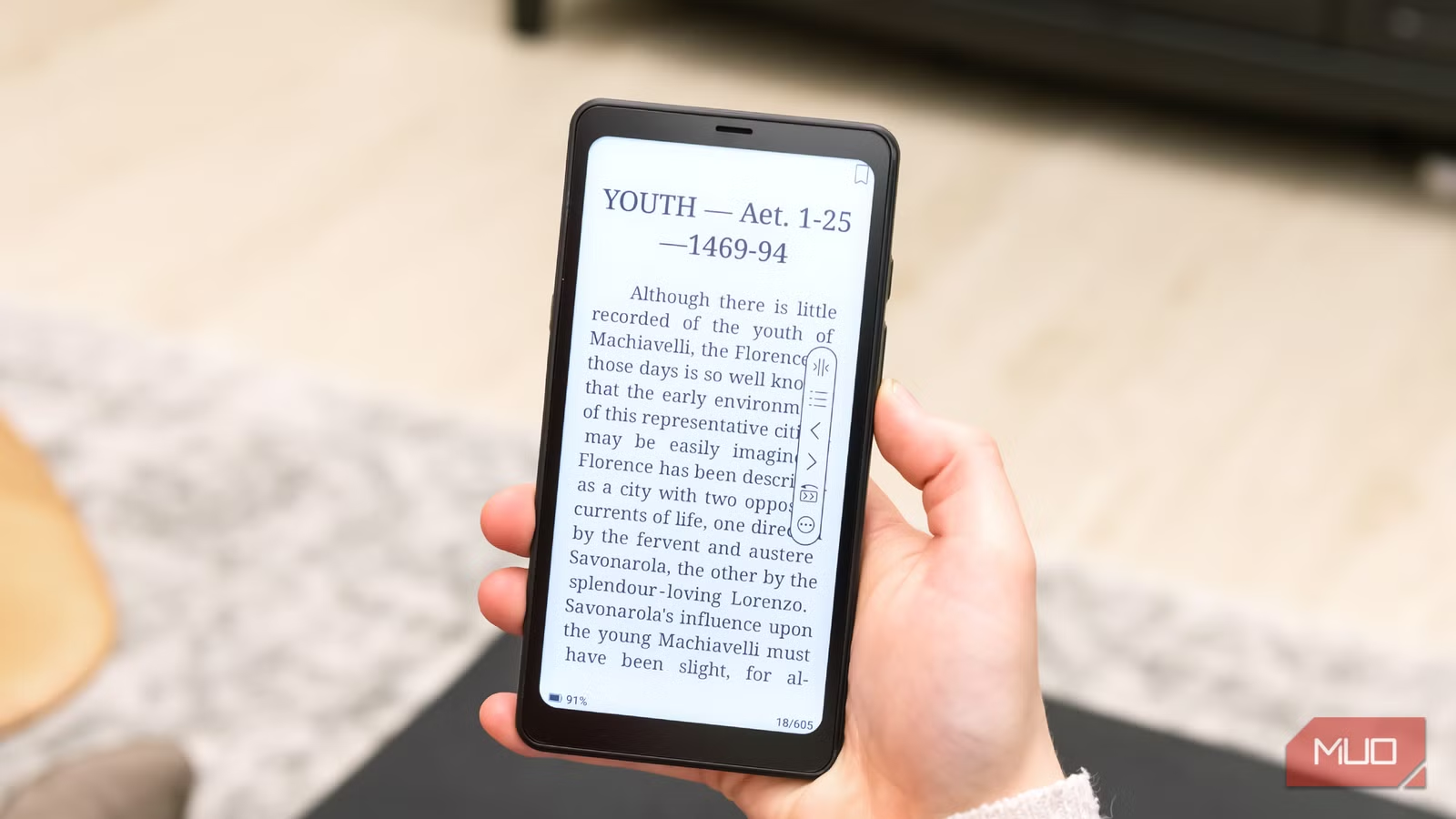
Public libraries have offered digital lending for years. Most people don't know about it or assume it's complicated. It's not. If you have a library card, you can borrow ebooks and audiobooks through apps like Libby, Hoopla, and cloudLibrary.
The process mirrors physical library lending. You browse the catalog, check out a book, and read it on your phone, tablet, or e-reader. After the loan period ends (usually 14-21 days), the book automatically returns itself. No late fees. No forgetting to bring it back.
How to Get Started With Libby
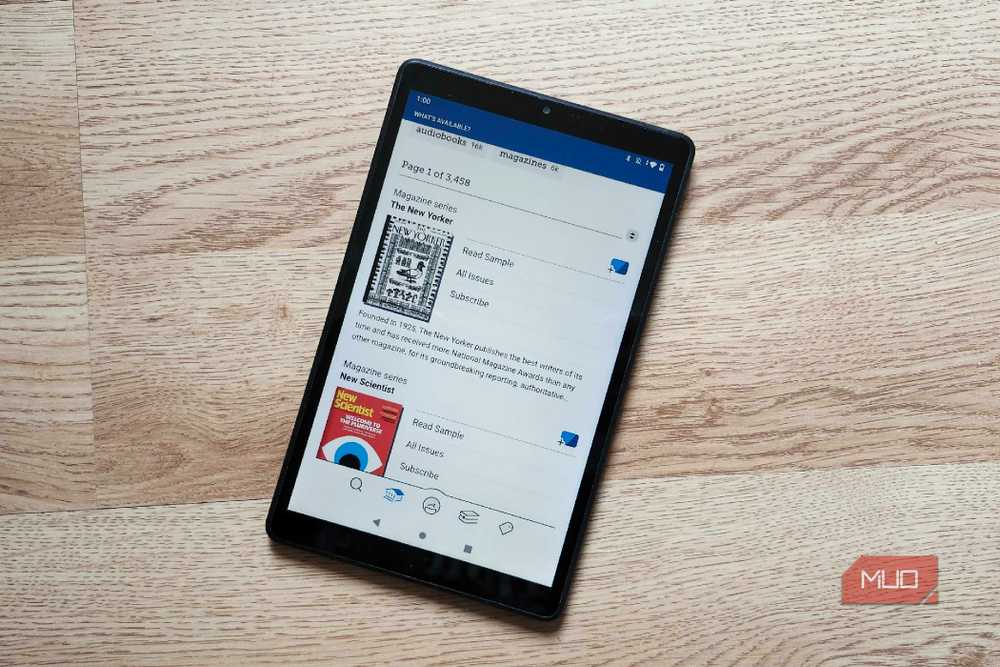
Libby is the most popular digital library app. It's made by OverDrive, which powers digital lending for 90% of US public libraries. Here's how to set it up:
- Download Libby from the App Store or Google Play (it's free)
- Open the app and tap 'Find My Library'
- Enter your library card number and PIN
- Browse the catalog and borrow your first book
If you don't have a library card, most libraries let you sign up online. Some even issue digital-only cards. Check your local library's website.
The Multi-Library Hack
Popular titles often have waitlists. A new bestseller might have 50 people ahead of you. Power users get around this by holding cards from multiple library systems.
Many states let residents get cards from any public library in the state, not just their hometown. Some libraries offer non-resident cards for a small annual fee. Libby lets you link multiple cards and search all their catalogs at once.
Reddit's r/ebooks and r/libraries communities call this the 'Libby hack.' Check which library in your state or region has the shortest wait for a title you want, then borrow from there.
Other Free Ebook Sources
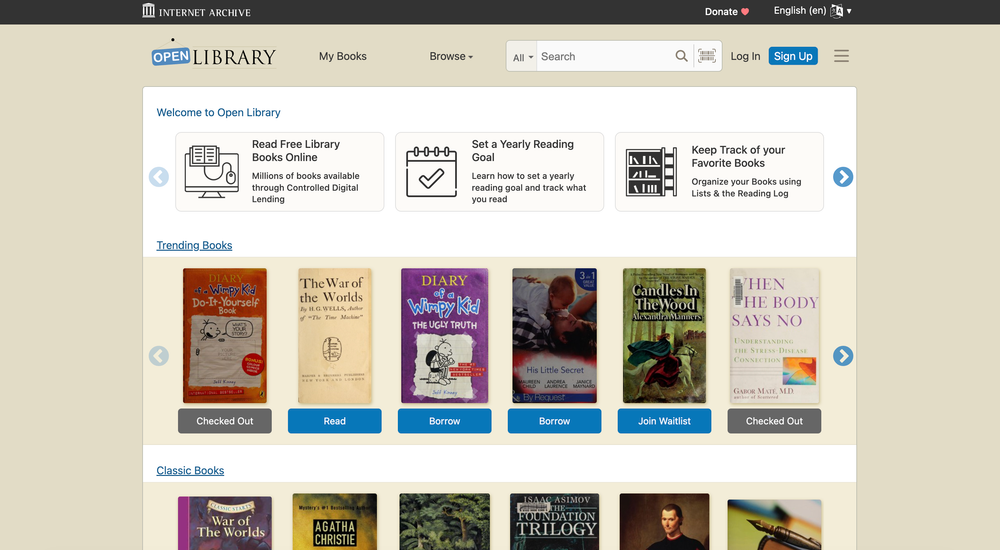
Libby isn't your only option. Open Library, run by the Internet Archive, lets anyone with a free account borrow from its collection of over 1.7 million titles. It works on a 'one copy, one user' model similar to physical library lending.
Project Gutenberg offers over 70,000 free ebooks, all public domain titles with no waitlists or due dates. Classic literature, historical texts, and older works are all available for permanent download.
Standard Ebooks takes Project Gutenberg a step further. It offers carefully formatted, proofread editions of public domain works. The typography and design quality rivals what you'd get from a paid publisher.
Why This Matters for E-Reader Owners
If you own a Kindle, you're locked into Amazon's ecosystem. Libby books can be sent directly to a Kindle, but the process is clunkier than buying from Amazon. This is by design.
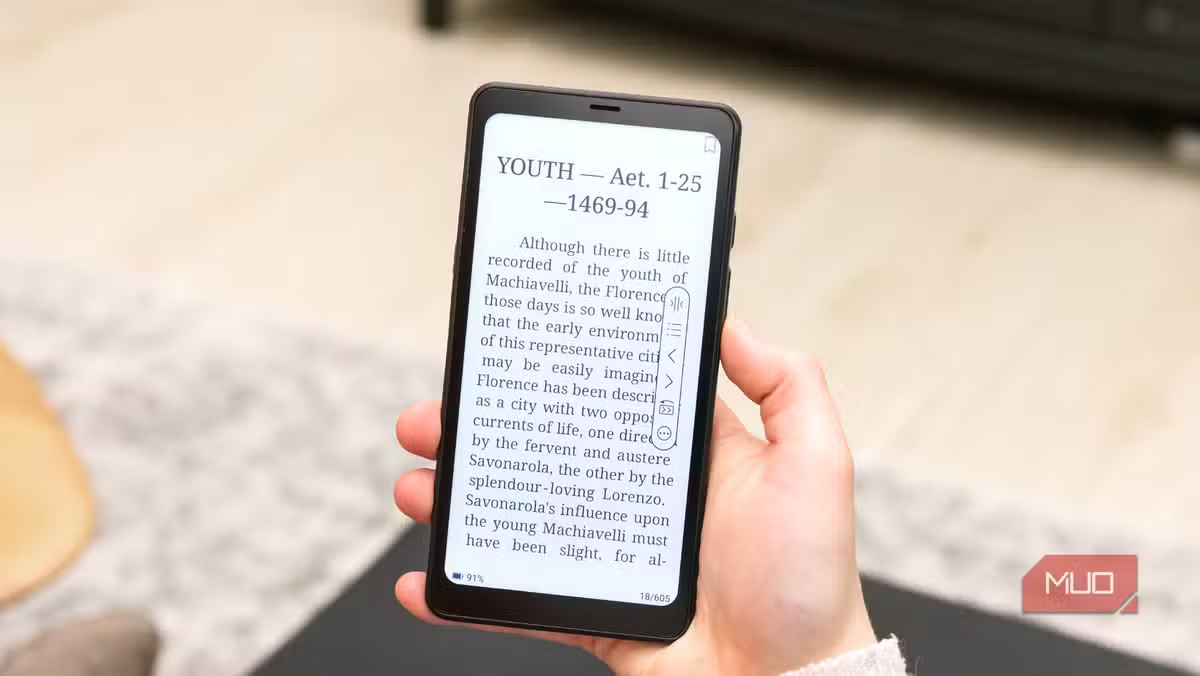
Android-based e-ink tablets like those from Boox or Kobo integrate with Libby natively. You can install the app directly and read library books without any workarounds. Linus Tech Tips recently pointed to Libby compatibility as a key reason to consider these alternatives over locked Amazon devices.
What Libraries Pay for Digital Lending
Library ebooks aren't actually free. Libraries pay for them, often far more than consumers pay for retail copies. A typical ebook license costs libraries $60 or more and expires after a set number of checkouts, usually 26.
When you borrow a digital book, you're demonstrating demand. This helps libraries justify their digital lending budgets to local government. Your checkout is a vote for keeping these services funded.
“When you check out a digital book, you aren't just reading for free; you are actively demonstrating the value of your local library to your municipality.”
— Anonymous Public Librarian via BookTok
The DRM Difference
Library apps still use DRM. They have to. The software ensures you can't keep a book past its loan period. But this DRM serves a different purpose than retail DRM.
Retail DRM protects corporate profits and restricts what you do with things you paid for. Library DRM enables a public good. It lets libraries lend digital items at scale while respecting copyright. The book returns automatically, making room for the next borrower.
“The library is the last place in our society where you can exist without the expectation of spending money. Digital lending extends that essential public good to the palm of your hand.”
— Sarah Houghton, Library Director & Digital Services Advocate
Getting More From Your Library Card
Most library cards unlock more than ebooks. Check what your library offers:
- Audiobooks through Libby, Hoopla, or cloudLibrary
- Digital magazines through Libby's magazine section
- Streaming movies and TV through Hoopla or Kanopy
- Free access to LinkedIn Learning, language apps, or newspaper archives
- Museum passes and local attraction discounts
A library card might be the most valuable free subscription you're not using.
Logicity's Take
Frequently Asked Questions
Can I use Libby without a library card?
No. Libby requires a valid library card. Most public libraries let you sign up online for free if you live in their service area.
Do library ebooks work on Kindle?
Yes. Libby can send ebooks directly to your Kindle through Amazon. The process is slightly more involved than buying from Amazon but works reliably.
Why do library ebooks have waitlists?
Publishers require libraries to follow a 'one copy, one user' model. If a library owns two copies of a title, only two people can borrow it at once. Popular books often have long waitlists.
Is borrowing library ebooks legal?
Yes. Libraries pay publishers for digital lending licenses. Borrowing through Libby, Hoopla, or cloudLibrary is completely legal.
What happens when a library ebook loan expires?
The book automatically returns itself. You lose access to the file. No action needed, no late fees.
More free tools that respect your privacy
Need Help Implementing This?
Source: MakeUseOf
Manaal Khan
Tech & Innovation Writer
اقرأ أيضاً

رأي مغاير: كيف يؤثر اختراق الأمن الداخلي الأميركي على شركاتنا الخاصة؟
في ظل اختراق عقود الأمن الداخلي الأميركي مع شركات خاصة، نناقش تأثير هذا الاختراق على مستقبل الأمن السيبراني. نستعرض الإحصاءات الموثوقة ونناقش كيف يمكن للشركات الخاصة أن تتعامل مع هذا التهديد. استمتع بقراءة هذا التحليل العميق

الإنسان في زمن ما بعد الوجود البشري: نحو نظام للتعايش بين الإنسان والروبوت - Centre for Arab Unity Studies
في هذا المقال، سنناقش كيف يمكن للبشر والروبوتات التعايش في نظام متكامل. سنستعرض التحديات والحلول المحتملة التي تضعها شركات مثل جوجل وأمازون. كما سنلقي نظرة على التوقعات المستقبلية وفقًا لتقرير ماكنزي

إطلاق ناسا لمهمة مأهولة إلى القمر: خطوة تاريخية نحو استكشاف الفضاء
تعتبر المهمة الجديدة خطوة هامة نحو استكشاف الفضاء وتطوير التكنولوجيا. سوف تشمل المهمة إرسال رواد فضاء إلى سطح القمر لconducting تجارب علمية. ستسهم هذه المهمة في تطوير فهمنا للفضاء وتحسين التكنولوجيا المستخدمة في استكشاف الفضاء.