How a $50 Fire Tablet Became a Distraction-Free Writing Machine
Key Takeaways
- Sideloading Google Play Store on Fire tablets unlocks writing apps unavailable in Amazon's store
- A Bluetooth keyboard case turns the tablet into a laptop-like writing terminal for about $50
- Markdown editors like Obsidian work well on Fire tablets for note-taking and drafting
The Problem With Writing on Connected Devices
Every writer knows the feeling. You sit down to work, open your laptop, and three hours later you've checked email seventeen times, scrolled through news feeds, and written exactly zero words. The same device that enables your work actively sabotages it.
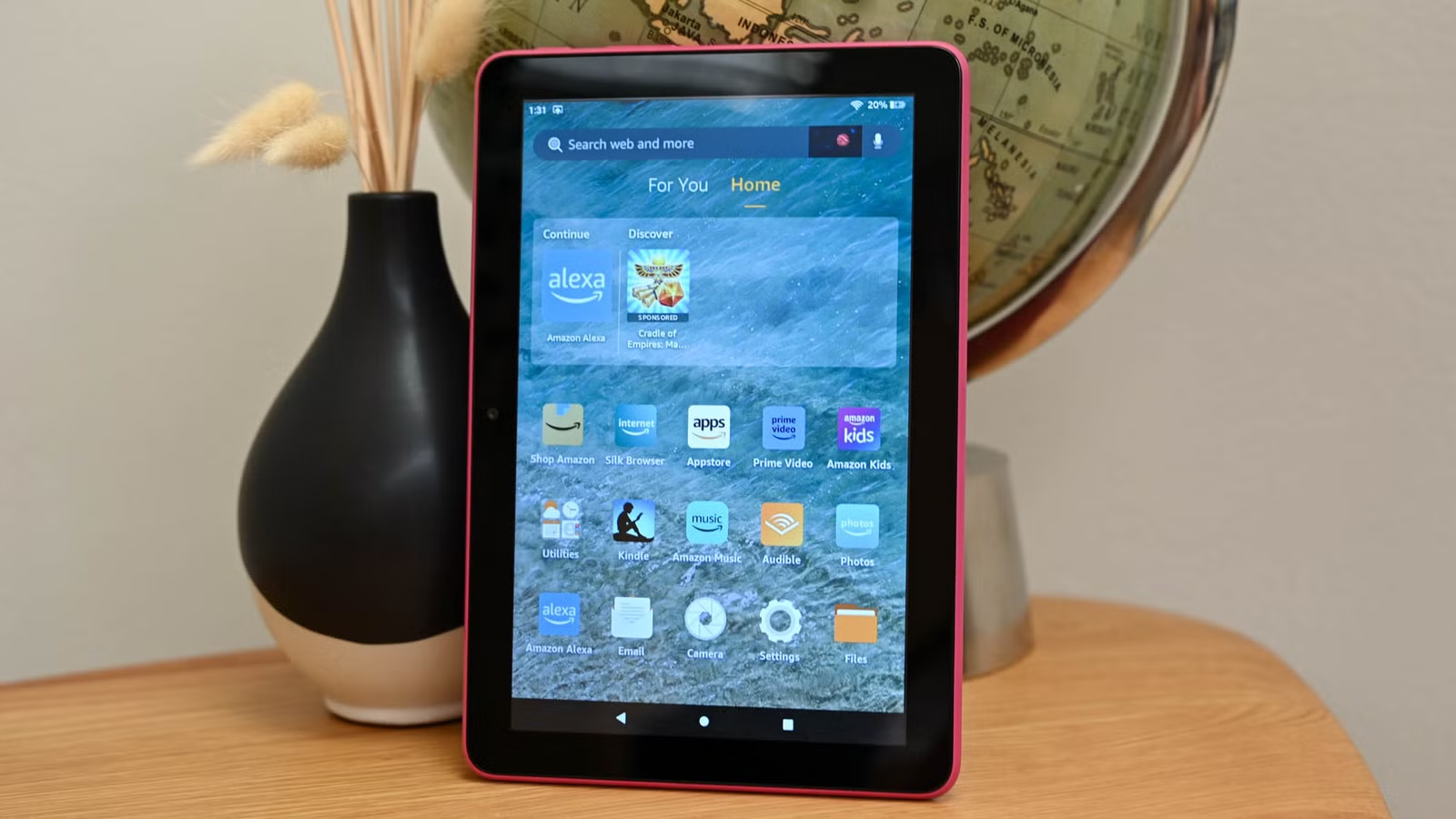
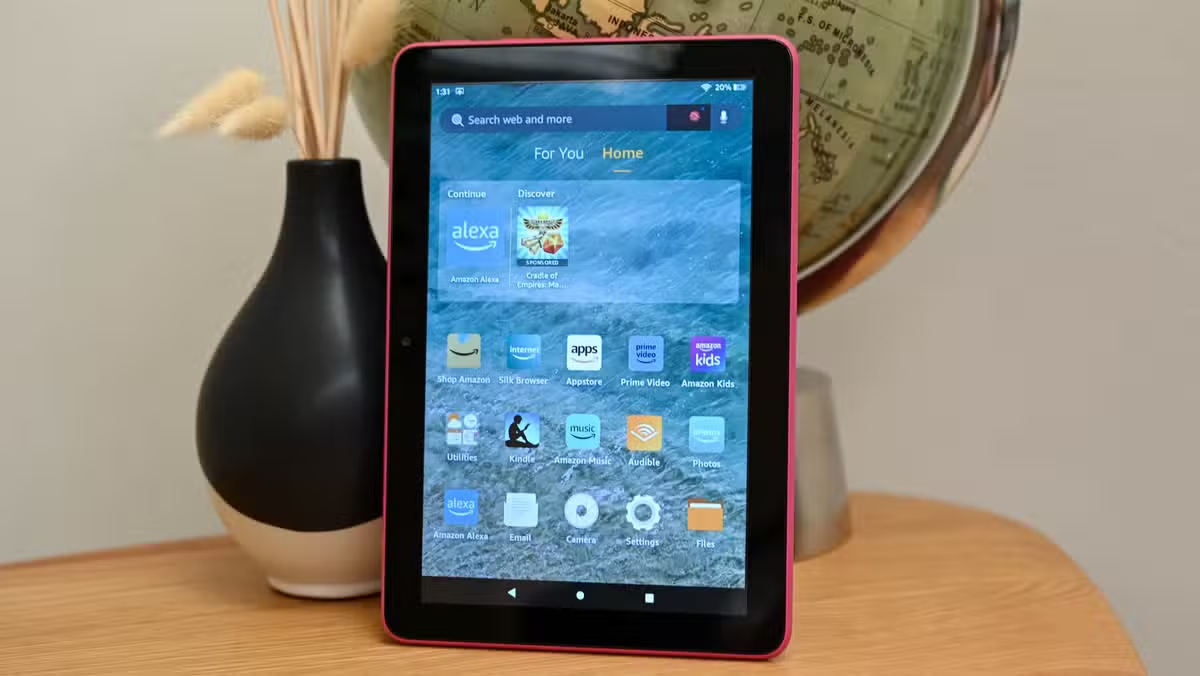
Tech writer David J. Buck found a solution in an unlikely place: a budget Amazon Fire tablet he'd had lying around. By combining it with a Bluetooth keyboard case and some sideloaded apps, he built what he calls "the ultimate distraction-free writing terminal." The total cost? About $50 for the keyboard case, assuming you already have a Fire tablet gathering dust.
Step One: Escape Amazon's Walled Garden
Fire tablets run a modified version of Android, but Amazon locks them to its own app store. That store lacks many popular writing and productivity apps. The workaround is straightforward: sideload the Google Play Store.
This process involves downloading a few APK files and installing them in a specific order. It's not officially supported by Amazon, but it's well-documented and takes about 15 minutes. Once complete, you have access to the full Android app ecosystem.
The Hardware: A Keyboard Case That Actually Works
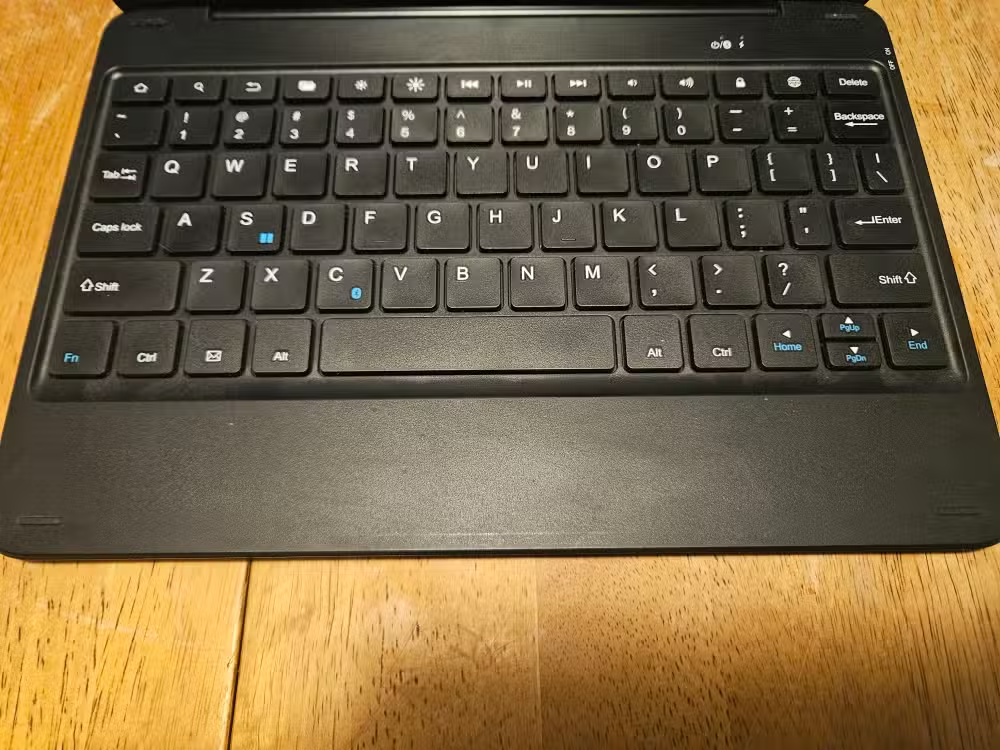
Buck bought a combination Bluetooth keyboard and case from a company called FINTIE back in 2021. The product name is a mouthful: "Made for Amazon Bluetooth Keyboard with detachable case in Black, 2021 Edition." It cost about $50 at the time.
Five years later, it still works. The case props up the tablet at a comfortable viewing angle while the keyboard provides actual physical keys. It's not mechanical, but Buck notes the keys have enough weight to provide satisfying tactile feedback while typing.
The durability has been tested thoroughly. "I have the gracefulness of Curly Joe from The Three Stooges," Buck writes, "and this thing has taken plenty of falls." For dedicated writing sessions, this transforms a cheap tablet into something that feels like a small laptop.
The Software: Markdown and Obsidian
With Google Play Store access, the app choices expand dramatically. Buck relies heavily on Obsidian, the markdown-based note-taking app that's developed a cult following among writers, researchers, and productivity enthusiasts.
Obsidian works as a "second brain" system. It stores notes as plain text markdown files, links them together, and syncs across devices. On the Fire tablet, Buck uses it for outlining, storing research links, and drafting. The markdown formatting means he can export to nearly any format later.
Expand your Obsidian setup with these productivity-boosting plugins

Why This Works Better Than a Laptop
The Fire tablet's limitations become features in this context. It's slow enough that you won't want to run multiple apps. The screen is too small for comfortable split-screen multitasking. Battery life is excellent because you're not running power-hungry software.
Most importantly, you can leave it disconnected from the internet entirely. No notifications. No email temptation. No browser tabs calling to you. Just the text editor and your thoughts.
Buck reports the setup has been "amazing for my productivity, reducing anxiety, and helping me stay focused." That tracks with research on how digital distractions fragment attention and increase stress. Sometimes the best tool is the one that does less.
What You Need to Replicate This
- An Amazon Fire tablet (any recent model works; older ones may be slower but still functional)
- A Bluetooth keyboard case (the FINTIE model Buck uses, or similar alternatives around $30-50)
- About 30 minutes to sideload Google Play Store
- A markdown editor like Obsidian, JotterPad, or PureWriter
If you have an old Fire tablet from a Prime Day sale sitting unused, this repurposes it into something genuinely useful. The keyboard case is the only real expense, and decent options exist at various price points.
Logicity's Take
The Bigger Picture
Buck's setup reflects a broader trend: people deliberately choosing less capable devices for specific tasks. Dedicated e-readers. Distraction-free writing tools like the Freewrite. Dumbphones for digital detox. The appeal is the same. Constraints force focus.
For anyone whose job involves sustained creative work, the Fire tablet approach offers a cheap experiment. The worst case? You spent $50 on a keyboard case for a tablet you weren't using anyway. The best case? You found the writing environment that finally lets you finish that draft.
Frequently Asked Questions
Is sideloading Google Play Store on a Fire tablet safe?
The process is safe if you follow established guides and download APKs from trusted sources. It's not officially supported by Amazon, but it doesn't void your warranty or brick your device.
Which Fire tablet model works best for writing?
Any recent Fire HD 8 or Fire HD 10 works well. Newer models are faster, but even older ones handle text editing without issues. The Fire HD 8 offers better portability while the HD 10 provides more screen space.
Can you use Obsidian on Fire tablets?
Yes, after sideloading Google Play Store. Obsidian runs well on Fire tablets and syncs with your other devices if you use Obsidian Sync or a third-party solution like Syncthing.
What Bluetooth keyboards work with Fire tablets?
Most Bluetooth keyboards work with Fire tablets. Combination keyboard-case units from FINTIE, Logitech, and Amazon Basics are popular choices that also prop up the tablet at a viewing angle.
Does the Fire tablet need internet for distraction-free writing?
No. Once your apps are installed, you can keep the tablet in airplane mode. This eliminates notifications and internet temptations while preserving battery life.
Need Help Implementing This?
Source: How-To Geek
Huma Shazia
Senior AI & Tech Writer
اقرأ أيضاً

رأي مغاير: كيف يؤثر اختراق الأمن الداخلي الأميركي على شركاتنا الخاصة؟
في ظل اختراق عقود الأمن الداخلي الأميركي مع شركات خاصة، نناقش تأثير هذا الاختراق على مستقبل الأمن السيبراني. نستعرض الإحصاءات الموثوقة ونناقش كيف يمكن للشركات الخاصة أن تتعامل مع هذا التهديد. استمتع بقراءة هذا التحليل العميق

الإنسان في زمن ما بعد الوجود البشري: نحو نظام للتعايش بين الإنسان والروبوت - Centre for Arab Unity Studies
في هذا المقال، سنناقش كيف يمكن للبشر والروبوتات التعايش في نظام متكامل. سنستعرض التحديات والحلول المحتملة التي تضعها شركات مثل جوجل وأمازون. كما سنلقي نظرة على التوقعات المستقبلية وفقًا لتقرير ماكنزي

إطلاق ناسا لمهمة مأهولة إلى القمر: خطوة تاريخية نحو استكشاف الفضاء
تعتبر المهمة الجديدة خطوة هامة نحو استكشاف الفضاء وتطوير التكنولوجيا. سوف تشمل المهمة إرسال رواد فضاء إلى سطح القمر لconducting تجارب علمية. ستسهم هذه المهمة في تطوير فهمنا للفضاء وتحسين التكنولوجيا المستخدمة في استكشاف الفضاء.