Darktable vs Lightroom: Is $120/Year Worth It?
Key Takeaways
- Darktable is free, open-source, and runs on Windows, Linux, and macOS with no subscription required
- The app includes AgX tone mapping, capture sharpening, and multi-workspace support comparable to Lightroom
- Darktable prioritizes control over convenience, built by photographers who want to extract maximum quality from RAW files
Adobe's Subscription Fatigue Is Real
Lightroom used to be a one-time purchase. Those days are gone. Now you pay $10 per month, or $120 per year, and Adobe bumps that price every few years. For photographers who edit occasionally, that math stops making sense.
The frustration isn't just about money. It's about being locked into a subscription where your edits live in Adobe's ecosystem. Stop paying, and your workflow breaks. For hobbyists and even some professionals, that dependency feels less like a service and more like a trap.
Darktable: The Free Alternative That Actually Works
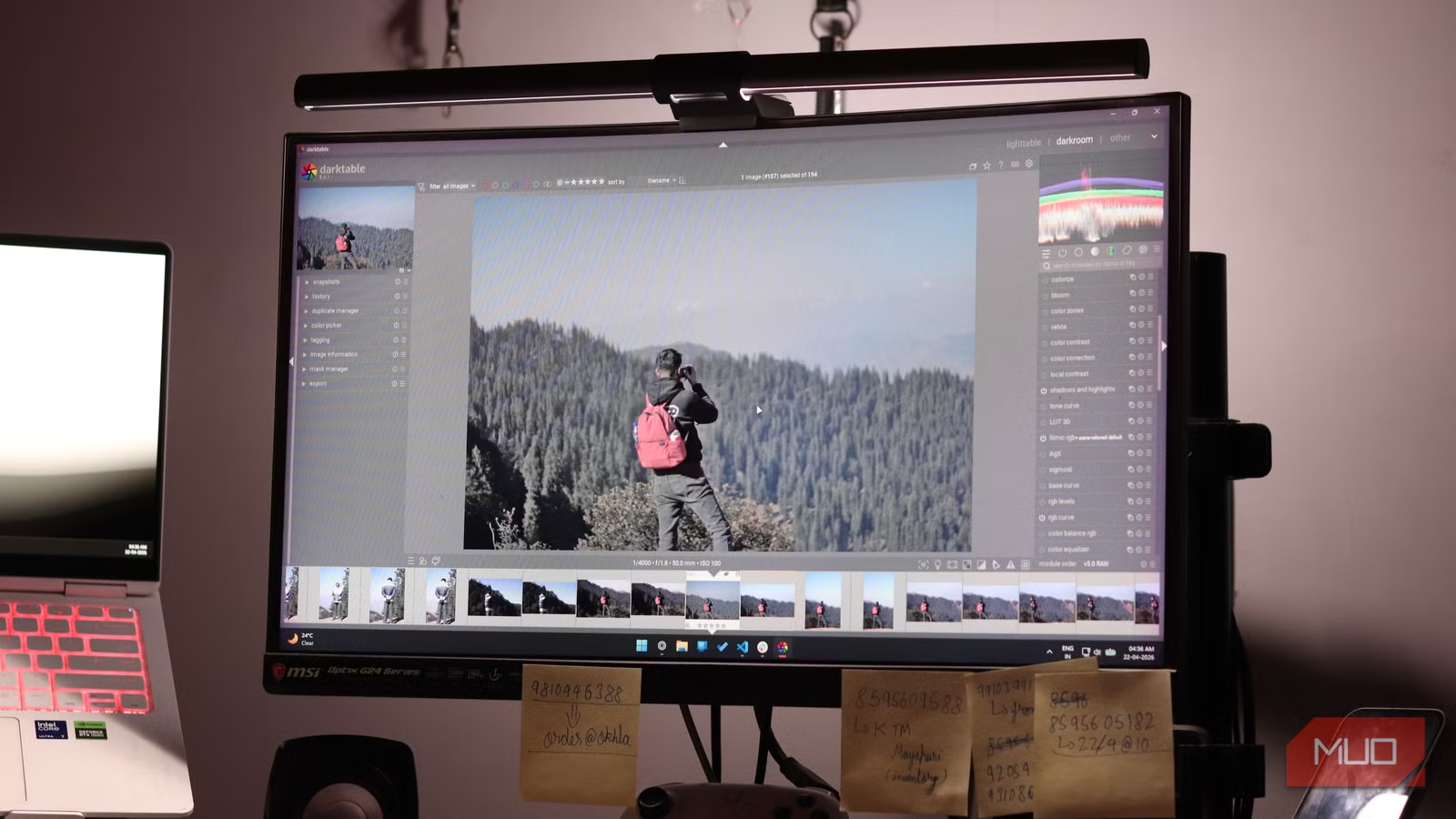
Darktable is a free, open-source RAW editor that runs on Windows, Linux, and macOS. It's been quietly building a reputation as the most capable Lightroom alternative available without spending a dime.
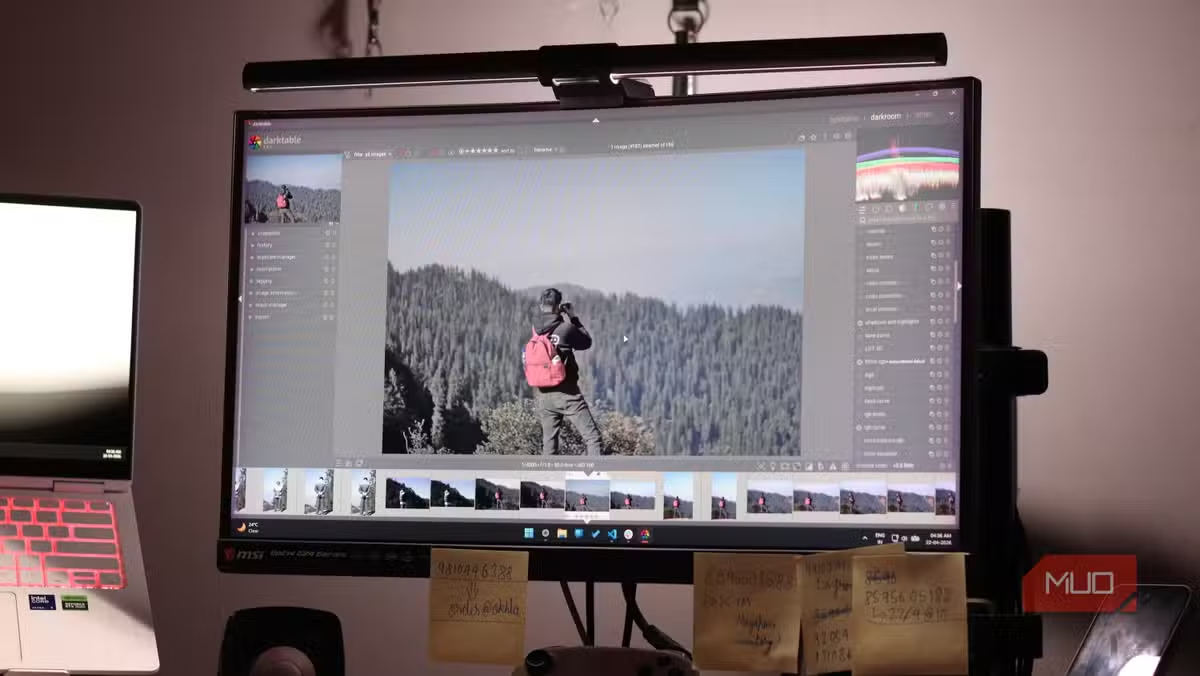
The feature set is serious. AgX tone mapping. Capture sharpening. Multi-workspace support. Most of the tools you'd expect in professional photo editing software are here. No subscriptions, no cloud lock-in, no payment gates that suddenly block your edits.
Different Philosophy, Not Just Different Price
Darktable's developers are explicit about one thing: they're not building a Lightroom clone. They're not chasing feature parity with Adobe. Instead, they're creating a tool for photographers who want control over convenience.
This is software built by photographers, for photographers. It's designed for people who obsess over extracting every ounce of quality from their shots. If you want one-click presets and AI-powered auto-adjustments, Darktable might frustrate you. If you want granular control over every parameter in your RAW files, it delivers.
| Feature | Adobe Lightroom | Darktable |
|---|---|---|
| Price | $120/year subscription | Free, forever |
| Platform | Windows, macOS | Windows, macOS, Linux |
| RAW Processing | Yes | Yes |
| Tone Mapping | Standard curves | AgX tone mapping |
| Cloud Storage | Adobe Creative Cloud | None (local only) |
| Learning Curve | Moderate | Steeper |
| Open Source | No | Yes |
What You Give Up
The switch isn't painless. Darktable's interface takes time to learn. It doesn't hold your hand the way Lightroom does, and the community resources, while growing, aren't as extensive as Adobe's massive support ecosystem.
You also lose Adobe's cloud sync. If you edit across multiple devices or rely on Lightroom's mobile app for quick adjustments, Darktable's local-only approach requires rethinking your workflow. For photographers who shoot and edit on a single machine, this isn't an issue. For those with complex multi-device setups, it's a real consideration.
✅ Pros
- • Completely free with no subscription or payment gates
- • Professional-grade RAW processing tools
- • Runs on Linux in addition to Windows and macOS
- • No cloud lock-in or vendor dependency
❌ Cons
- • Steeper learning curve than Lightroom
- • No cloud sync or mobile app
- • Smaller community and fewer tutorials available
- • Interface can feel less polished
Who Should Make the Switch
Darktable makes the most sense for photographers who edit on a single computer and want maximum control over their RAW files. Hobbyists tired of subscription fees will find immediate relief. So will Linux users who've been locked out of Lightroom entirely.
Professional photographers with established Lightroom workflows face a harder choice. The savings are real, but so is the time investment in learning new software and potentially reworking presets and processes.
More open-source alternatives to mainstream software
The Bottom Line
Darktable proves that professional photo editing doesn't require a subscription. The trade-off is convenience for control, polished UX for raw capability. For many photographers, that's a trade worth making. Adobe's pricing keeps climbing. Darktable remains free.
Logicity's Take
Frequently Asked Questions
Is Darktable as good as Lightroom?
For RAW processing and photo editing, Darktable offers comparable professional tools. The interface is different and has a steeper learning curve, but the core editing capabilities are on par with Lightroom.
Can Darktable open Lightroom files?
Darktable can open the same RAW file formats that Lightroom uses, but it cannot import Lightroom catalogs or edit settings. You'd need to re-edit photos in Darktable's workflow.
Does Darktable work on Mac?
Yes, Darktable runs on macOS, Windows, and Linux. It's one of the few professional photo editors with native Linux support.
Is Darktable safe to download?
Yes, Darktable is open-source software with publicly available code. Download it from the official darktable.org website to ensure you're getting the legitimate version.
Why is Darktable free?
Darktable is developed by volunteers as an open-source project. There's no company behind it charging for subscriptions. Development is funded by donations and community contributions.
Need Help Implementing This?
Source: MakeUseOf
Manaal Khan
Tech & Innovation Writer
اقرأ أيضاً

رأي مغاير: كيف يؤثر اختراق الأمن الداخلي الأميركي على شركاتنا الخاصة؟
في ظل اختراق عقود الأمن الداخلي الأميركي مع شركات خاصة، نناقش تأثير هذا الاختراق على مستقبل الأمن السيبراني. نستعرض الإحصاءات الموثوقة ونناقش كيف يمكن للشركات الخاصة أن تتعامل مع هذا التهديد. استمتع بقراءة هذا التحليل العميق

الإنسان في زمن ما بعد الوجود البشري: نحو نظام للتعايش بين الإنسان والروبوت - Centre for Arab Unity Studies
في هذا المقال، سنناقش كيف يمكن للبشر والروبوتات التعايش في نظام متكامل. سنستعرض التحديات والحلول المحتملة التي تضعها شركات مثل جوجل وأمازون. كما سنلقي نظرة على التوقعات المستقبلية وفقًا لتقرير ماكنزي

إطلاق ناسا لمهمة مأهولة إلى القمر: خطوة تاريخية نحو استكشاف الفضاء
تعتبر المهمة الجديدة خطوة هامة نحو استكشاف الفضاء وتطوير التكنولوجيا. سوف تشمل المهمة إرسال رواد فضاء إلى سطح القمر لconducting تجارب علمية. ستسهم هذه المهمة في تطوير فهمنا للفضاء وتحسين التكنولوجيا المستخدمة في استكشاف الفضاء.