Browser fingerprinting bypasses VPNs to track 85% of users
Key Takeaways
- 85% of browsers have unique fingerprints that persist even with VPN protection enabled
- VPNs only mask IP addresses while fingerprinting reads 30+ device signals your browser exposes
- Devices can be re-identified with 99% probability after clearing cookies and switching VPN servers
Browser fingerprinting can identify 85% of users even when they're connected to a VPN. The tracking technique ignores your masked IP address entirely, instead reading dozens of signals your browser broadcasts on every page load: your GPU, installed fonts, screen resolution, timezone, and CPU core count. According to new research, trackers can re-identify your device with 99% probability even after you clear cookies and switch VPN exit nodes.
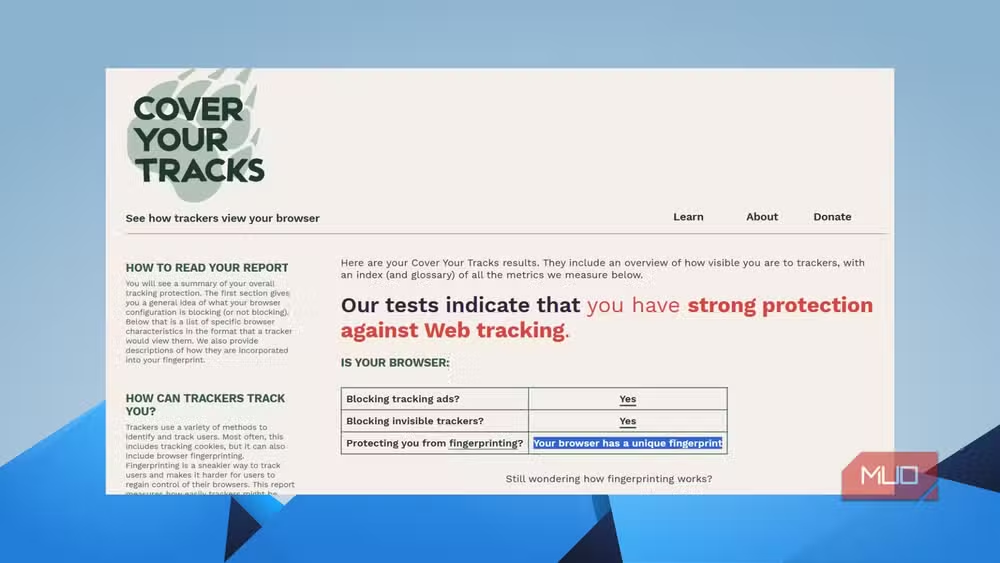
The Electronic Frontier Foundation's Cover Your Tracks tool demonstrates the problem in real time. Run the test with your VPN on, and you'll likely see your browser has a "nearly unique fingerprint among millions tested." The VPN is working perfectly. It's just not protecting you from this.
What data does browser fingerprinting collect?
Every time you load a webpage, your browser announces details about itself before you interact with anything. Fingerprinting scripts collect and combine these signals to create a profile unique to your device.
- Browser type, version, and installed plugins
- Operating system and version
- Screen resolution and color depth
- Installed fonts (this alone can narrow you down significantly)
- Canvas and WebGL rendering output from your GPU
- AudioContext fingerprint
- CPU core count and available memory
- Timezone and language settings
Individually, each data point is mundane. Millions of people run Windows 11. Millions use Chrome. But the combination of your specific Chrome version, with your specific font library, on your specific screen resolution, rendered by your specific GPU, in your specific timezone starts eliminating candidates fast. By the time a script aggregates 30 or 40 of these signals, the intersection is often a set of one: you.
Why VPNs can't stop fingerprinting
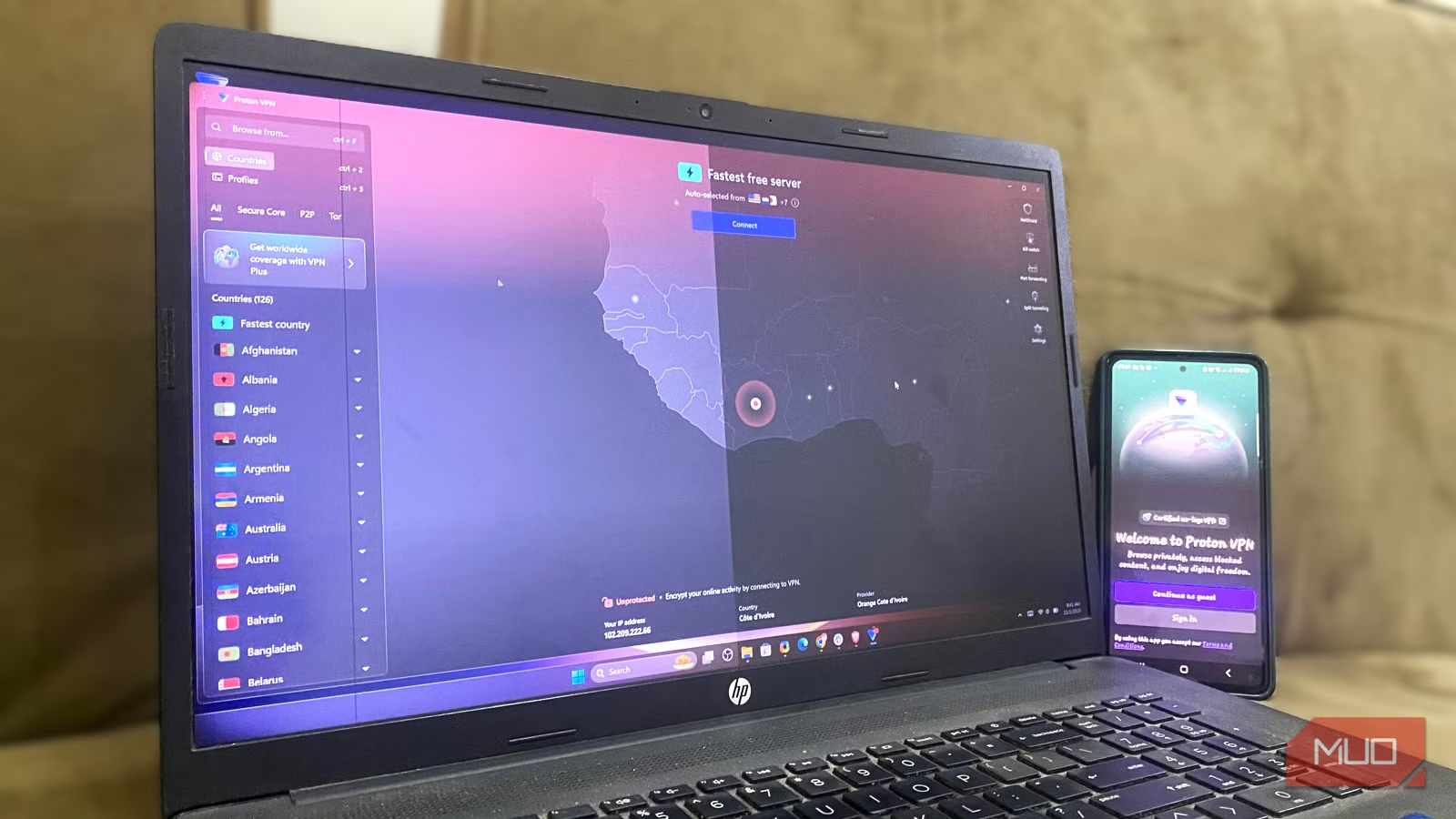
A VPN does one job well: it routes your traffic through an intermediary server so websites see that server's IP address instead of yours. This protects you from your ISP logging your destinations and prevents basic IP-based geolocation. That's valuable. But it's also the extent of what VPNs do.
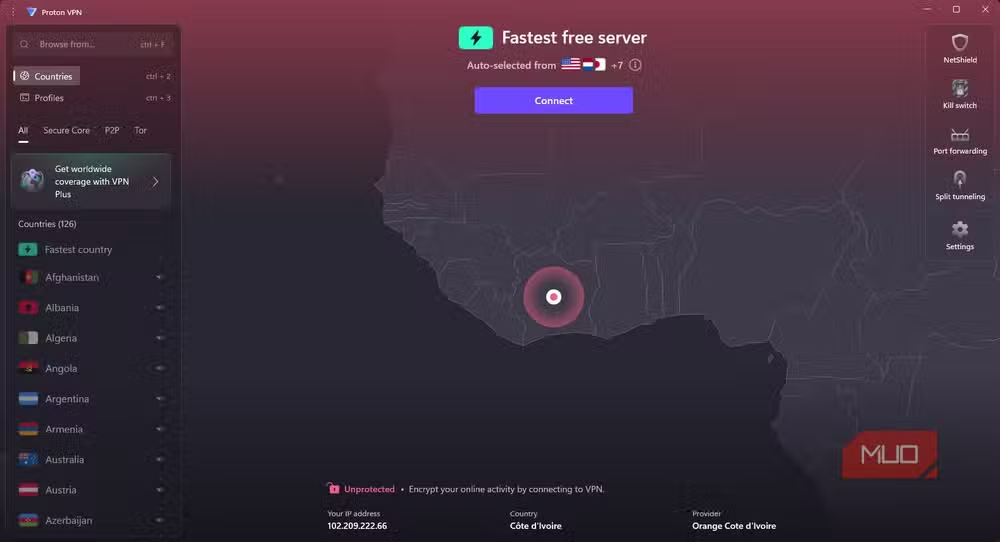
Browser fingerprinting doesn't need your IP. When you connect to a website, your browser still sends all its configuration data directly. Your fonts, GPU, screen size, and plugin list originate from your physical device, not from the VPN tunnel. The VPN sits between you and the network, not between your browser and itself.
Incognito mode doesn't help either. Private browsing prevents your browser from saving history and cookies locally. It doesn't change what your browser tells websites about your hardware. Open an incognito window with a VPN running, and your fingerprint remains identical.
How trackers link sessions across networks
The most troubling aspect of fingerprinting is its persistence. Cookies can be deleted. IP addresses change when you switch networks or VPN servers. But your device's hardware configuration stays constant. If you browse from home in the morning and from a coffee shop in the afternoon, both on different VPN exit nodes, your fingerprint ties those sessions together.
Privacy advocates on Reddit's r/privacy community have grown increasingly vocal about this gap. The consensus among power users is blunt: standard commercial VPNs are not privacy tools in the comprehensive sense most buyers assume. They're network security tools with a narrow but useful scope.

What actually reduces your fingerprint
True anti-fingerprinting requires changing what your browser reports, not just where your traffic exits. A few approaches work, each with tradeoffs.
Tor Browser standardizes signals across all users so everyone looks alike. The downside is speed and site compatibility. Many websites block Tor exit nodes outright.
Brave implements "farbling," which randomizes certain fingerprinting signals on every session. Brave's team recently updated their canvas fingerprinting protections to inject subtle noise into rendering output, making it harder to build a stable identifier. The tradeoff is occasional visual glitches on sites that rely on precise canvas rendering.

Firefox offers Enhanced Tracking Protection with an option to block known fingerprinting scripts. It's less aggressive than Tor or Brave but preserves more compatibility. Hardening Firefox further requires manual about:config changes that most users won't make.
Anti-detect browsers used by marketers and privacy enthusiasts spoof device signals entirely. They let you create multiple browser profiles with different fake fingerprints. But these are niche tools, not mainstream solutions.

The web compatibility problem
Mainstream browsers prioritize compatibility over privacy hardening. Chrome, Edge, and Safari need to work with millions of websites, many of which use fingerprinting signals for legitimate purposes: fraud detection, bot mitigation, and analytics. Aggressive blocking breaks these sites.
Google has explored Privacy Sandbox initiatives to reduce cross-site tracking while preserving some fingerprinting for security. But critics argue these efforts still favor advertising infrastructure over user privacy. Apple's Safari has implemented some fingerprinting resistance, but iOS's closed ecosystem limits how far third-party browsers can go.

The result is a stalemate. Users who want real fingerprinting protection must accept inconvenience. Those who want seamless browsing accept being tracked.
Logicity's Take
VPN marketing has created a false sense of security. Users pay for privacy but receive only partial network anonymity while their browser continues broadcasting a unique ID to every site they visit. The industry needs clearer labeling: VPNs are network security tools, not comprehensive anti-tracking solutions. Until browsers ship with meaningful fingerprinting resistance by default, the burden falls unfairly on technically sophisticated users who know to seek out hardened alternatives.
Another example of how companies collect and expose user data despite security assurances
Frequently Asked Questions
Does a VPN stop browser fingerprinting?
No. A VPN only masks your IP address. Browser fingerprinting reads device signals like GPU rendering, fonts, and screen resolution that your VPN cannot alter or hide.
Can I see my browser fingerprint?
Yes. The EFF's Cover Your Tracks tool at coveryourtracks.eff.org runs a free test showing how unique your browser is among millions of samples.
Does incognito mode prevent fingerprinting?
No. Private browsing only stops your browser from saving local history and cookies. It doesn't change the device information your browser sends to websites.
Which browser is best for avoiding fingerprinting?
Tor Browser offers the strongest protection by standardizing all users to look identical. Brave's farbling technique provides a more usable alternative that randomizes certain signals.
Is browser fingerprinting legal?
In most jurisdictions, yes. Unlike cookies, fingerprinting doesn't store data on your device, so it often falls outside consent requirements in regulations like GDPR, though enforcement is evolving.
Need Help Implementing This?
Want to audit your organization's fingerprinting exposure or implement privacy-respecting analytics? Reach out to our team at Logicity for guidance on balancing user privacy with legitimate security needs.
Source: MakeUseOf
Manaal Khan
Tech & Innovation Writer
اقرأ أيضاً

رأي مغاير: كيف يؤثر اختراق الأمن الداخلي الأميركي على شركاتنا الخاصة؟
في ظل اختراق عقود الأمن الداخلي الأميركي مع شركات خاصة، نناقش تأثير هذا الاختراق على مستقبل الأمن السيبراني. نستعرض الإحصاءات الموثوقة ونناقش كيف يمكن للشركات الخاصة أن تتعامل مع هذا التهديد. استمتع بقراءة هذا التحليل العميق

الإنسان في زمن ما بعد الوجود البشري: نحو نظام للتعايش بين الإنسان والروبوت - Centre for Arab Unity Studies
في هذا المقال، سنناقش كيف يمكن للبشر والروبوتات التعايش في نظام متكامل. سنستعرض التحديات والحلول المحتملة التي تضعها شركات مثل جوجل وأمازون. كما سنلقي نظرة على التوقعات المستقبلية وفقًا لتقرير ماكنزي

إطلاق ناسا لمهمة مأهولة إلى القمر: خطوة تاريخية نحو استكشاف الفضاء
تعتبر المهمة الجديدة خطوة هامة نحو استكشاف الفضاء وتطوير التكنولوجيا. سوف تشمل المهمة إرسال رواد فضاء إلى سطح القمر لconducting تجارب علمية. ستسهم هذه المهمة في تطوير فهمنا للفضاء وتحسين التكنولوجيا المستخدمة في استكشاف الفضاء.