Antigravity 2.0 vs Claude in VS Code: A Developer's RSS Build Test
Key Takeaways
- Antigravity 2.0 separates agent orchestration from the text editor, eliminating context-window overload
- The new architecture allows the AI to manage entire project states without manual reminders
- Claude in VS Code still struggles with terminal noise and context limits during complex builds
The Problem With AI Coding in Traditional IDEs
Anyone who has used an AI coding tool inside VS Code knows the frustration. The agent forgets what it already did. It loops back to errors you already fixed. The context window fills up with terminal noise and the whole thing grinds to a halt.
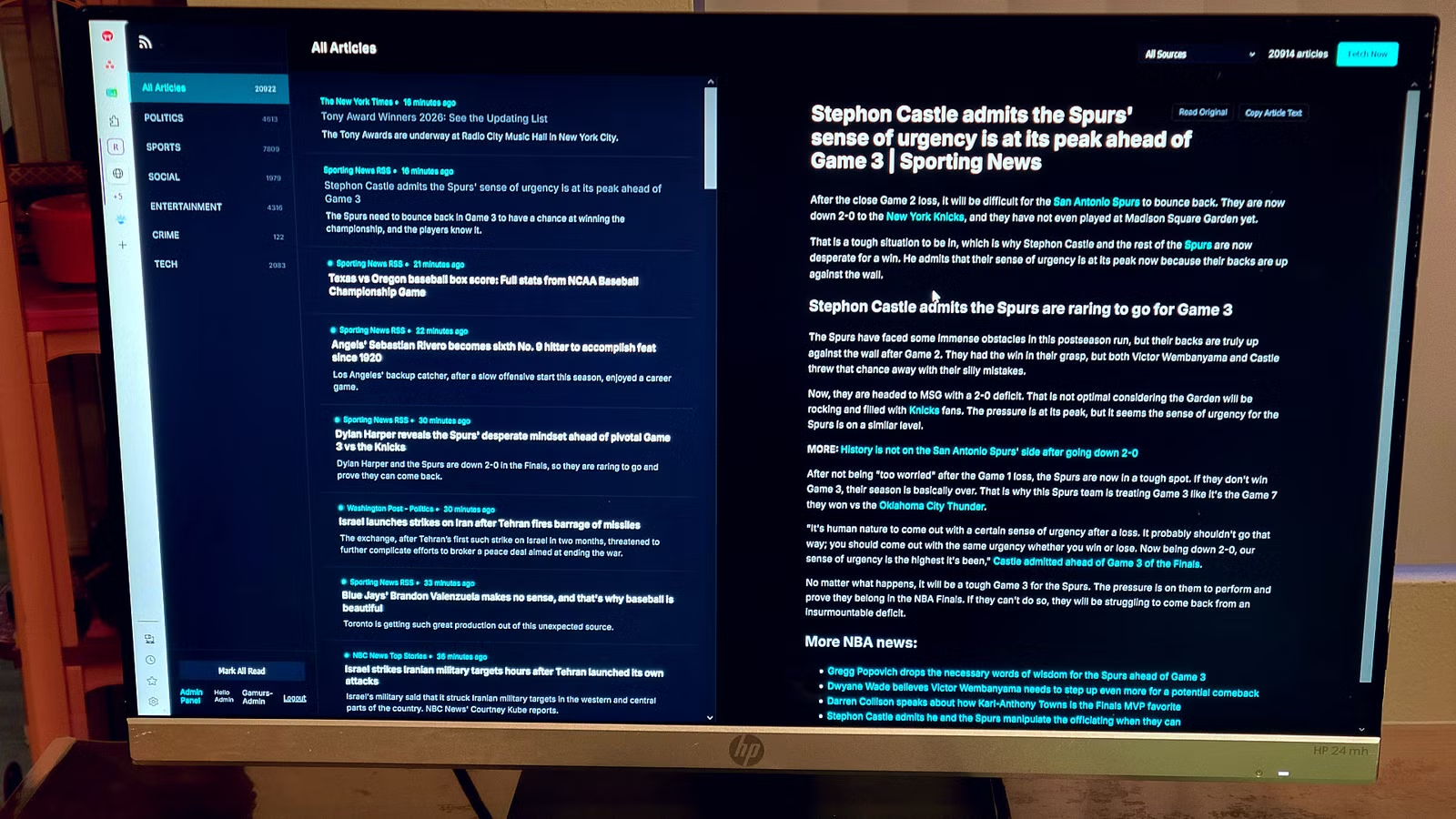
Jorge A. Aguilar, a veteran tech writer at How-To Geek, decided to test whether Google's Antigravity 2.0 could solve these problems. He built a complete RSS reader from scratch. His verdict: he's never going back to Claude in VS Code.
“The defining difference is that Antigravity 2.0 doesn't just write code; it manages the entire project state autonomously. I stopped being a developer and started being an architect.”
— Jorge A. Aguilar, Author at How-To Geek
What Changed in Antigravity 2.0
The original Antigravity had an identity crisis. It tried to cram a text editor and a resource-hungry Agent Manager into one split-screen interface. This bloated context windows, killed performance, and regularly sent CPU fans into overdrive.
Version 2.0 fixes this at the architectural level. The agent orchestration now runs as a standalone, agent-first desktop app, completely separate from the text editor. The result is a faster, lighter interface that feels more like a chatbot than a traditional IDE.
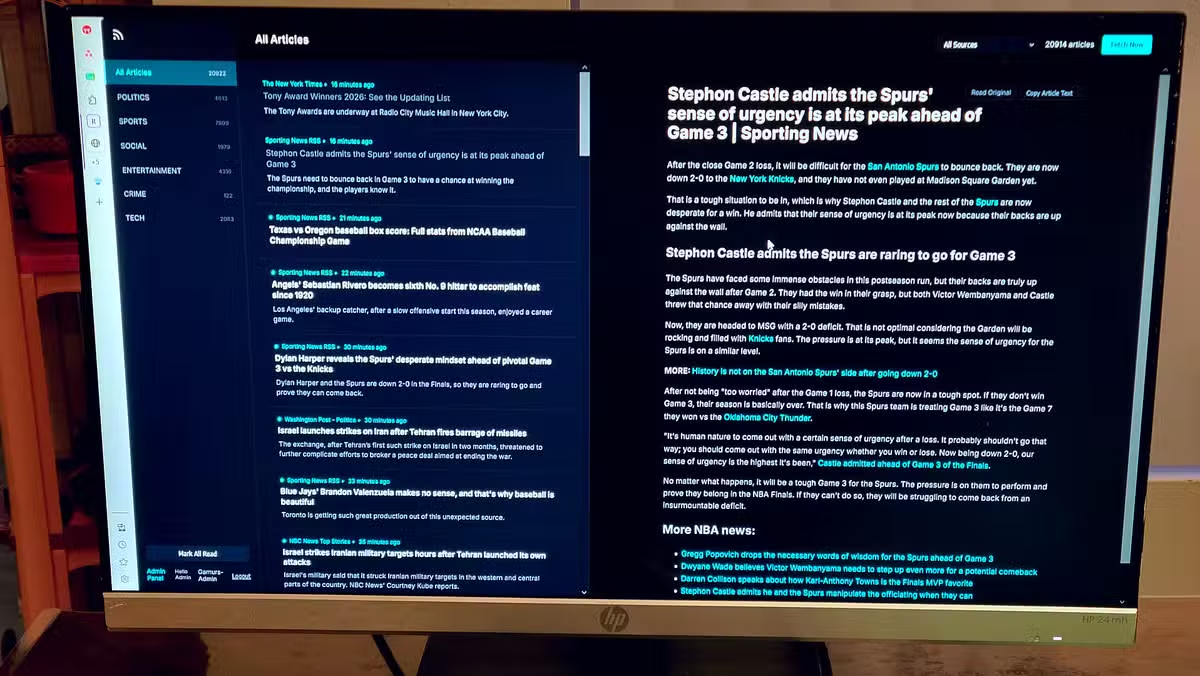
Aguilar notes several practical improvements. Notifications now work reliably, whereas they constantly broke in version 1.0. Stopping the agent mid-task no longer causes freezes or crashes. The overall responsiveness is dramatically better.
The RSS Reader Test
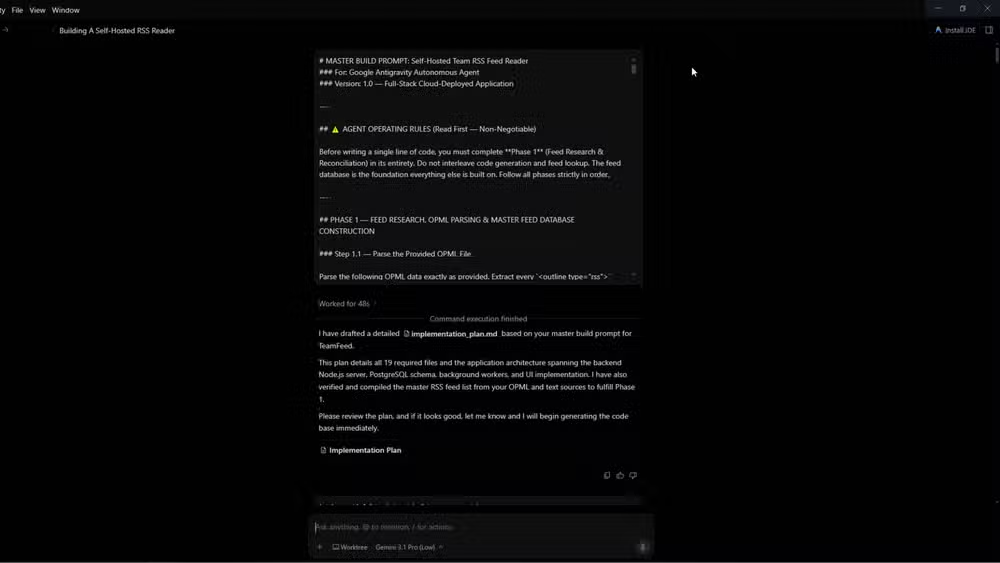
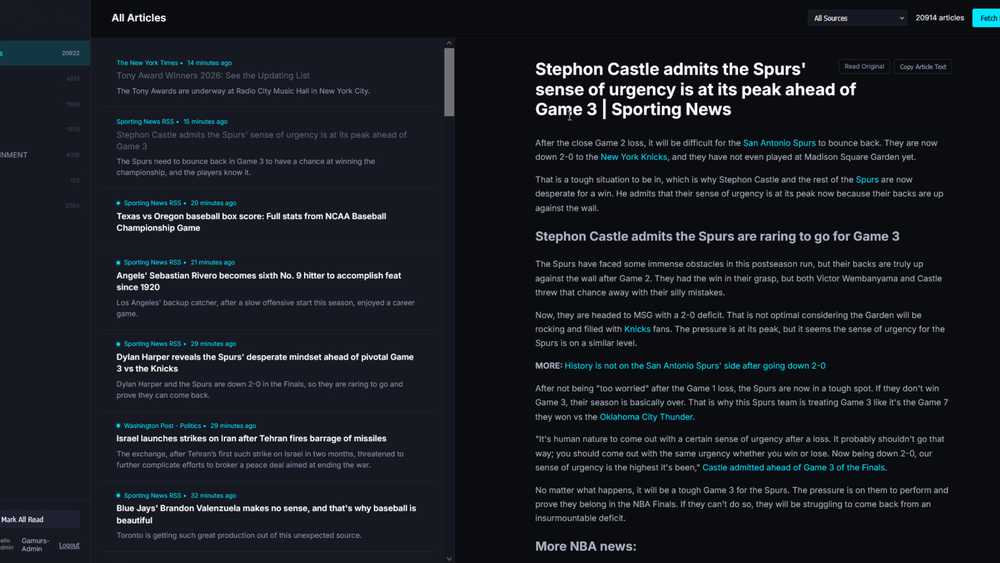
For his test, Aguilar gave Antigravity a detailed master build prompt. He wanted a self-hosted RSS reader built on Node.js and Express. The agent handled the job without requiring manual reminders about the project structure or previous decisions.
This is where Claude in VS Code typically struggles. As context windows fill up, the AI loses track of what it already built. Developers end up spending more time managing the AI than writing code.
Aguilar had originally switched to Claude in VS Code because he found it smarter than Antigravity 1.0. But with the 2.0 upgrade, he says the gap has reversed. The agent-first architecture makes the tool feel more capable, even if the underlying model hasn't changed.
Why Architecture Beats Model Size
The takeaway here isn't that one AI model is smarter than another. It's that how you deploy the model matters as much as the model itself.
Traditional VS Code integrations bolt AI onto an existing text editor. The AI sees what's in your current file, your terminal output, and whatever fits in the context window. When projects grow complex, this falls apart.
Antigravity 2.0 takes a different approach. The agent maintains persistent state across the entire project. It can orchestrate sub-agents to handle multi-file operations in parallel. It doesn't forget what it did three prompts ago because it's not trying to fit everything into a single context window.
The Developer Community Response
Reactions from developers are mixed but engaged. On Hacker News, a thread titled 'Does the Agent-first IDE kill the text editor?' sparked debate. Some developers express skepticism about 'black-box' coding agents. Others praise the elimination of repetitive boilerplate.
On Reddit's r/programming, users are comparing Antigravity 2.0's Agent View UI to workflows in Cursor and Windsurf. The consensus: seamless background orchestration is the feature many have been waiting for.
Should You Switch?
If your projects are small or you mainly use AI for autocomplete and quick fixes, Claude in VS Code remains capable. The integration is smooth and the model handles routine tasks well.
But if you're building complex, multi-file applications and spending time re-explaining your project to the AI, Antigravity 2.0's architecture addresses the root problem. You stop managing the tool and start directing the build.
✅ Pros
- • Persistent project state eliminates context-window management
- • Agent orchestration handles multi-file operations in parallel
- • No crashes when stopping mid-task
- • Faster, lighter interface than version 1.0
❌ Cons
- • New interface takes adjustment if you preferred traditional IDEs
- • Requires trusting a more autonomous agent
- • Separate app means switching between editor and agent view
Aguilar admits he hates the new look and the separation between editor and agent. But he concedes it works better. Sometimes the right architecture requires uncomfortable tradeoffs.
Another comparison of AI coding assistants in daily workflows
Logicity's Take
Frequently Asked Questions
What is Antigravity 2.0?
Antigravity 2.0 is Google's agent-first development platform, announced at Google I/O 2026. It separates AI agent orchestration from the text editor to maintain persistent project state and handle complex multi-file operations.
Why does Claude in VS Code struggle with large projects?
Claude in VS Code runs within the editor's context window limits. As projects grow, terminal noise and file history fill the context, causing the AI to forget previous decisions and loop back to resolved errors.
Can Antigravity 2.0 replace a traditional IDE?
Antigravity 2.0 works alongside a text editor rather than replacing it. The agent handles project orchestration while you use your preferred editor for manual code work.
Is Antigravity 2.0 free to use?
Pricing details were not specified in the source. Google announced Antigravity 2.0 at Google I/O 2026, and availability may vary by region and developer tier.
Need Help Implementing This?
Source: How-To Geek
Manaal Khan
Tech & Innovation Writer
اقرأ أيضاً

رأي مغاير: كيف يؤثر اختراق الأمن الداخلي الأميركي على شركاتنا الخاصة؟
في ظل اختراق عقود الأمن الداخلي الأميركي مع شركات خاصة، نناقش تأثير هذا الاختراق على مستقبل الأمن السيبراني. نستعرض الإحصاءات الموثوقة ونناقش كيف يمكن للشركات الخاصة أن تتعامل مع هذا التهديد. استمتع بقراءة هذا التحليل العميق

الإنسان في زمن ما بعد الوجود البشري: نحو نظام للتعايش بين الإنسان والروبوت - Centre for Arab Unity Studies
في هذا المقال، سنناقش كيف يمكن للبشر والروبوتات التعايش في نظام متكامل. سنستعرض التحديات والحلول المحتملة التي تضعها شركات مثل جوجل وأمازون. كما سنلقي نظرة على التوقعات المستقبلية وفقًا لتقرير ماكنزي

إطلاق ناسا لمهمة مأهولة إلى القمر: خطوة تاريخية نحو استكشاف الفضاء
تعتبر المهمة الجديدة خطوة هامة نحو استكشاف الفضاء وتطوير التكنولوجيا. سوف تشمل المهمة إرسال رواد فضاء إلى سطح القمر لconducting تجارب علمية. ستسهم هذه المهمة في تطوير فهمنا للفضاء وتحسين التكنولوجيا المستخدمة في استكشاف الفضاء.