7 Places to Put Smart Buttons in Your Home
Key Takeaways
- Smart buttons provide instant, reliable control that voice assistants often lack
- Bedside placement enables one-tap morning and nighttime routines
- Buttons using Zigbee, Thread, or Matter work even when internet is down
Voice assistants are impressive until they're not. Ask Alexa to turn off the bedroom lights while half asleep, and you might get a weather report instead. Tap through three apps to arm your security system, and you'll wonder why you bothered with automation at all.
Smart buttons solve this. A physical, clicky button does exactly what you program it to do. Every time. No misheard commands, no waiting for cloud servers, no fumbling with your phone.
Logicity's Take
The global market for specialized smart buttons hit $3.3 billion in 2025, growing at 13.8% annually through 2033. With the average US smart home now containing 22 connected devices, users are hitting what researchers call "app fatigue." Physical buttons cut through the complexity.
“Physical buttons provide the one thing voice assistants struggle with: reliable, instant, non-intrusive feedback that works even when the internet is down.”
— Mark Thompson, Smart Home Systems Architect
1. Your Bedside Table
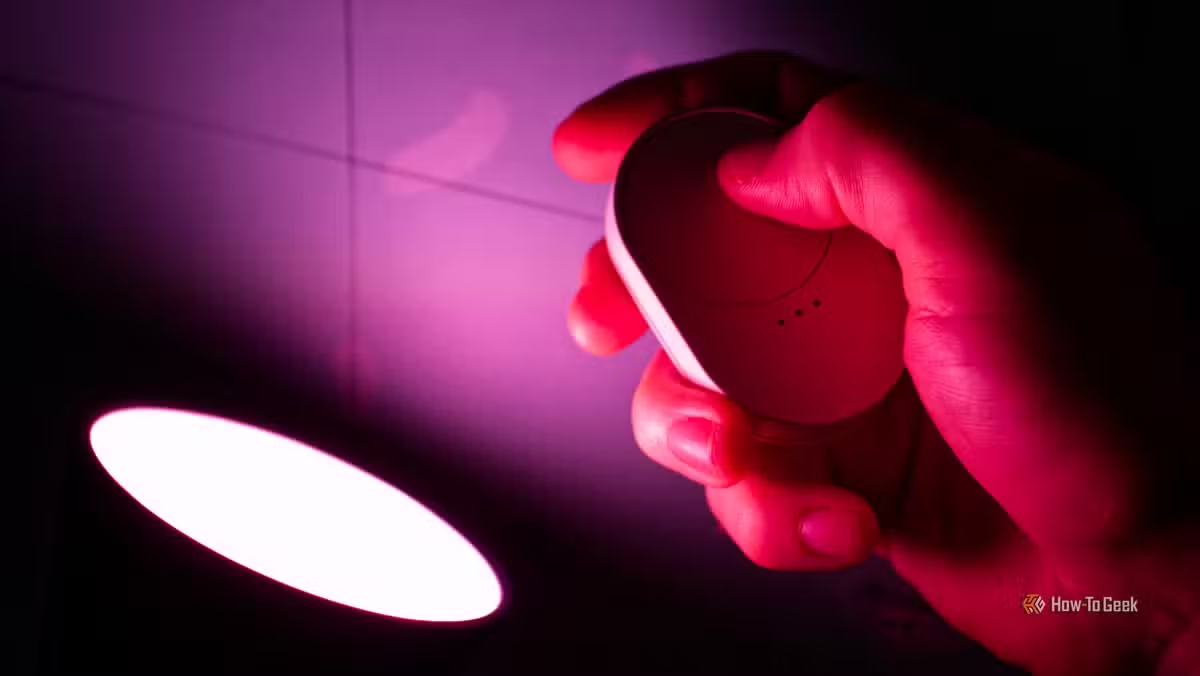
This is the most obvious placement, and for good reason. A button within arm's reach of your pillow can trigger a complete nighttime routine. One tap turns off every light in the house, locks the doors, and sets the thermostat.
Morning works the same way. A button press can start your coffee machine, raise the blinds slightly, and turn on bedroom lighting at a dim level. Since most smart buttons support multiple triggers, like short press versus long press, you can also set up an emergency function. Long-press to flood the house with light if you hear something at 3 AM.
2. Your Car
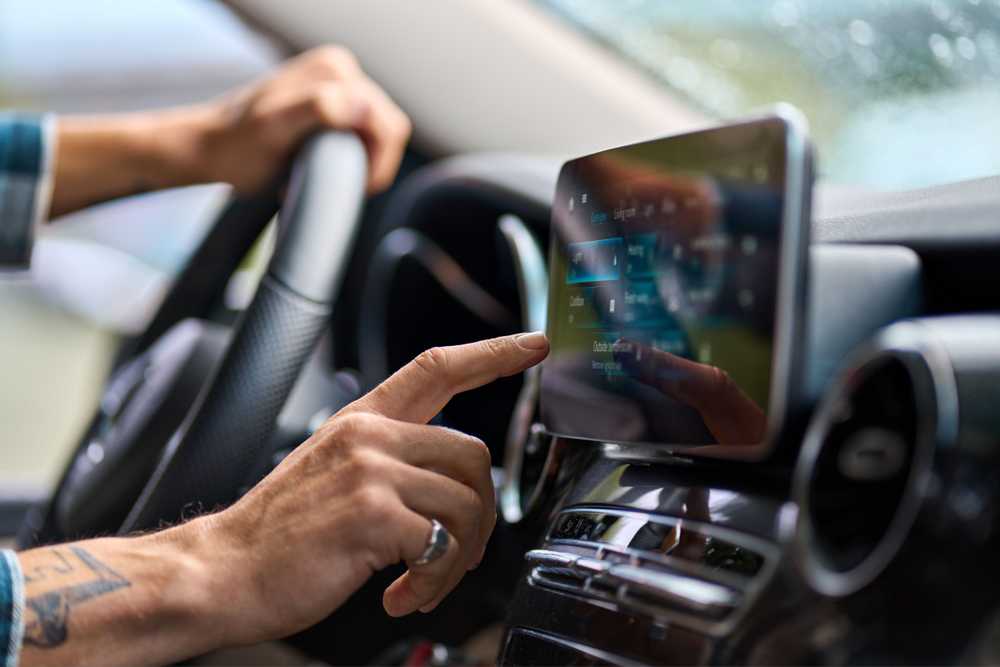
Garage door openers typically ship with two key fobs. If you have more cars than fobs, or guests staying, you're out of luck. A Wi-Fi-connected garage door opener changes this. Add a smart button to the car, and anyone can open or close the door without a dedicated fob.
One caveat: the button only works within range of your home network. It won't help you from across town. But for pulling into the driveway or confirming the door closed, it's faster than opening an app.
3. Next to Your Front Door
The "leaving home" moment is when most people forget something. Did I turn off the lights? Is the back door locked? A smart button by the front door solves this with a single press. Program it to trigger a "goodbye" scene: all lights off, all doors locked, thermostat adjusted, maybe a quick camera snapshot sent to your phone.
On Reddit's r/homeautomation, users call this the "one-tap departure" setup. Several threads emphasize that while voice control impresses guests, physical buttons are what you actually use every day.
4. On Your Coffee Table
Movie night shouldn't require three apps. A button on the coffee table can dim the lights, turn on the TV, and switch to your streaming input. Another press reverses it all when the credits roll.
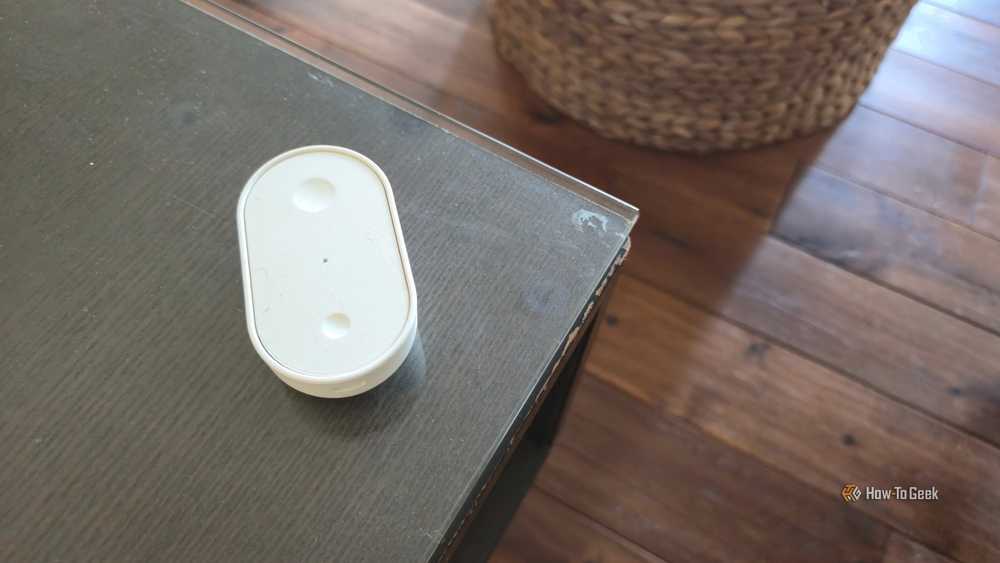
This placement also works for guests. Hand someone a button and say "press this for lights." No app download, no voice command coaching, no Wi-Fi password sharing.
5. Next to Traditional Light Switches
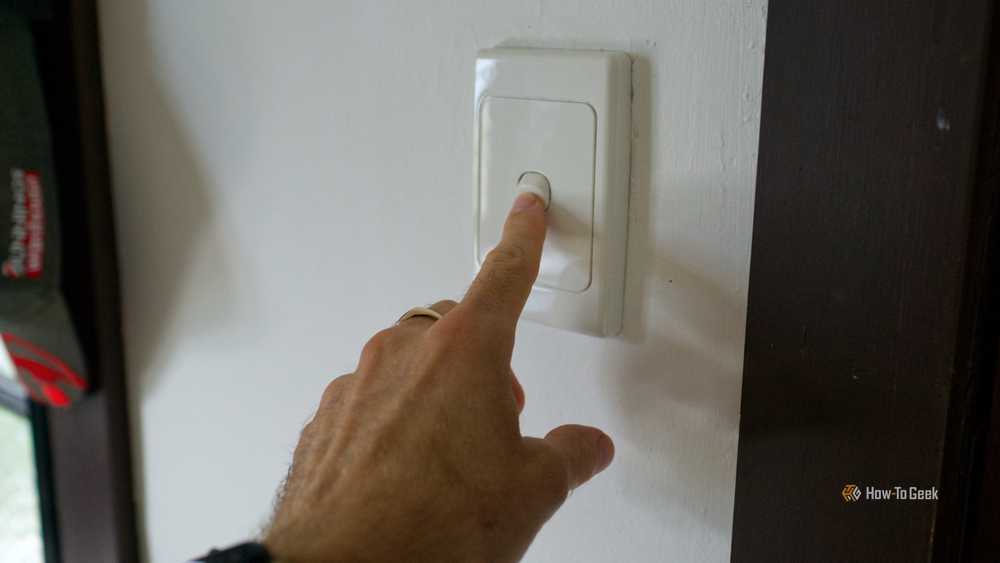
Here's a common smart home problem: someone flips the wall switch off, cutting power to the smart bulb. Now your automation can't turn the light on, and you've got a useless bulb until someone physically flips the switch again.
The fix is simple. Put a smart button next to the switch and train everyone to use the button instead. Better yet, use a switch guard to cover the original switch entirely. The button controls the bulb without cutting power.
6. In the Kitchen
Cooking with wet or dirty hands makes touchscreens and voice commands frustrating. A large smart button on the counter works when your hands are covered in flour. Use it to set timers, control under-cabinet lighting, or trigger a "cooking mode" scene that adjusts ventilation and lighting together.
7. At Your Workspace
A desk button can switch between work and break modes. Press once to turn on the desk lamp, silence notifications on your smart speaker, and set your status to busy. Press again to reverse it. This works especially well in home offices where the boundary between work and personal life is blurry.
Choosing the Right Button
Not all smart buttons are equal. The key distinction is local versus cloud control. Buttons using Zigbee, Thread, or Matter communicate directly with your smart home hub. They work even if your internet goes down. Cloud-dependent buttons require an active connection to function.
The IKEA BILRESA is a solid entry point at $6. It uses Matter-over-Thread, which means it works with Apple Home, Google Home, and Amazon Alexa without vendor lock-in. It has two buttons with multiple press types, and includes adhesive backing for wall mounting. Battery life is excellent on a single AAA.
“The future of the smart home isn't just about voice or apps; it's about making technology invisible and interaction instantaneous through tactile, purposeful physical controls.”
— Sarah Jenkins, Lead Analyst at HomeTech Research
The Bigger Picture
Smart home adoption has created a paradox: the more devices you add, the harder the system becomes to use. Voice assistants promised to simplify this, but they've added their own layer of friction. Misheard commands, cloud outages, and the awkwardness of talking to your house in front of guests all chip away at the convenience automation was supposed to provide.
Smart buttons are the correction. They're cheap, reliable, and invisible when not needed. The best smart home is one where technology disappears into the background. A button that does exactly what you expect, every time, is closer to that ideal than any app or voice assistant.
Frequently Asked Questions
Do smart buttons work without internet?
Buttons using Zigbee, Thread, or Matter communicate locally with your hub and work even during internet outages. Cloud-dependent buttons require an active connection.
How much do smart buttons cost?
Entry-level options like the IKEA BILRESA cost $6. Premium buttons with more features typically range from $20 to $50.
Can smart buttons replace light switches?
Yes. You can place a smart button next to your existing switch and use a switch guard to cover the original. The button controls smart bulbs without cutting their power.
What's the battery life on smart buttons?
Most smart buttons last 1-3 years on a single battery, depending on usage. Low-power protocols like Zigbee and Thread maximize battery life.
Do smart buttons work with Apple HomeKit?
Matter-compatible buttons like the IKEA BILRESA work with Apple Home, Google Home, and Amazon Alexa through the Matter standard.
Need Help Implementing This?
Source: How-To Geek
Manaal Khan
Tech & Innovation Writer
اقرأ أيضاً

رأي مغاير: كيف يؤثر اختراق الأمن الداخلي الأميركي على شركاتنا الخاصة؟
في ظل اختراق عقود الأمن الداخلي الأميركي مع شركات خاصة، نناقش تأثير هذا الاختراق على مستقبل الأمن السيبراني. نستعرض الإحصاءات الموثوقة ونناقش كيف يمكن للشركات الخاصة أن تتعامل مع هذا التهديد. استمتع بقراءة هذا التحليل العميق

الإنسان في زمن ما بعد الوجود البشري: نحو نظام للتعايش بين الإنسان والروبوت - Centre for Arab Unity Studies
في هذا المقال، سنناقش كيف يمكن للبشر والروبوتات التعايش في نظام متكامل. سنستعرض التحديات والحلول المحتملة التي تضعها شركات مثل جوجل وأمازون. كما سنلقي نظرة على التوقعات المستقبلية وفقًا لتقرير ماكنزي

إطلاق ناسا لمهمة مأهولة إلى القمر: خطوة تاريخية نحو استكشاف الفضاء
تعتبر المهمة الجديدة خطوة هامة نحو استكشاف الفضاء وتطوير التكنولوجيا. سوف تشمل المهمة إرسال رواد فضاء إلى سطح القمر لconducting تجارب علمية. ستسهم هذه المهمة في تطوير فهمنا للفضاء وتحسين التكنولوجيا المستخدمة في استكشاف الفضاء.