7 Linux Apps That Replace Adobe, Premiere Pro for Free
Key Takeaways
- Kdenlive delivers multi-track video editing with proxies, effects, and color tools good enough for YouTube, social clips, and basic client work.
- GIMP, Krita, Blender, and Inkscape cover photo editing, digital painting, 3D modeling, and vector design without subscription fees.
- Open-source creative tools have reached the point where commercial software is harder to justify for many everyday workflows.
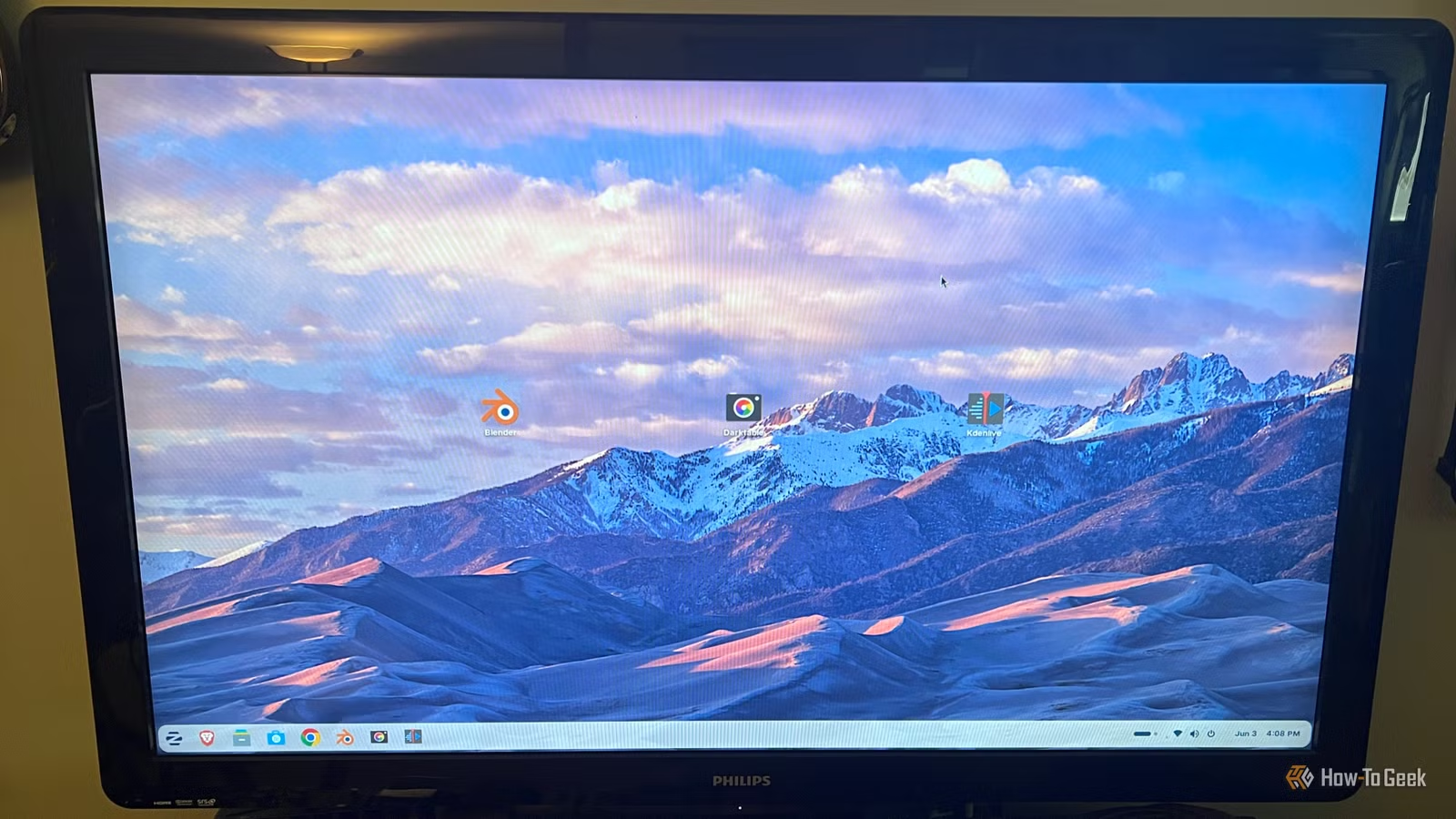
Rich Hein, a technology journalist with two decades covering enterprise and consumer tech, is primarily a Windows user. He had no plans to change that. But a few older machines couldn't officially upgrade to Windows 11 despite running fine. So he installed Zorin OS on a couple of them to keep decent hardware from becoming e-waste.
The result was better than expected. These older PCs felt useful again, and Zorin made the jump from Windows less awkward than he assumed it would. That raised a more specific question: could a Linux machine actually handle personal and work projects, especially creative tasks?
He expected the answer to be a polite "sort of." Photo editing, video work, and 3D projects would still send him back to a Windows PC or Mac mini pretty quickly. Instead, he found free Linux apps that made creative work feel far more practical than expected.
Logicity's Take
Kdenlive Made Video Editing Feel Surprisingly Normal
Kdenlive is a free, cross-platform, open-source video editor. It was one of the first apps that made creative work on Zorin OS feel realistic. It gives you a proper timeline, multiple video and audio tracks, transitions, titles, effects, color tools, proxy editing, and plenty of export options. In other words, it does the things you actually need a video editor to do without immediately pushing you back to Adobe Creative Cloud.
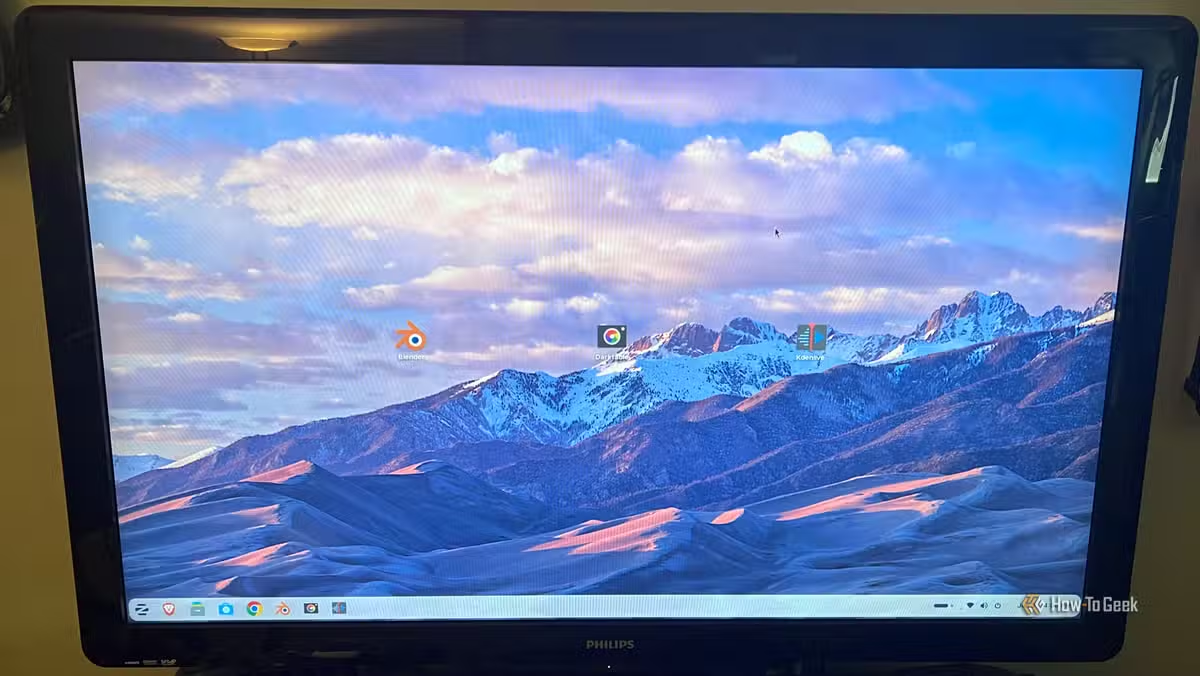
That doesn't mean Kdenlive is a full Adobe Premiere Pro replacement. Premiere still has the edge for deep professional workflows, After Effects integration, collaboration, plugins, and overall polish. But that's not the question most people need to answer. For YouTube videos, social clips, simple explainers, family projects, and basic work edits, Kdenlive covers a lot of ground without the monthly subscription or hardware requirements.
GIMP Handled Photo Editing Without the Photoshop Price
GIMP is the free, open-source image editor that's been around for decades. It's often dismissed as "not quite Photoshop," which is technically true. But for cropping, retouching, color correction, layer work, masking, and most photo tasks short of high-end commercial retouching, GIMP gets the job done. The interface takes some adjustment if you're coming from Photoshop, but the toolset is legitimately capable.
Photoshop still wins on RAW processing, content-aware fill quality, third-party plugin breadth, and overall speed. But if you're doing web graphics, social images, basic photo cleanup, or design mockups, GIMP removes the $55-per-month justification for Creative Cloud.
Krita for Digital Painting and Illustration
Krita is built specifically for digital painting and illustration. It's not trying to be Photoshop or GIMP. It's optimized for artists who draw, paint, sketch, or illustrate with a tablet. The brush engine is sophisticated, the UI is clean, and the performance is good even on older hardware.
If you're doing concept art, comic work, character design, or digital painting of any kind, Krita competes directly with paid tools like Clip Studio Paint or Corel Painter. It's free, it's maintained, and it's designed around the actual workflow of illustrators.
Blender for 3D Modeling and Animation
Blender is the open-source 3D suite that's crossed over from "hobbyist favorite" to "used in actual production." It handles modeling, sculpting, texturing, rigging, animation, rendering, compositing, and video editing in a single package. Major studios use Blender. Films and TV shows credit it. It's no longer a scrappy alternative—it's a real tool.
Blender's learning curve is steep, but that's true for Maya, 3ds Max, and Cinema 4D too. The difference is Blender costs zero dollars and comes with no licensing restrictions. For 3D generalists, motion designers, or anyone building assets for games, animation, or visualization, Blender removes the cost barrier entirely.
Inkscape for Vector Graphics
Inkscape is the free, open-source vector editor. It does logos, icons, diagrams, illustrations—anything you'd normally do in Adobe Illustrator. It supports SVG natively, has path editing tools, text-to-path conversion, bezier curves, and export to PNG, PDF, or other formats.
Illustrator still has better typography tools, smoother performance on complex files, and deeper integration with the rest of Adobe's ecosystem. But for most vector work—web graphics, icons, simple branding, mockups—Inkscape removes the need to pay Adobe $55 per month.
Audacity for Audio Editing
Audacity is the free, open-source audio editor that's been the go-to for podcasters, voiceover artists, and basic audio cleanup for years. It's not a full DAW like Ableton or Logic, but for recording, trimming, noise reduction, EQ, compression, and exporting audio files, Audacity covers the basics.
If you're editing podcasts, cleaning up voiceovers, or doing simple sound design, Audacity does what you need without cost or complexity.
DaVinci Resolve for Professional Video and Color
DaVinci Resolve isn't fully open-source, but the free version is powerful enough to mention. It's a professional-grade video editor and color grading suite used in feature films and commercials. The free version includes the timeline editor, Fusion for motion graphics and VFX, Fairlight for audio, and DaVinci's legendary color tools.
The paid Studio version adds a few advanced features like noise reduction, HDR tools, and certain plugins, but the free version is more capable than most people will ever need. If Kdenlive feels too basic, DaVinci Resolve is the next step up without spending money.
What This Means for Expensive Creative Software
The question is no longer whether free Linux apps can do creative work. They can. The question is whether your specific workflow requires the extra 10-20% that commercial tools provide—and whether that's worth $55 to $100 per month.
For professional retouchers, motion graphics artists deeply embedded in After Effects, or studios collaborating across Adobe's ecosystem, Creative Cloud still makes sense. But for solo creators, small businesses, side projects, or anyone who doesn't need every plugin and integration, the open-source stack is now capable enough to make subscription software harder to justify.
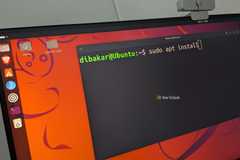
Installing these tools on Linux is straightforward. Most are available through package managers with a single command. Zorin OS, Ubuntu, Fedora, and other major distributions include software centers that make installation as simple as clicking Install.
Frequently Asked Questions
Can Kdenlive replace Adobe Premiere Pro for professional work?
Kdenlive covers multi-track editing, proxies, effects, color grading, and export options. It's good enough for YouTube, social clips, and basic client work. Premiere Pro still leads for deep professional workflows, After Effects integration, and plugin ecosystems, but the gap has narrowed for everyday editing tasks.
Is GIMP actually as good as Photoshop?
GIMP handles cropping, retouching, color correction, layers, masking, and most photo tasks short of high-end commercial retouching. Photoshop has better RAW processing, content-aware fill, third-party plugins, and speed. For web graphics, social images, and basic photo cleanup, GIMP removes the need to pay for Creative Cloud.
What's the best free video editor for Linux?
Kdenlive for general-purpose editing with a proper timeline and effects. DaVinci Resolve (free version) for professional-grade color grading, motion graphics, and audio. Both run on Linux and handle real production work without subscription fees.
Can Blender compete with Maya or 3ds Max?
Blender is used in feature films, TV shows, and game development. It handles modeling, sculpting, texturing, rigging, animation, rendering, and compositing. The learning curve is steep, but that's true for Maya and 3ds Max too. Blender costs zero dollars and has no licensing restrictions.
Do Linux creative apps work on Windows or Mac?
Yes. Kdenlive, GIMP, Krita, Blender, Inkscape, and Audacity are all cross-platform. They run on Windows, macOS, and Linux. You don't need to switch operating systems to use these tools.
Need Help Implementing This?
Source: How-To Geek
Manaal Khan
Tech & Innovation Writer
اقرأ أيضاً

رأي مغاير: كيف يؤثر اختراق الأمن الداخلي الأميركي على شركاتنا الخاصة؟
في ظل اختراق عقود الأمن الداخلي الأميركي مع شركات خاصة، نناقش تأثير هذا الاختراق على مستقبل الأمن السيبراني. نستعرض الإحصاءات الموثوقة ونناقش كيف يمكن للشركات الخاصة أن تتعامل مع هذا التهديد. استمتع بقراءة هذا التحليل العميق

الإنسان في زمن ما بعد الوجود البشري: نحو نظام للتعايش بين الإنسان والروبوت - Centre for Arab Unity Studies
في هذا المقال، سنناقش كيف يمكن للبشر والروبوتات التعايش في نظام متكامل. سنستعرض التحديات والحلول المحتملة التي تضعها شركات مثل جوجل وأمازون. كما سنلقي نظرة على التوقعات المستقبلية وفقًا لتقرير ماكنزي

إطلاق ناسا لمهمة مأهولة إلى القمر: خطوة تاريخية نحو استكشاف الفضاء
تعتبر المهمة الجديدة خطوة هامة نحو استكشاف الفضاء وتطوير التكنولوجيا. سوف تشمل المهمة إرسال رواد فضاء إلى سطح القمر لconducting تجارب علمية. ستسهم هذه المهمة في تطوير فهمنا للفضاء وتحسين التكنولوجيا المستخدمة في استكشاف الفضاء.