6 Obsidian Plugins That Replace Other Note-Taking Apps
Key Takeaways
- Excalidraw brings freehand drawing, diagrams, and OCR directly into your Obsidian vault
- Templater extends basic templates with dynamic variables, system commands, and user functions
- Smart Connections uses AI to surface related notes you forgot existed
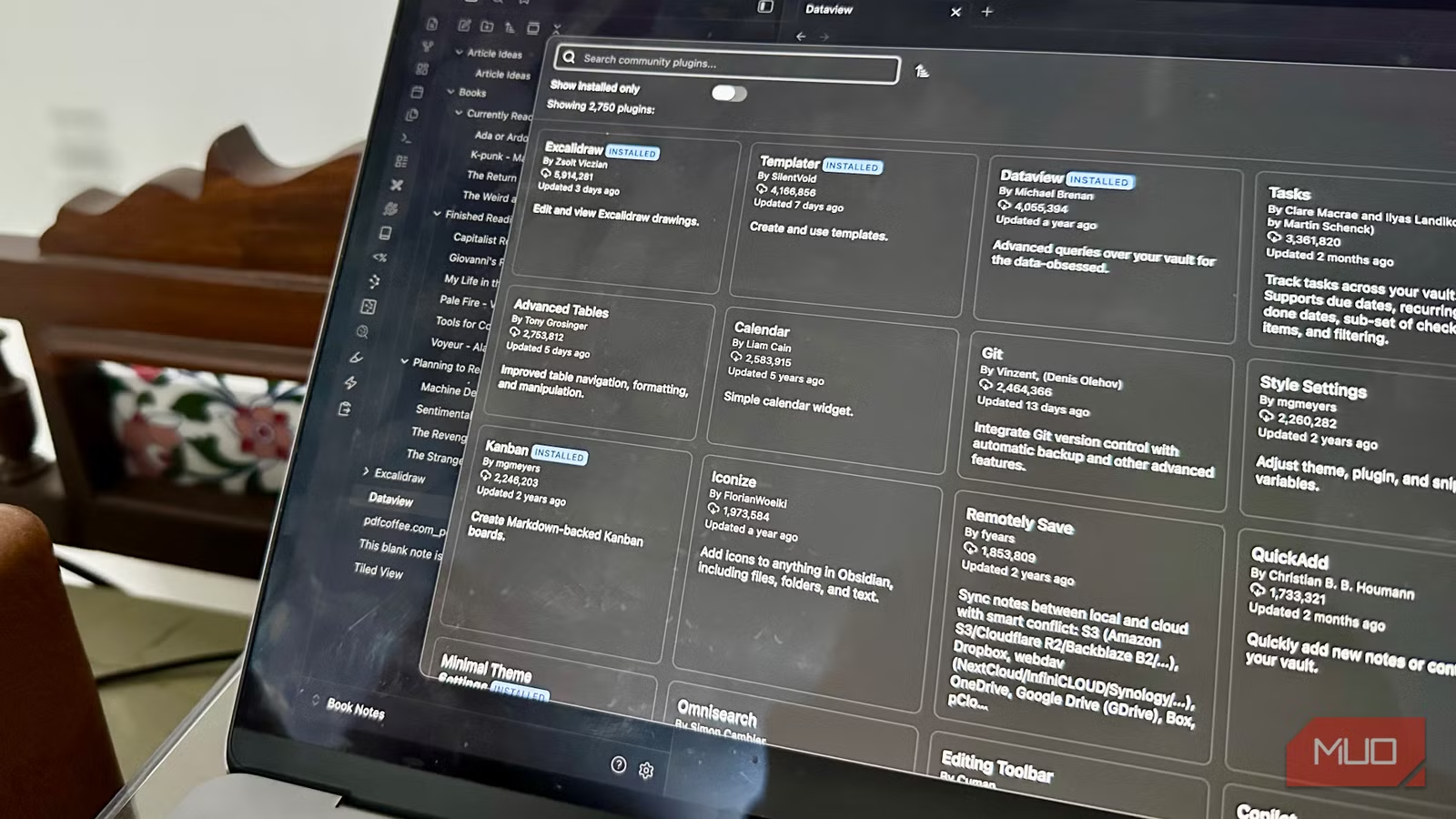
Obsidian's vanilla features handle the basics: take notes, link them, view them in graphs. Plenty of apps do this. What sets Obsidian apart is its community plugin marketplace, where developers have built tools for nearly every workflow imaginable.
Tech writer Manuviraj Godara at MakeUseOf recently shared six plugins that eliminated his need for other note-taking apps. Each one fills a gap that would otherwise require a separate tool.
Excalidraw: Sketching Inside Your Notes
Excalidraw ranks among Obsidian's most popular plugins. It brings freehand drawing, charts, and diagrams directly into your vault. Think of it as a blank canvas on the back of every note page.
The integration goes deep. You can embed .excalidraw files within notes, link specific notes inside a drawing, or keep drawings separate. The plugin also includes optical character recognition through a third-party service called Taskbone, which converts handwritten notes to text.
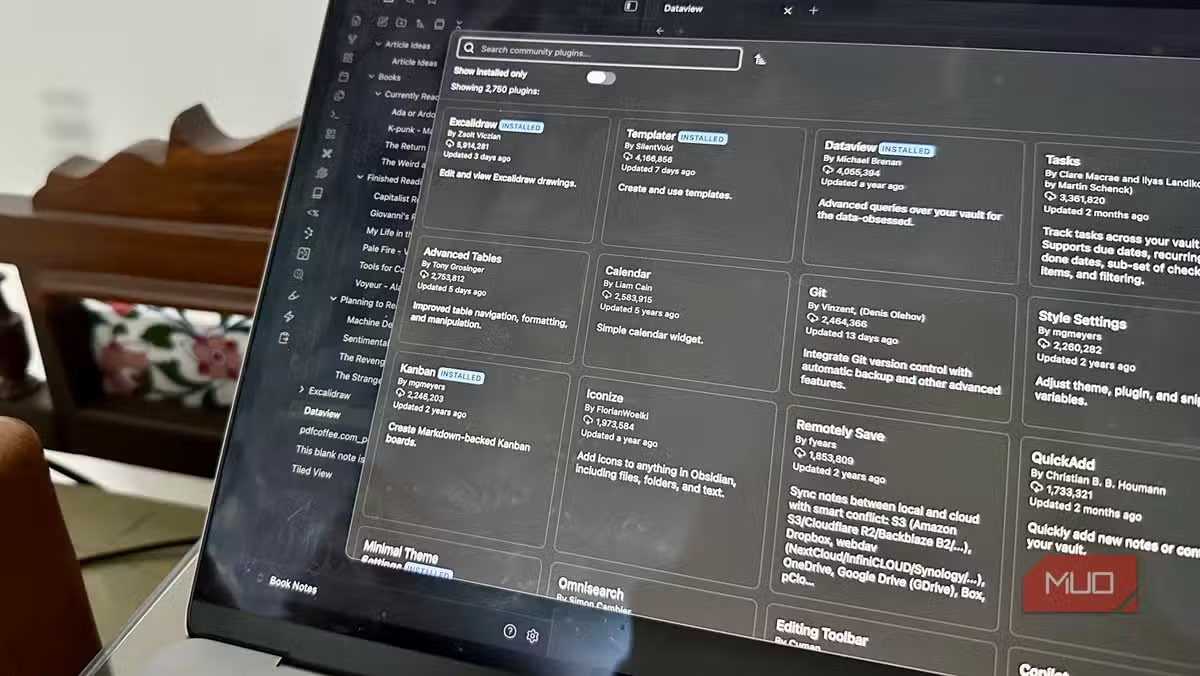
To use it: download from the Community Plugins marketplace, press Ctrl/Command + P to open the Command Palette, and type "excalidraw." The feature set can feel overwhelming at first. Godara recommends a NotebookLM workbook for learning the use cases.
Templater: Dynamic Templates That Actually Work
Obsidian includes basic templates, but Templater extends them with variables, system commands, and user-defined functions. Instead of copying static text, you can pull in dates, file names, or custom data automatically when creating new notes.
The plugin shines for repeating workflows: meeting notes, project kickoffs, daily journals. Set up the template once, and each new note populates with the right structure and context.
Smart Connections: AI That Surfaces Forgotten Notes
Your vault grows. You forget what's in it. Smart Connections uses AI to find notes related to what you're currently working on, surfacing connections you didn't know existed.
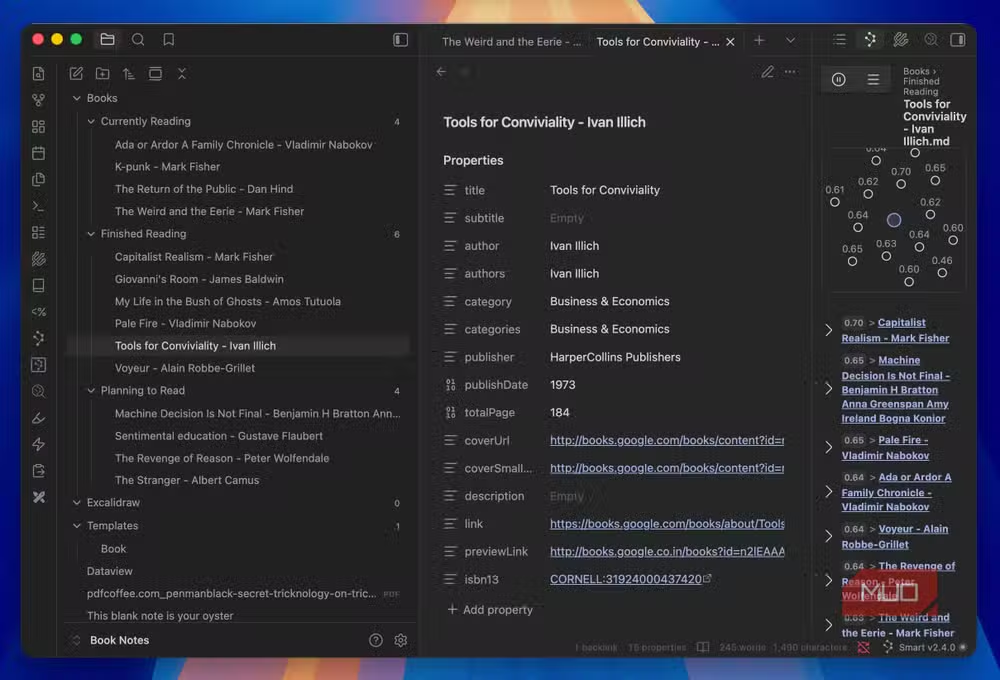
This matters most for large vaults where manual linking becomes impractical. The plugin analyzes content and suggests links based on semantic similarity, not just keyword matches.
Another roundup of tools that consolidate multiple apps into one solution
Book Notes: Capture What You Read
The Book Notes plugin pulls metadata and creates structured entries for books you're reading or have finished. It integrates with services to fetch titles, authors, and cover images automatically.
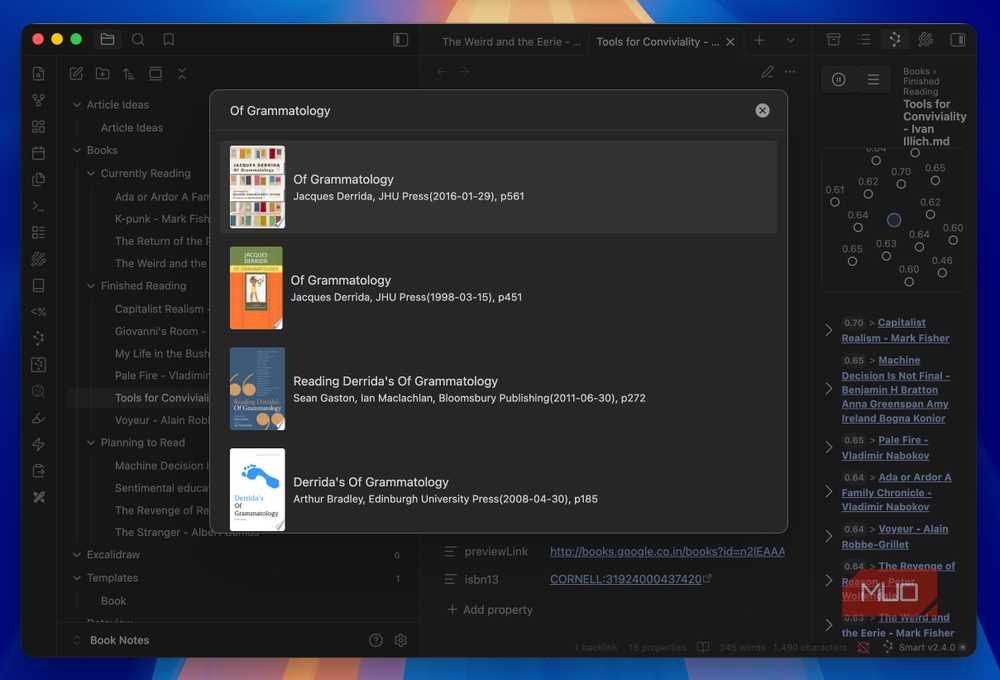
For anyone building a personal knowledge base around reading, this eliminates the manual work of formatting book entries. Add your highlights and notes, and the plugin handles the rest.
Dataview: Query Your Notes Like a Database
Dataview treats your vault as a queryable database. Write simple queries to generate tables, lists, or task views from your notes. Want to see all notes tagged "project" that you modified this week? Dataview handles it.
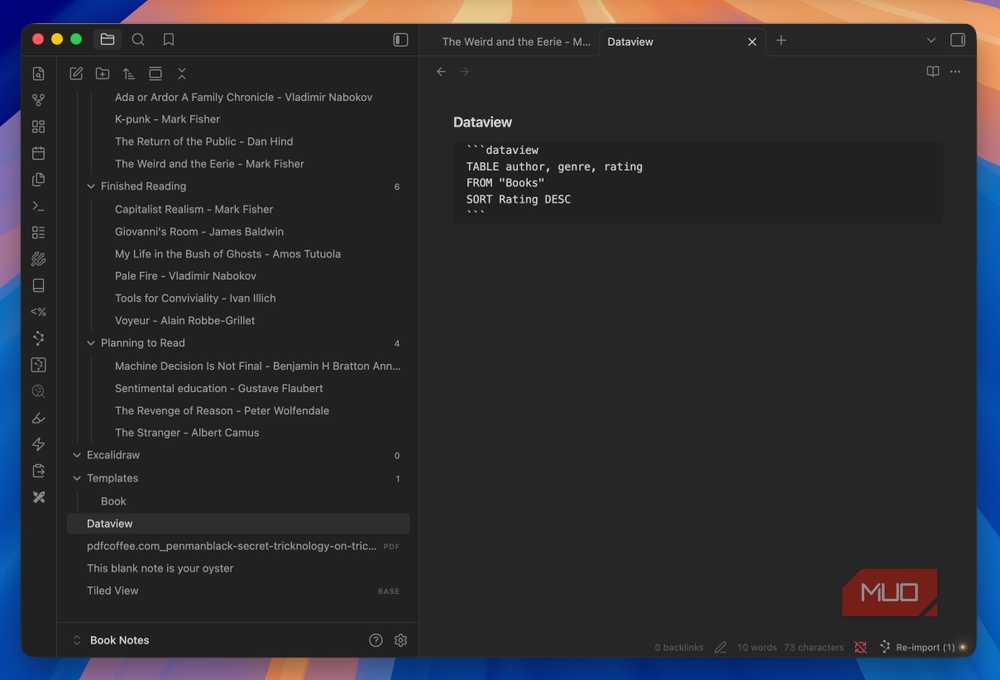
The query language has a learning curve, but the payoff is significant. You stop organizing notes manually and start writing queries that organize them for you.
Remotely Save: Sync Across Devices Without Obsidian Sync
Obsidian offers paid sync, but Remotely Save lets you sync vaults across devices using services you already pay for: Dropbox, OneDrive, WebDAV, S3, or other cloud storage providers.
The plugin handles conflicts and maintains vault integrity. For teams already invested in a particular cloud ecosystem, it removes the need to pay for another sync service.
The Rabbit Hole Problem
Godara notes that Obsidian's plugin system creates a specific trap: once you start exploring, you keep finding tools you didn't know you needed. The Community Plugins marketplace has options for almost any workflow.
This flexibility comes with a tradeoff. Obsidian requires more setup than apps like Apple Notes or Notion. The vanilla experience works fine, but the real power comes from investing time in configuration.
Logicity's Take
Frequently Asked Questions
Are Obsidian community plugins free?
Yes, community plugins are free and open source. Obsidian itself is free for personal use, with paid licenses for commercial use.
Can I use Obsidian plugins on mobile?
Most plugins work on Obsidian's mobile apps for iOS and Android, though some with desktop-specific features may have limited functionality.
Is Obsidian better than Notion for note-taking?
They serve different needs. Obsidian stores files locally as Markdown and offers deep customization. Notion is cloud-based with better collaboration features but less flexibility.
How do I install Obsidian community plugins?
Open Settings, go to Community Plugins, disable Safe Mode, then Browse to find and install plugins. You can also install from GitHub.
Does Obsidian require coding knowledge?
No, but some plugins like Dataview and Templater reward users who learn their query languages. Basic use requires no coding.
Need Help Implementing This?
Source: MakeUseOf
Huma Shazia
Senior AI & Tech Writer
اقرأ أيضاً

رأي مغاير: كيف يؤثر اختراق الأمن الداخلي الأميركي على شركاتنا الخاصة؟
في ظل اختراق عقود الأمن الداخلي الأميركي مع شركات خاصة، نناقش تأثير هذا الاختراق على مستقبل الأمن السيبراني. نستعرض الإحصاءات الموثوقة ونناقش كيف يمكن للشركات الخاصة أن تتعامل مع هذا التهديد. استمتع بقراءة هذا التحليل العميق

الإنسان في زمن ما بعد الوجود البشري: نحو نظام للتعايش بين الإنسان والروبوت - Centre for Arab Unity Studies
في هذا المقال، سنناقش كيف يمكن للبشر والروبوتات التعايش في نظام متكامل. سنستعرض التحديات والحلول المحتملة التي تضعها شركات مثل جوجل وأمازون. كما سنلقي نظرة على التوقعات المستقبلية وفقًا لتقرير ماكنزي

إطلاق ناسا لمهمة مأهولة إلى القمر: خطوة تاريخية نحو استكشاف الفضاء
تعتبر المهمة الجديدة خطوة هامة نحو استكشاف الفضاء وتطوير التكنولوجيا. سوف تشمل المهمة إرسال رواد فضاء إلى سطح القمر لconducting تجارب علمية. ستسهم هذه المهمة في تطوير فهمنا للفضاء وتحسين التكنولوجيا المستخدمة في استكشاف الفضاء.