6 Hobbies That Work Better With a Raspberry Pi
Key Takeaways
- OctoPrint turns any 3D printer into a web-controlled device using a Raspberry Pi 3B or Zero 2
- The Raspberry Pi Zero 2 WH costs $21 and comes with pre-soldered GPIO pins for easier projects
- Raspberry Pi 5 at $130 offers enough power for home lab and media server applications
The Raspberry Pi started as a cheap computer for teaching kids to code. Hobbyists had other plans. Several hardware generations later, the single-board computer now runs its own actively maintained operating system and powers everything from 3D printers to retro gaming consoles.
The current lineup spans from the $21 Raspberry Pi Zero 2 WH to the $130 Raspberry Pi 5. Both have found their niches across different hobby projects. Here's where these tiny computers actually add value to your existing interests.
3D Printing Control With OctoPrint
OctoPrint is an open-source project that gives almost any 3D printer a web interface. You can send print jobs from a browser, monitor progress, view connected cameras, inspect gcode, track temperature sensors, and control the print head directly. The software is free, with a plugin repository that extends its capabilities.
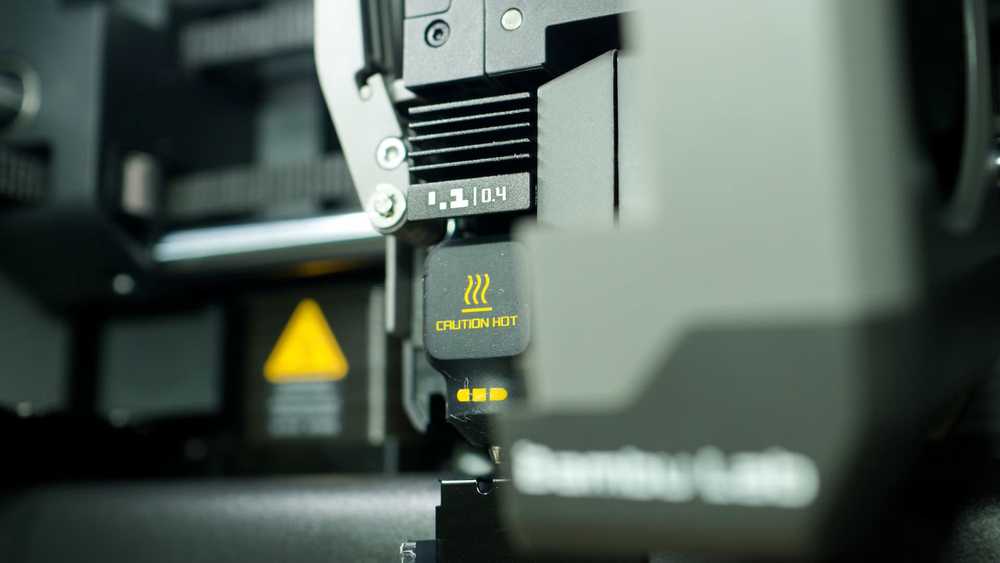
The OctoPi project packages OctoPrint specifically for Raspberry Pi hardware. It runs on a Raspberry Pi 3B or Zero 2 and above. After a brief setup, you access your printer through any web browser on your local network.
Bambu Lab printer owners might not see much point in OctoPi. The Bambu Lab ecosystem already includes most of these features. But for older printers or budget models without network connectivity, a $21 Raspberry Pi Zero 2 WH transforms them into modern, remotely controlled machines.
Retro Gaming Consoles
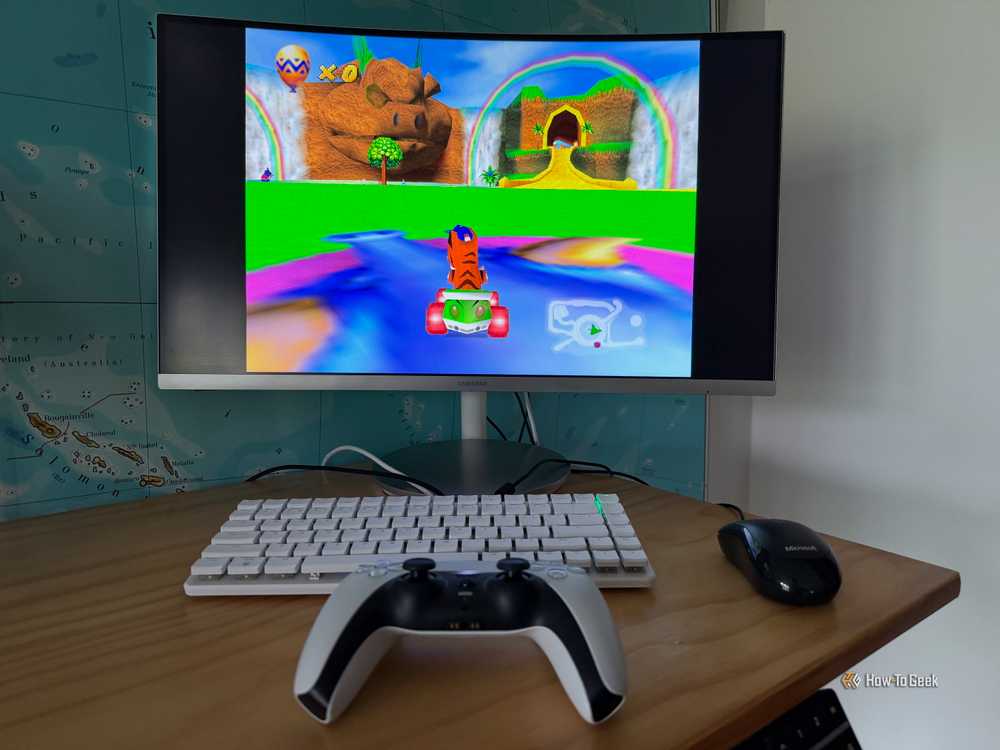
The Raspberry Pi has become the default platform for DIY retro gaming setups. Projects like Recalbox and RetroPie turn the single-board computer into an emulation station that plays games from dozens of classic consoles.
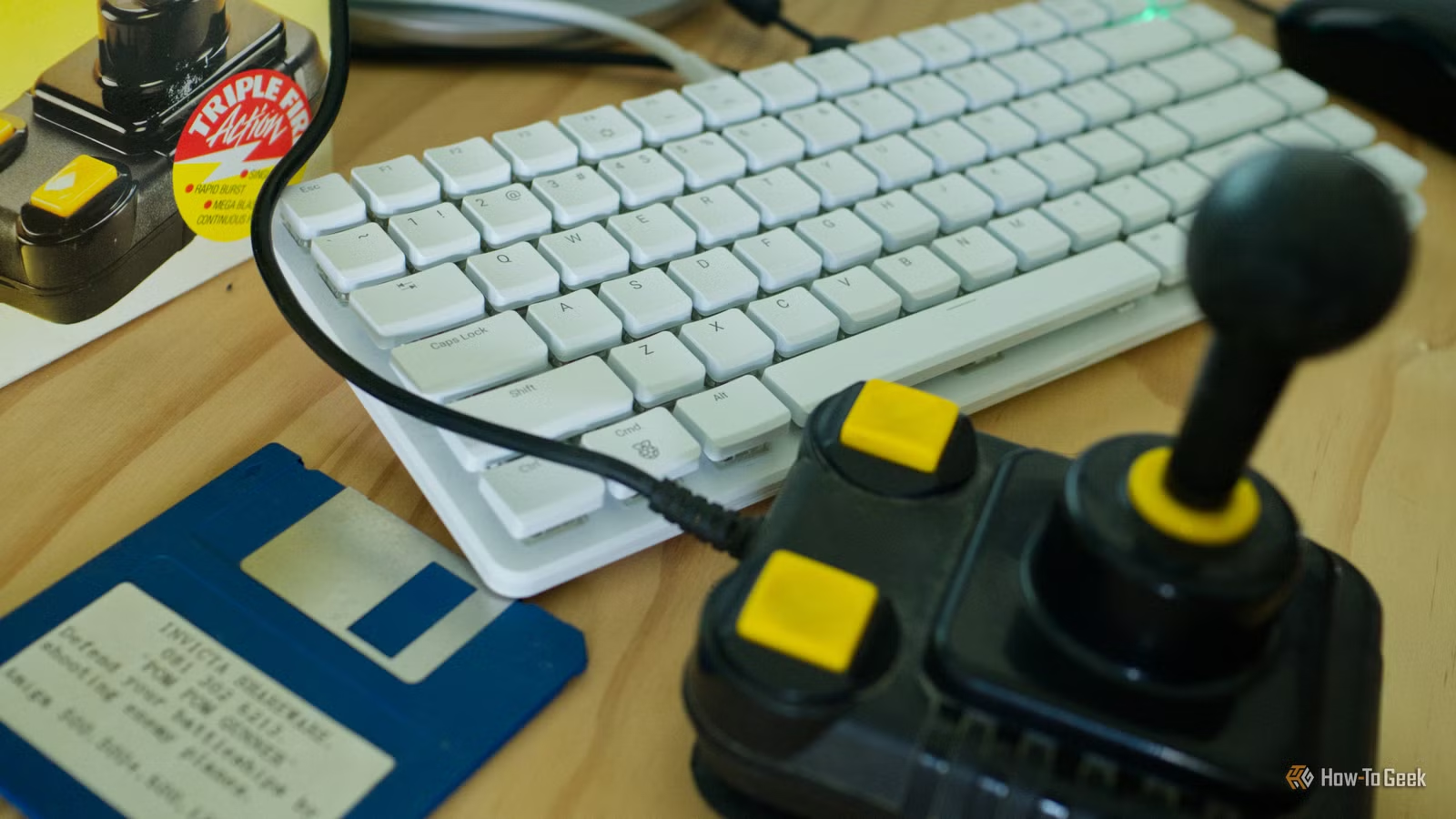
The Raspberry Pi 500, a keyboard-integrated version, pairs well with classic controllers. It can run alongside original peripherals like Amiga joysticks, creating a functional retro computing setup without hunting for decades-old hardware.
Home Lab Setups
Tech enthusiasts running home servers often use Raspberry Pis as dedicated single-purpose machines. The low power consumption makes them ideal for always-on services. A Pi can run a DNS server, network ad-blocker, VPN endpoint, or home automation hub without adding much to your electricity bill.
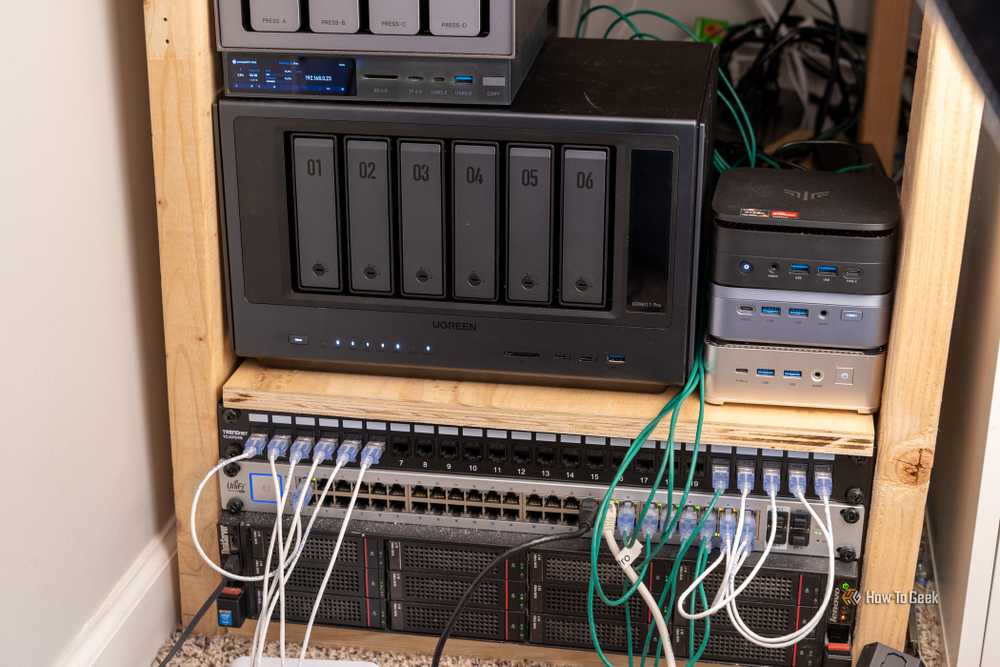
The Raspberry Pi 5 with its improved specs handles more demanding workloads. At $130, it costs less than most mini PCs while offering enough performance for media servers, local AI experiments, or development environments.
Current Raspberry Pi Hardware
Two models cover most hobbyist needs. The Raspberry Pi 5 offers 8GB of RAM and runs at $130 from SparkFun, $172 on Amazon, or $175 at CanaKit. It's the right choice for compute-intensive projects or when you want the flexibility of a general-purpose computer.
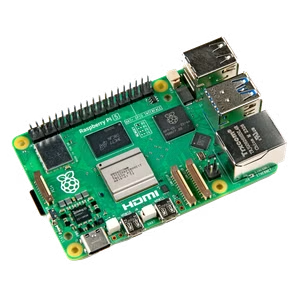
The Raspberry Pi Zero 2 WH runs $21 at SparkFun or $36 on Amazon. The "WH" variant includes pre-soldered GPIO header pins, eliminating a common barrier for beginners. Its small size and low power draw make it ideal for embedded projects or dedicated single-task servers.
Logicity's Take
Who Should Skip the Raspberry Pi
Not every project needs a full Linux computer. Simple automation tasks might work better with a $5 microcontroller. Performance-critical workloads need a proper PC. And if you're already in an ecosystem with good software support, like Bambu Lab's 3D printers, adding a Pi creates complexity without adding capability.
The Raspberry Pi works best when you need networked software control, community-maintained project distributions, or a cheap always-on computer for a specific task. Know what you're building before you buy.
Frequently Asked Questions
What is the cheapest Raspberry Pi for hobby projects?
The Raspberry Pi Zero 2 WH costs $21 at SparkFun. It includes pre-soldered GPIO pins and enough power for dedicated tasks like OctoPrint or Pi-hole.
Can a Raspberry Pi control any 3D printer?
OctoPrint works with most 3D printers that accept gcode commands. Run it on a Raspberry Pi 3B or Zero 2 and above using the OctoPi distribution.
Is Raspberry Pi 5 powerful enough for a home server?
Yes. The Raspberry Pi 5 with 8GB RAM handles media serving, DNS, VPN, and home automation. Its low power consumption makes it cost-effective for always-on use.
What retro gaming systems can a Raspberry Pi emulate?
Projects like Recalbox and RetroPie emulate dozens of classic consoles including NES, SNES, Sega Genesis, PlayStation 1, and various arcade systems.
Another budget-friendly approach to home entertainment
Need Help Implementing This?
Source: How-To Geek
Manaal Khan
Tech & Innovation Writer
اقرأ أيضاً

رأي مغاير: كيف يؤثر اختراق الأمن الداخلي الأميركي على شركاتنا الخاصة؟
في ظل اختراق عقود الأمن الداخلي الأميركي مع شركات خاصة، نناقش تأثير هذا الاختراق على مستقبل الأمن السيبراني. نستعرض الإحصاءات الموثوقة ونناقش كيف يمكن للشركات الخاصة أن تتعامل مع هذا التهديد. استمتع بقراءة هذا التحليل العميق

الإنسان في زمن ما بعد الوجود البشري: نحو نظام للتعايش بين الإنسان والروبوت - Centre for Arab Unity Studies
في هذا المقال، سنناقش كيف يمكن للبشر والروبوتات التعايش في نظام متكامل. سنستعرض التحديات والحلول المحتملة التي تضعها شركات مثل جوجل وأمازون. كما سنلقي نظرة على التوقعات المستقبلية وفقًا لتقرير ماكنزي

إطلاق ناسا لمهمة مأهولة إلى القمر: خطوة تاريخية نحو استكشاف الفضاء
تعتبر المهمة الجديدة خطوة هامة نحو استكشاف الفضاء وتطوير التكنولوجيا. سوف تشمل المهمة إرسال رواد فضاء إلى سطح القمر لconducting تجارب علمية. ستسهم هذه المهمة في تطوير فهمنا للفضاء وتحسين التكنولوجيا المستخدمة في استكشاف الفضاء.