6 Cursor Alternatives That Do AI Coding Differently
Key Takeaways
- Windsurf is the closest Cursor replacement with similar VS Code-based workflow
- Claude Code excels at large codebases while Codex suits OpenAI-focused teams
- Replit and Lovable target beginners who want browser-based building without IDE setup
Cursor has earned its spot as the go-to AI coding tool. It's a VS Code fork with deep AI integration, fast inline edits, multi-file context, and a polished agent mode. Non-developers can use it without understanding the technical details. That accessibility made it the default for many teams.
But Cursor isn't the only option. Codex and Claude Code come from the leading AI labs (OpenAI and Anthropic). Windsurf offers a near-identical experience. Replit and Lovable let you build in a browser. Each tool does something different, and the right choice depends on your technical level and what you're trying to build.
What to Look for in a Cursor Alternative
The best Cursor alternative depends on where Cursor falls short for you. Four factors matter most when evaluating these tools.
- Codebase context: How much of your project does the AI understand? A tool that only sees the open file is different from one with a million-token window that maps your entire repo.
- Workflow fit: Some alternatives replace your IDE entirely. Others are chat agents or browser-based builders. The format affects how you work.
- Agentic vs. assistive: Some tools do the work for you. Others pair-program alongside you. Non-developers often prefer agentic tools. Experienced developers may want something more assistive.
- Model flexibility: Cursor supports multiple AI models. Some alternatives lock you into a single provider's models.
Windsurf: The Closest Cursor Alternative
If you want something that works like Cursor but isn't Cursor, Windsurf is your answer. It's built on the same VS Code foundation and offers similar AI integration. The experience feels familiar if you're switching from Cursor.
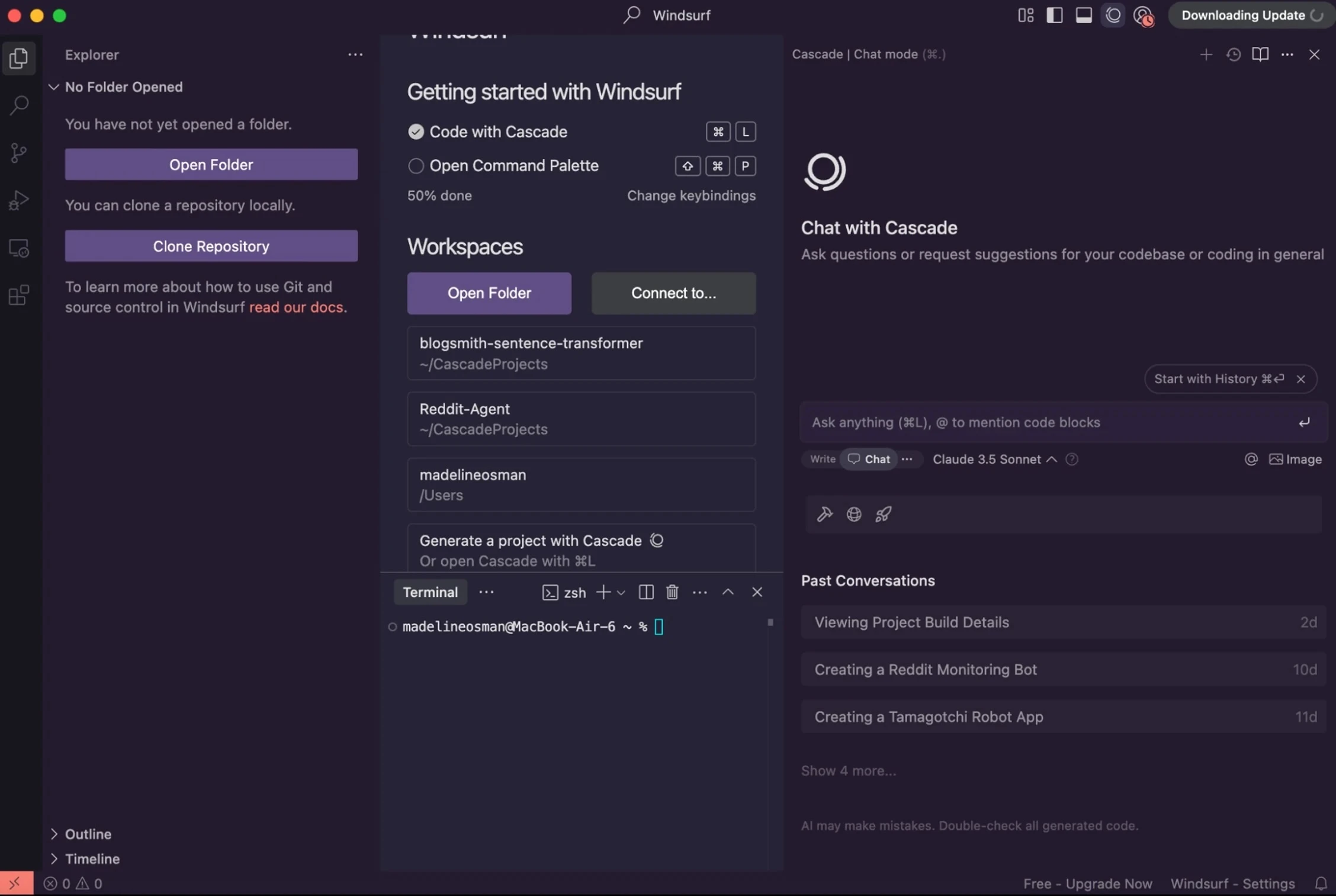
Windsurf suits developers who already know their way around an IDE but want to try a different AI backend or pricing model. The learning curve is minimal if you're coming from Cursor or VS Code.
GitHub Copilot: For Pair Programming
GitHub Copilot takes the assistive approach. Instead of building features for you, it suggests code as you type and helps you think through problems. It's pair programming with an AI partner.
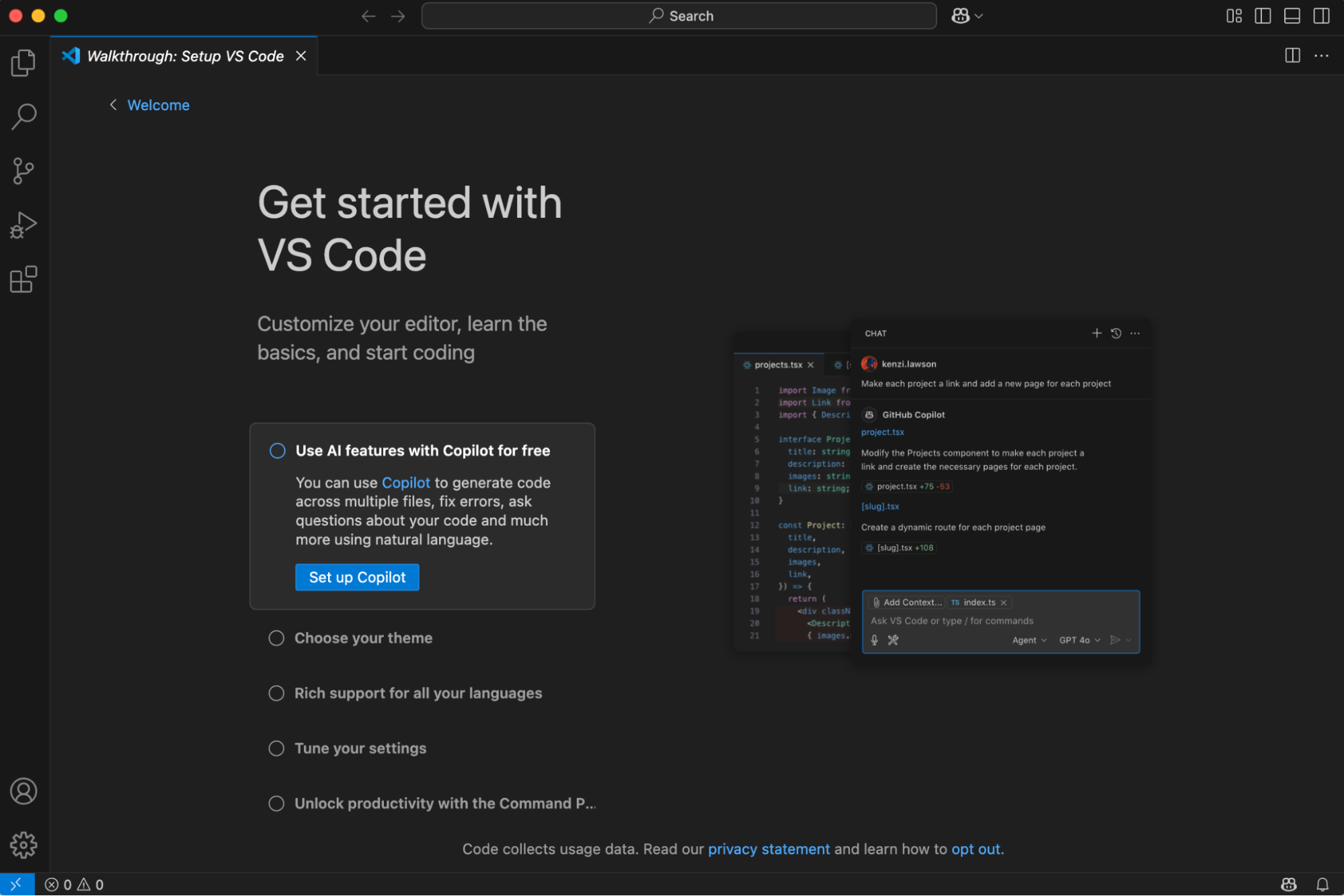
This works best for experienced developers who want help writing code faster, not someone to write it for them. Copilot integrates with your existing GitHub workflow, which matters if your team already lives in that ecosystem.
Claude Code: For Large Codebases
Claude Code comes from Anthropic, the company behind Claude. Its strength is handling large codebases. The context window lets it understand more of your project at once, which helps when you're working on complex applications with many interconnected files.
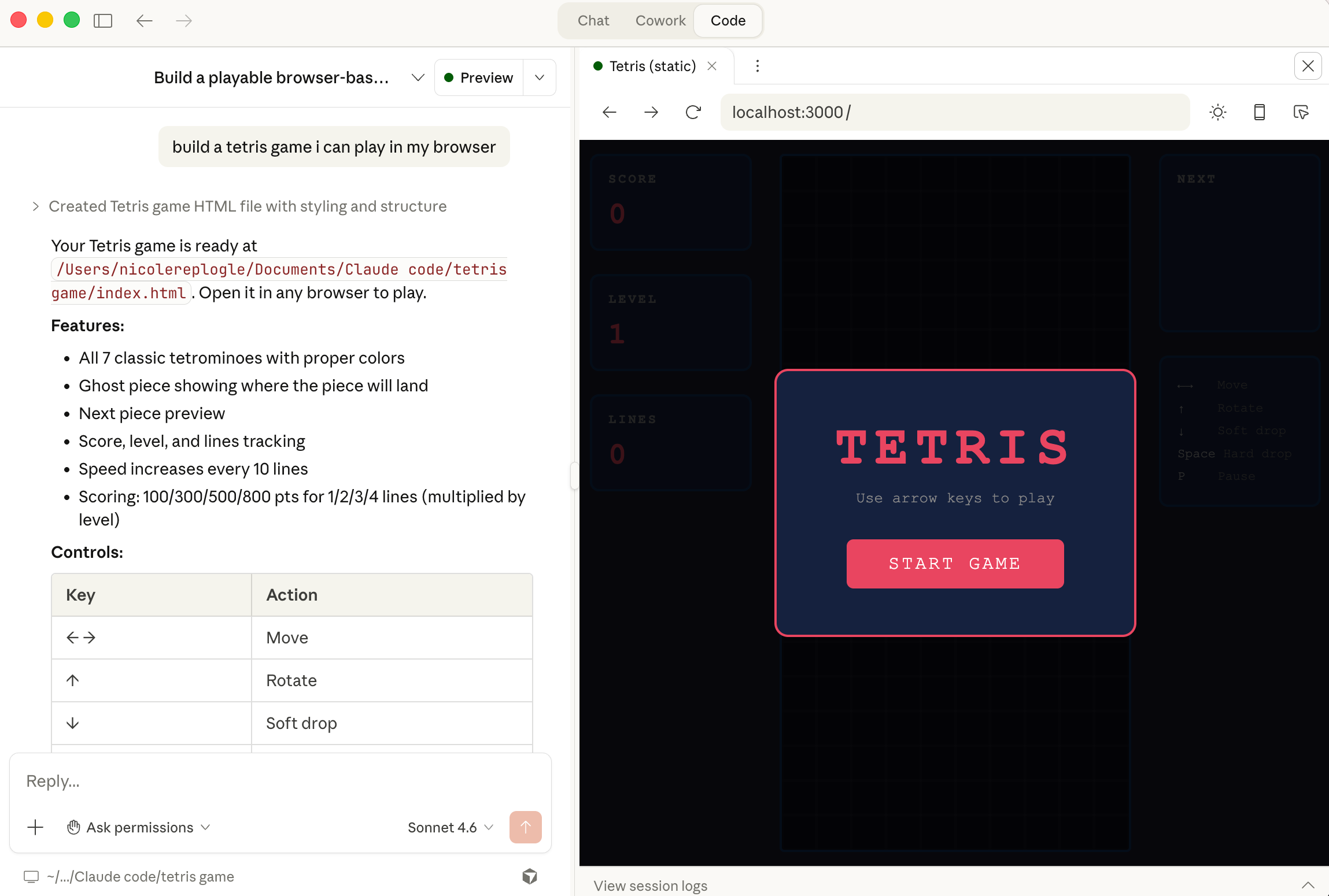
If you're building something substantial and find that other tools keep losing track of how your code fits together, Claude Code addresses that problem directly.
See how Claude's capabilities extend beyond coding into creative workflows
Codex: For OpenAI-First Teams
OpenAI's Codex makes sense if your organization already uses OpenAI products. It integrates with the same APIs and models you might be using elsewhere. That consistency matters for teams standardizing on a single AI provider.
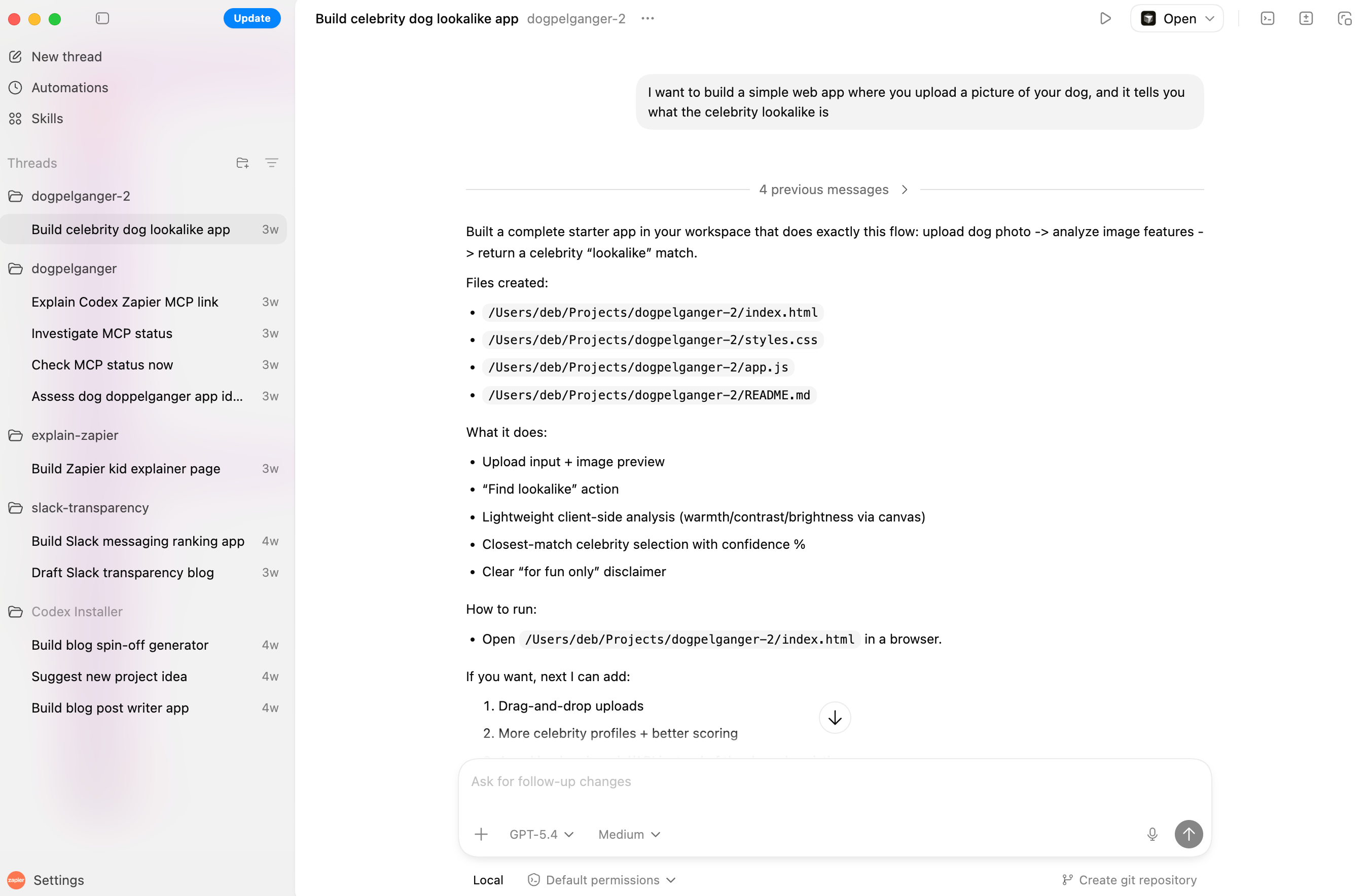
The tradeoff is flexibility. You're locked into OpenAI's models, which may or may not be the best fit for your specific coding tasks.
Replit: For Beginners and Browser-Based Building
Replit removes the IDE setup entirely. You write and run code in your browser. The AI helps you build without requiring local development environment configuration.
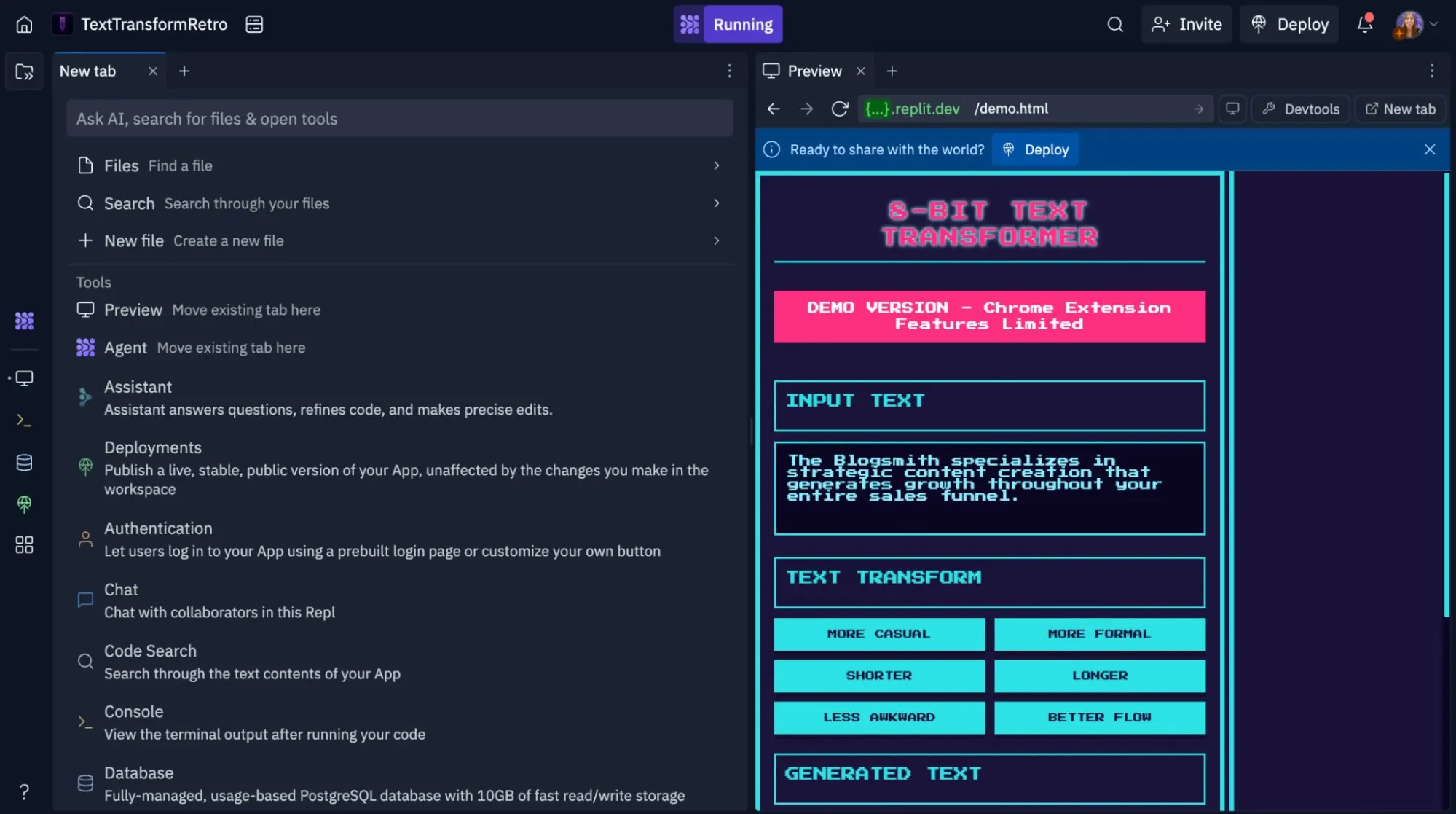
This approach works well for beginners learning to code, prototyping ideas quickly, or working from machines where you can't install development tools. The tradeoff is less control over your environment compared to local IDE options.
Lovable: For Vibe Coding Your First App
Lovable targets people who want to build an app but don't know how to code. You describe what you want, and the AI builds it. The tool handles the technical implementation.

This is the most agentic option on the list. Lovable suits non-technical founders prototyping ideas, marketers building internal tools, or anyone who needs a working app without learning to code first.
| Tool | Best For | Technical Level | Environment |
|---|---|---|---|
| Windsurf | Cursor-like experience | Intermediate to advanced | Desktop IDE |
| GitHub Copilot | Pair programming | Intermediate to advanced | VS Code/GitHub |
| Claude Code | Large codebases | Intermediate to advanced | Desktop IDE |
| Codex | OpenAI-first teams | Intermediate to advanced | Desktop IDE |
| Replit | Beginners, quick prototypes | Beginner to intermediate | Browser |
| Lovable | Non-developers building apps | Beginner | Browser |
How to Choose
Start with your technical level and what you're building. If you're a non-developer who wants a working app, try Lovable or Replit. If you're a developer who wants something similar to Cursor, try Windsurf. If you're working on a large codebase, Claude Code's extended context helps.
For teams already invested in specific AI providers, ecosystem matters. Codex fits OpenAI shops. Claude Code fits Anthropic users. GitHub Copilot fits teams living in the GitHub ecosystem.
Logicity's Take
The AI coding market is splitting into two categories: tools for developers who want assistance, and tools for non-developers who want apps built for them. Cursor dominates the first category. The real competition is in the second, where Replit and Lovable are lowering the barrier to building software. The interesting question isn't which tool is best. It's whether 'vibe coding' becomes how most simple apps get built.
Frequently Asked Questions
Is Cursor free to use?
Cursor offers a free tier with limited AI requests. Paid plans start at $20/month for more usage and features.
Can I use Claude Code without knowing how to code?
Claude Code is designed for developers working with existing codebases. Non-developers should look at Lovable or Replit instead.
Which AI coding tool is best for beginners?
Replit and Lovable are the most beginner-friendly options. Both work in your browser and don't require setting up a development environment.
Does GitHub Copilot work outside of VS Code?
GitHub Copilot works in VS Code, Visual Studio, Neovim, and JetBrains IDEs. It integrates with most popular development environments.
What is vibe coding?
Vibe coding means describing what you want an app to do and letting AI build it. Tools like Lovable focus on this approach for non-technical users.
Need Help Implementing This?
Choosing the right AI coding tool depends on your team's skills and what you're building. If you're evaluating options for your organization, reach out to the Logicity team. We can help you assess which tools fit your workflow and technical requirements.
Source: The Zapier Blog
Zapier Integrations and Model Flexibility
The new article introduces specific integration details, noting that both Cursor and Claude Code now connect to over 9,000 apps via Zapier. It also provides a significant technical update regarding model flexibility, highlighting that Claude Code is locked to Anthropic models while Cursor remains model-agnostic and has introduced a new interface for managing agents without direct code interaction.
Huma Shazia
Senior AI & Tech Writer
اقرأ أيضاً

رأي مغاير: كيف يؤثر اختراق الأمن الداخلي الأميركي على شركاتنا الخاصة؟
في ظل اختراق عقود الأمن الداخلي الأميركي مع شركات خاصة، نناقش تأثير هذا الاختراق على مستقبل الأمن السيبراني. نستعرض الإحصاءات الموثوقة ونناقش كيف يمكن للشركات الخاصة أن تتعامل مع هذا التهديد. استمتع بقراءة هذا التحليل العميق

الإنسان في زمن ما بعد الوجود البشري: نحو نظام للتعايش بين الإنسان والروبوت - Centre for Arab Unity Studies
في هذا المقال، سنناقش كيف يمكن للبشر والروبوتات التعايش في نظام متكامل. سنستعرض التحديات والحلول المحتملة التي تضعها شركات مثل جوجل وأمازون. كما سنلقي نظرة على التوقعات المستقبلية وفقًا لتقرير ماكنزي

إطلاق ناسا لمهمة مأهولة إلى القمر: خطوة تاريخية نحو استكشاف الفضاء
تعتبر المهمة الجديدة خطوة هامة نحو استكشاف الفضاء وتطوير التكنولوجيا. سوف تشمل المهمة إرسال رواد فضاء إلى سطح القمر لconducting تجارب علمية. ستسهم هذه المهمة في تطوير فهمنا للفضاء وتحسين التكنولوجيا المستخدمة في استكشاف الفضاء.