5 Pi Zero 2W Projects You Can Build This Weekend
Key Takeaways
- The Pi Zero 2W at $21 handles background tasks and compact builds without needing a Pi 4 or Pi 5
- RetroPie turns a Pi Zero into a retro gaming console in under two hours
- DIY weather stations can be assembled in about an hour with basic sensors
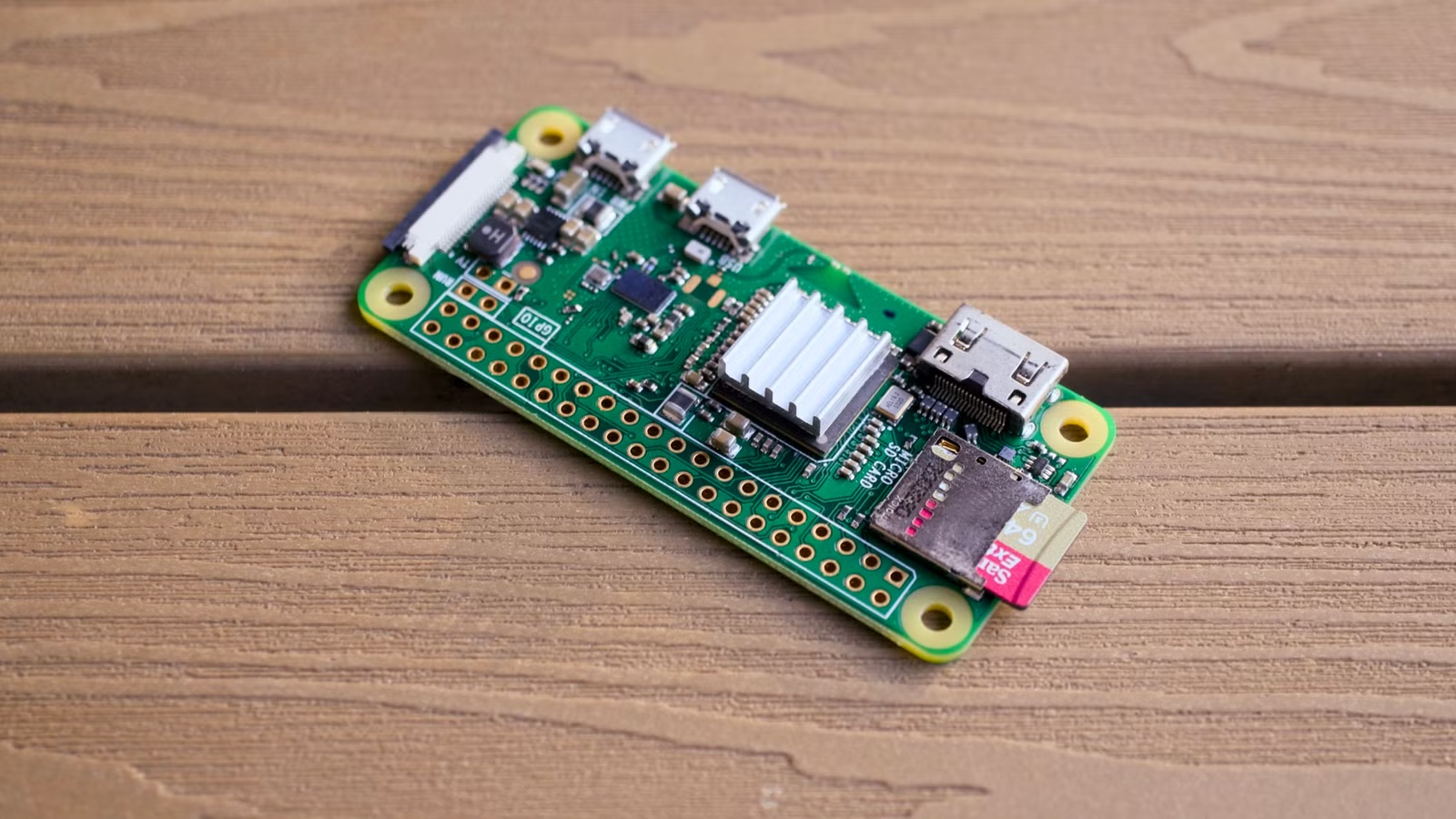
You don't need a $80 Raspberry Pi 5 to build something useful. The Pi Zero 2W sells for about $21, fits in your palm, sips power, and handles plenty of practical tasks. It's built for projects that run quietly in the background, fit tight spaces, or stay on 24/7 without running up your electric bill.
Here are five projects you can finish in a weekend with a Pi Zero 2W and basic supplies.
1. Retro Gaming Console
Most Raspberry Pi retro gaming builds use the Pi 4 or Pi 5, but the Zero 2W handles classic titles just fine. The key is sticking to older systems. NES, SNES, Game Boy, and Sega Genesis games run smoothly. You'll hit limits with PlayStation or N64 emulation.
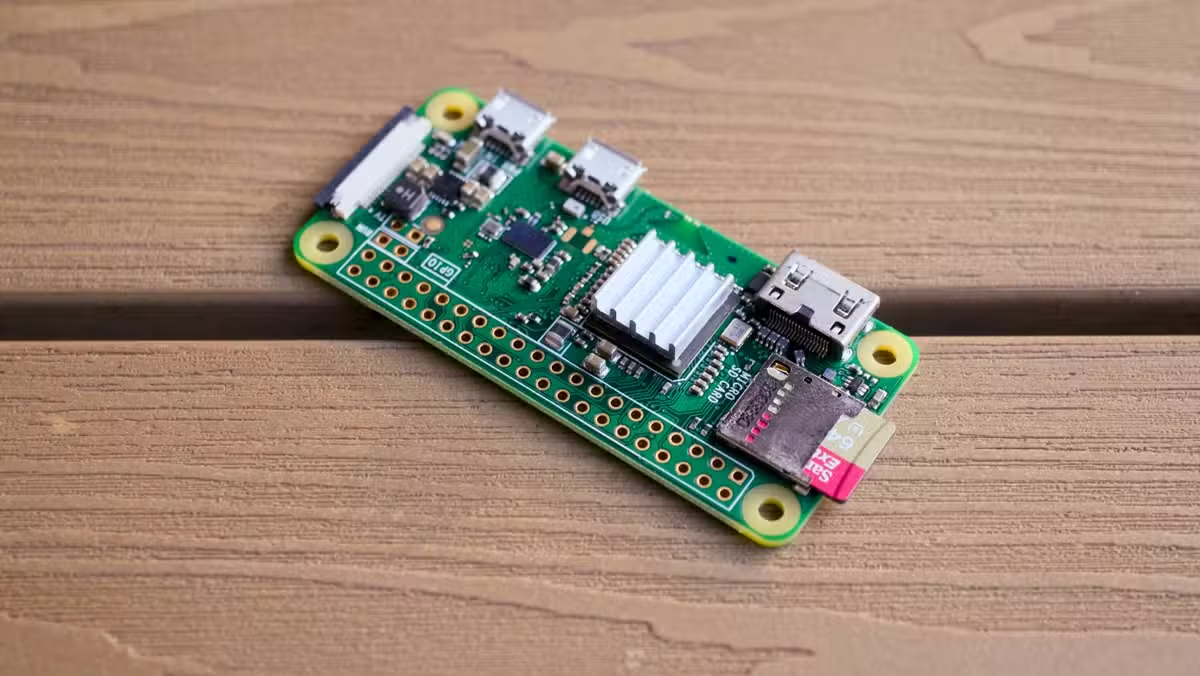
RetroPie is the easiest path. Install it on your Pi, transfer your game files, and connect a controller. The whole setup takes maybe an hour if you've done it before.
The Zero 2W's small size opens up another option: building a self-contained handheld. You can 3D print a case, add buttons, wire in a small screen, and attach a battery. DIY kits exist that streamline the process, and there's a huge library of 3D printable cases to choose from. With all parts ready, assembly takes one to two hours.
Useful for printing custom Pi Zero enclosures
2. DIY Weather Station
A DIY weather station sounds complicated, but you can build a simple one in about an hour. The basic setup needs a Pi Zero 2W and a sensor module that measures temperature, humidity, and barometric pressure. Adafruit and similar vendors sell these for under $20.
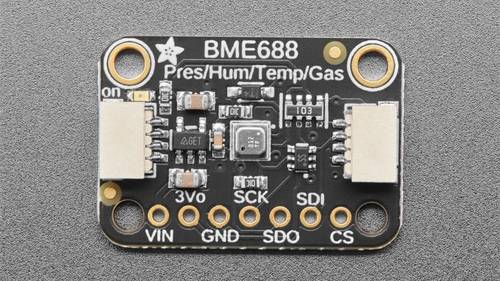
Wire the sensor to the GPIO pins, install the appropriate Python libraries, and write a simple script to log readings. You can display data on a small screen, push it to a web dashboard, or feed it into a home automation system.
The Pi Zero 2WH variant comes with pre-soldered GPIO header pins, which saves time if you're not comfortable with a soldering iron.
3. Compact Home Server
The Pi Zero 2W won't replace a proper NAS for heavy workloads, but it handles lightweight server duties well. Pi-hole for network-wide ad blocking is a popular choice. It filters DNS requests across your entire network and barely uses any resources.
You can also run a lightweight file server, a personal VPN endpoint with WireGuard, or a simple web server for internal tools. The 512MB of RAM limits what you can run simultaneously, but for single-purpose servers, it's plenty.
Home automation projects that pair well with Pi Zero builds
4. Klipper 3D Printer Controller
If you have a 3D printer, the Pi Zero 2W can run Klipper and Mainsail for wireless printer control. Klipper offloads motion calculations from your printer's mainboard to the Pi, which can improve print quality on budget machines.
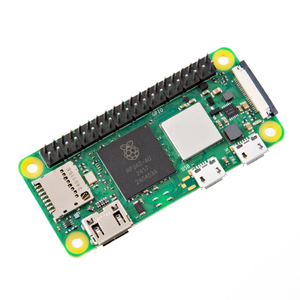
Mainsail gives you a web interface to monitor prints, adjust settings, and manage files from any device on your network. Setup involves flashing a Klipper image, configuring it for your printer model, and connecting via USB to the printer's control board.
5. Network Monitor or Dashboard Display
Connect a Pi Zero 2W to a small screen and mount it somewhere visible. You can display network stats, server health, calendar events, weather forecasts, or any dashboard you want to keep an eye on throughout the day.
The low power draw means you can leave it running 24/7. A basic setup uses a Chromium browser in kiosk mode pointing at whatever dashboard URL you want to display.
What You Need to Get Started
- Pi Zero 2W or 2WH (the H variant has pre-soldered headers): around $21
- MicroSD card (16GB or larger) for the operating system
- USB power supply (5V, 2.5A recommended)
- Project-specific parts: sensors, screens, controllers, or 3D printed cases
The Pi Zero 2WH costs slightly more but saves you from soldering if your project needs GPIO access. Both versions have built-in Wi-Fi and Bluetooth, so you don't need extra dongles for wireless connectivity.
Expand your home server setup beyond the Pi
Logicity's Take
Frequently Asked Questions
Can the Pi Zero 2W emulate PlayStation or N64 games?
Not well. The Zero 2W handles 8-bit and 16-bit consoles like NES, SNES, and Genesis smoothly, but struggles with more demanding systems. Use a Pi 4 or Pi 5 for PlayStation, N64, or newer platforms.
What's the difference between Pi Zero 2W and 2WH?
The 2WH comes with GPIO header pins pre-soldered. If your project connects sensors, screens, or other hardware to the GPIO pins and you don't want to solder, get the 2WH.
How much power does a Pi Zero 2W use?
Under load, it draws about 0.5 to 1 watt. At idle, even less. This makes it practical for projects that run 24/7 without noticeably affecting your electric bill.
Can I run multiple services on one Pi Zero 2W?
The 512MB of RAM limits multitasking. It works best as a single-purpose device. For multiple services, consider a Pi 4 with more memory.
Need Help Implementing This?
Source: How-To Geek
Manaal Khan
Tech & Innovation Writer
اقرأ أيضاً

رأي مغاير: كيف يؤثر اختراق الأمن الداخلي الأميركي على شركاتنا الخاصة؟
في ظل اختراق عقود الأمن الداخلي الأميركي مع شركات خاصة، نناقش تأثير هذا الاختراق على مستقبل الأمن السيبراني. نستعرض الإحصاءات الموثوقة ونناقش كيف يمكن للشركات الخاصة أن تتعامل مع هذا التهديد. استمتع بقراءة هذا التحليل العميق

الإنسان في زمن ما بعد الوجود البشري: نحو نظام للتعايش بين الإنسان والروبوت - Centre for Arab Unity Studies
في هذا المقال، سنناقش كيف يمكن للبشر والروبوتات التعايش في نظام متكامل. سنستعرض التحديات والحلول المحتملة التي تضعها شركات مثل جوجل وأمازون. كما سنلقي نظرة على التوقعات المستقبلية وفقًا لتقرير ماكنزي

إطلاق ناسا لمهمة مأهولة إلى القمر: خطوة تاريخية نحو استكشاف الفضاء
تعتبر المهمة الجديدة خطوة هامة نحو استكشاف الفضاء وتطوير التكنولوجيا. سوف تشمل المهمة إرسال رواد فضاء إلى سطح القمر لconducting تجارب علمية. ستسهم هذه المهمة في تطوير فهمنا للفضاء وتحسين التكنولوجيا المستخدمة في استكشاف الفضاء.