4 Smart Home Devices You Can Replace With a Pi Zero 2 W
Key Takeaways
- A Pi Zero 2 W can replace commercial presence detection systems by monitoring Bluetooth devices and network connections
- DIY solutions eliminate subscription fees and keep your data local instead of on cloud servers
- The setup requires trial and error since phones can drop Wi-Fi connections inconsistently
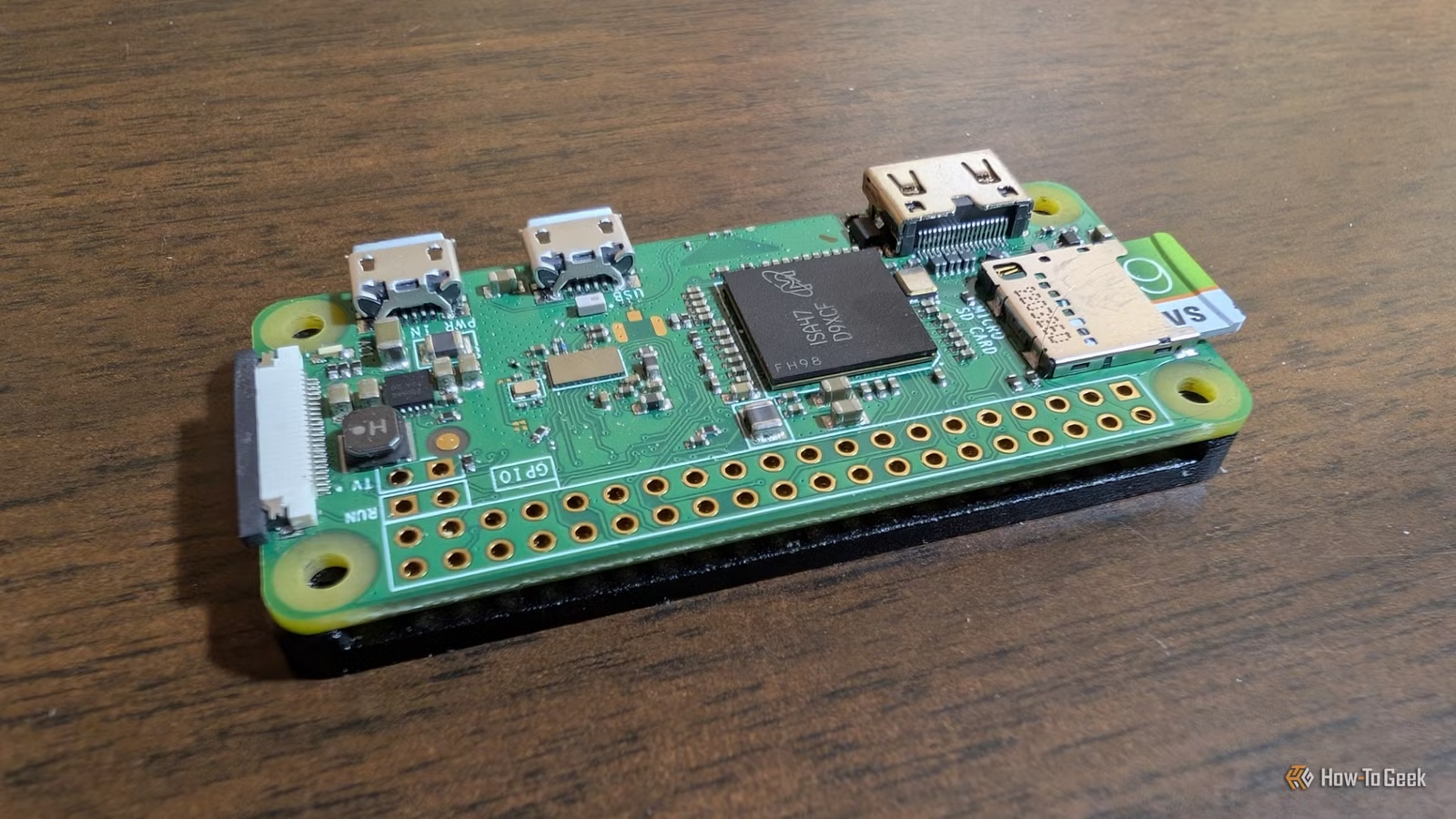
Smart home devices add up fast. A presence sensor here, an air quality monitor there, a few subscription fees. Before you know it, you're paying monthly for features that should just work locally. The Raspberry Pi Zero 2 W offers a different path.
This credit-card-sized computer costs about $15, sips power, and can handle several smart home tasks that would otherwise require dedicated hardware. The tradeoff is time. You'll spend a few hours setting things up instead of plugging in a consumer device.
Here are four smart home devices you can replace with a single Pi Zero 2 W.
Presence Detection System
Motion sensors tell you something moved. Presence detection tells you someone is actually home. That distinction matters for automation. You don't want your lights turning off while you're sitting still reading a book.
Commercial presence detection systems can cost $50 to $100 or more. A Pi Zero 2 W can do the same job by monitoring nearby Bluetooth devices or checking which phones are connected to your network. Feed that data into Home Assistant, and you can trigger automations based on who is actually present.
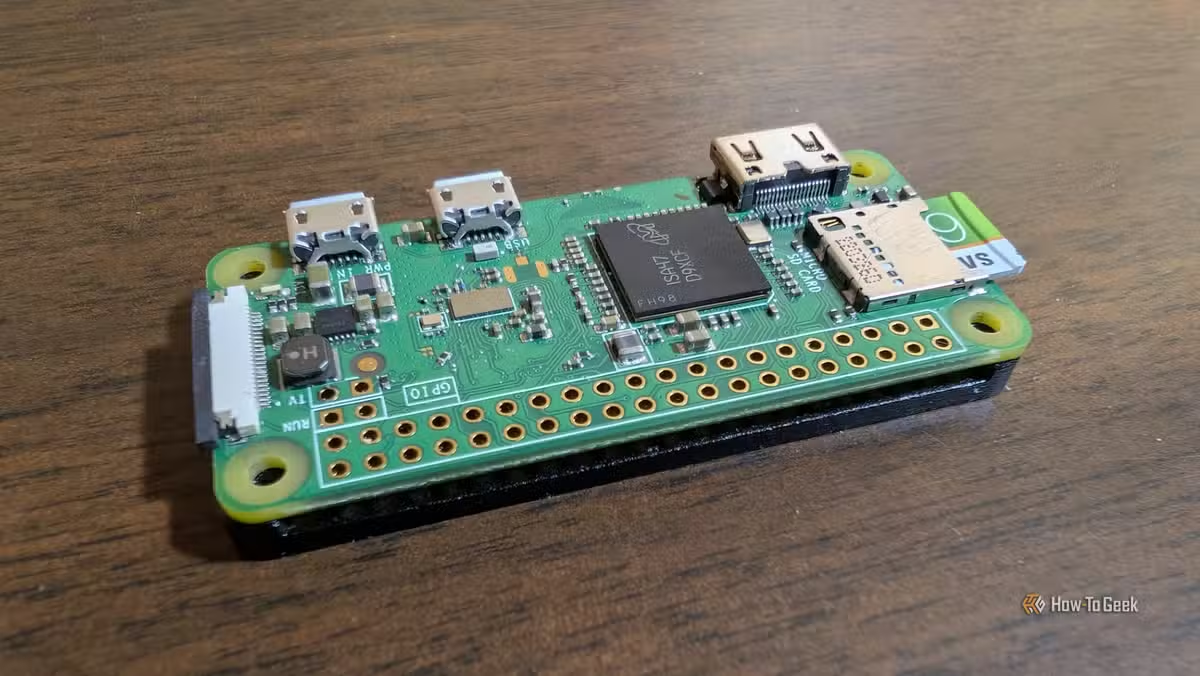
The practical applications are straightforward. Lights turn off when everyone leaves. Heating switches to energy-saving mode automatically. Your desk lamp turns on when your phone appears near your office. All without a cloud service tracking your location.
One caveat: presence detection takes trial and error. Phones sleep unpredictably and drop Wi-Fi connections at random intervals. Expect to spend time testing before you rely on it for anything critical.
VPN Server for Remote Access
Commercial VPN routers and dedicated hardware can run $100 or more. A Pi Zero 2 W running WireGuard gives you secure remote access to your home network for a fraction of the cost.
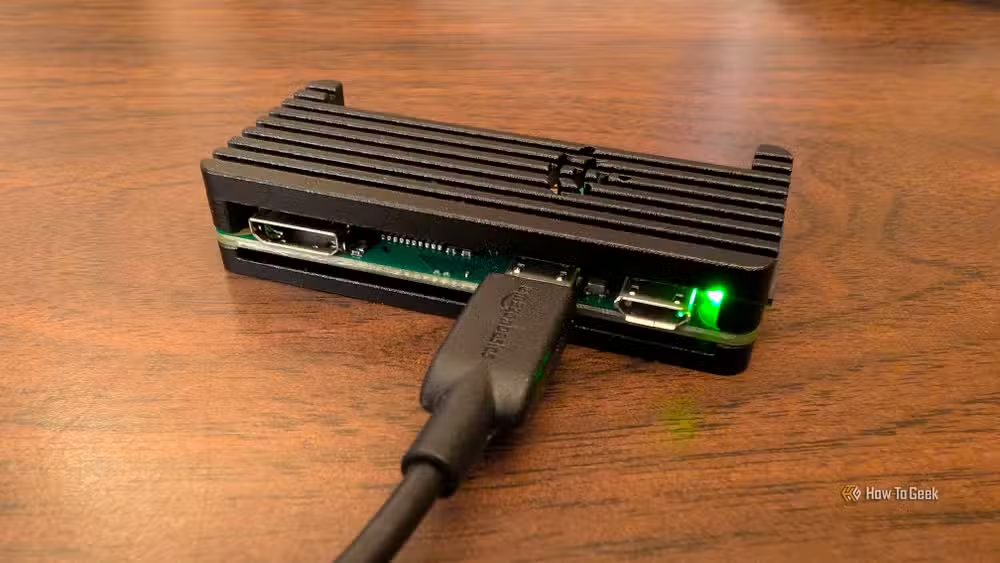
WireGuard is lightweight and fast, which makes it a good match for the Pi Zero's modest specs. Once configured, you can access your Home Assistant dashboard, file shares, or any other local service from anywhere. No subscription required.
The setup involves installing WireGuard, generating keys, and configuring your router to forward traffic. Not plug-and-play, but well documented online.
Air Quality Monitor
Dedicated air quality monitors like the IKEA Vindstyrka cost $40 to $60. They work fine, but they're closed systems. You can't easily integrate their data with your other smart home automations.
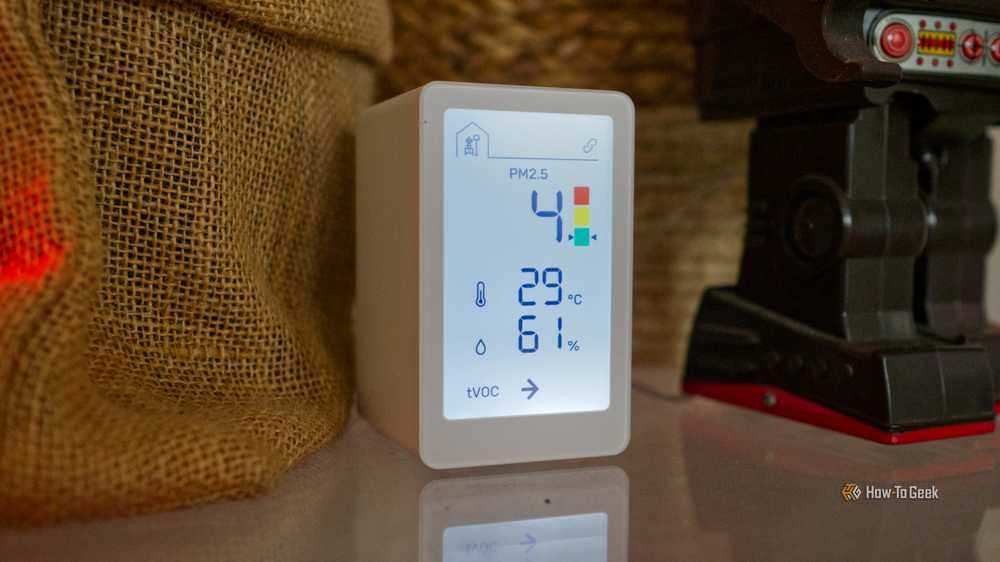
A Pi Zero 2 W paired with a few sensors can measure temperature, humidity, particulate matter, and volatile organic compounds. Connect those readings to Home Assistant, and you can trigger your ventilation system when air quality drops or log data over time to spot patterns.
The sensor hardware adds to the cost, but you get flexibility. Want to add CO2 monitoring later? Add a sensor. Want to move the unit to a different room? Unplug and relocate.
Plant Watering Monitor
Smart plant monitors cost $15 to $30 each. If you have multiple plants, the cost adds up quickly. A Pi Zero 2 W with a moisture sensor can monitor several plants and alert you when soil gets dry.
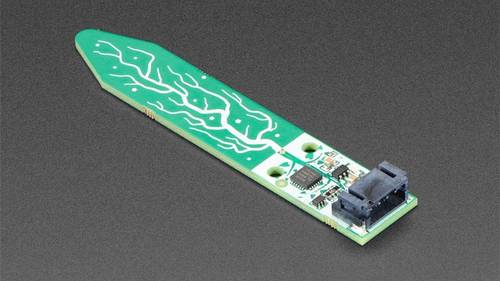
The basic version just sends notifications. The more ambitious version connects to a relay and a water pump to automate watering entirely. Either way, you're paying once for hardware instead of buying separate monitors for each pot.
What You Need to Get Started
The Pi Zero 2 W itself runs about $15. You'll also need a microSD card, a power supply, and whatever sensors your project requires. Total hardware cost typically lands between $25 and $50 depending on the project.
- Raspberry Pi Zero 2 W (quad-core ARM Cortex-A53, 512MB RAM)
- MicroSD card (8GB or larger)
- 5V micro-USB power supply
- Project-specific sensors (moisture, air quality, etc.)
The Pi Zero 2 W includes built-in Wi-Fi and Bluetooth, which covers most smart home connectivity needs. For projects requiring more range or reliability, you might add external antennas or use a different Pi model.
The Real Tradeoff
DIY smart home projects save money and avoid subscriptions. They also take time. A commercial presence sensor works out of the box. A Pi-based solution requires hours of setup, testing, and occasional troubleshooting.
If you enjoy tinkering, that's a feature. If you just want things to work, it's a cost. The Pi Zero 2 W makes the most sense for people who value control over convenience and have the patience to debug occasional issues.
Logicity's Take
Frequently Asked Questions
How much does a Raspberry Pi Zero 2 W cost?
The Pi Zero 2 W costs approximately $15. With a microSD card and power supply, expect to spend $25 to $30 total before adding project-specific sensors.
Can the Pi Zero 2 W run Home Assistant?
The Pi Zero 2 W can run Home Assistant, though it's better suited as a sensor hub or satellite device. The full Home Assistant server runs more smoothly on a Pi 4 or Pi 5.
Is DIY presence detection reliable?
It requires tuning. Phones drop Wi-Fi connections and Bluetooth signals inconsistently. Plan for trial and error before depending on it for critical automations.
What programming knowledge do I need?
Basic Linux command line skills help. Most projects have step-by-step guides, but you should be comfortable troubleshooting configuration files.
Another look at practical tech applications in daily life
Need Help Implementing This?
Source: How-To Geek
Huma Shazia
Senior AI & Tech Writer
اقرأ أيضاً

رأي مغاير: كيف يؤثر اختراق الأمن الداخلي الأميركي على شركاتنا الخاصة؟
في ظل اختراق عقود الأمن الداخلي الأميركي مع شركات خاصة، نناقش تأثير هذا الاختراق على مستقبل الأمن السيبراني. نستعرض الإحصاءات الموثوقة ونناقش كيف يمكن للشركات الخاصة أن تتعامل مع هذا التهديد. استمتع بقراءة هذا التحليل العميق

الإنسان في زمن ما بعد الوجود البشري: نحو نظام للتعايش بين الإنسان والروبوت - Centre for Arab Unity Studies
في هذا المقال، سنناقش كيف يمكن للبشر والروبوتات التعايش في نظام متكامل. سنستعرض التحديات والحلول المحتملة التي تضعها شركات مثل جوجل وأمازون. كما سنلقي نظرة على التوقعات المستقبلية وفقًا لتقرير ماكنزي

إطلاق ناسا لمهمة مأهولة إلى القمر: خطوة تاريخية نحو استكشاف الفضاء
تعتبر المهمة الجديدة خطوة هامة نحو استكشاف الفضاء وتطوير التكنولوجيا. سوف تشمل المهمة إرسال رواد فضاء إلى سطح القمر لconducting تجارب علمية. ستسهم هذه المهمة في تطوير فهمنا للفضاء وتحسين التكنولوجيا المستخدمة في استكشاف الفضاء.