4 reasons CLI apps still beat GUIs on Linux
Key Takeaways
- CLI tools can be scripted and scheduled, turning repetitive tasks into automated workflows
- Unix pipes let small CLI utilities combine into powerful custom solutions
- Terminal apps run on any Linux system, including headless servers and SSH sessions
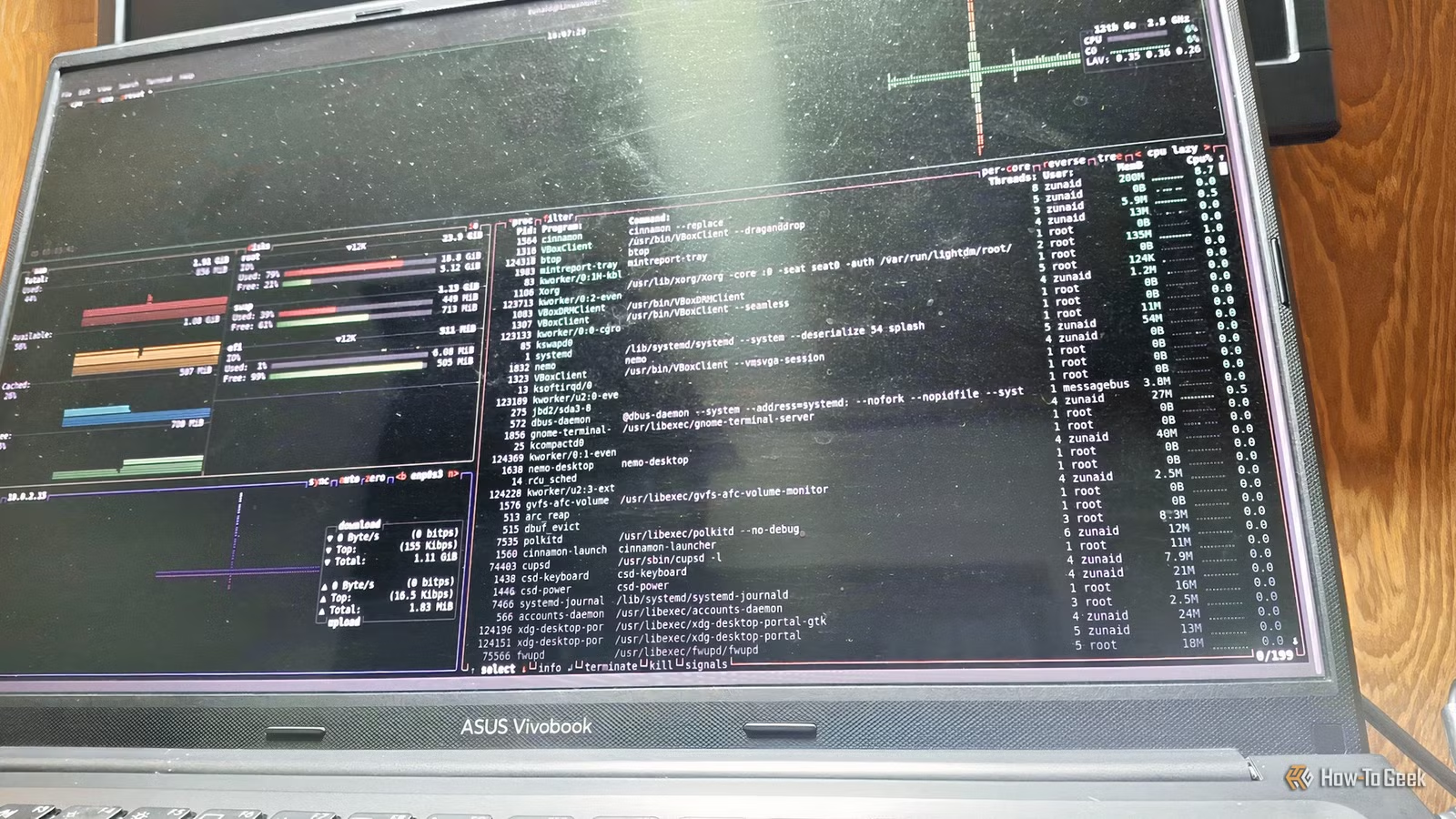
Linux desktop environments have matured. Modern distributions ship polished interfaces, curated software stores, and applications that let users accomplish most tasks without opening a terminal. Yet experienced Linux users keep returning to the command line. CLI apps offer four practical advantages that GUI alternatives still cannot replicate.
CLI apps can be automated
GUI applications are built around clicks and menus. That model works fine when you convert one file or rename one folder. It breaks down when you need to repeat the same action across hundreds of items, every day, without supervision.
Command-line tools accept text input and produce text output. The same command you run once can be dropped into a shell script, scheduled via cron, or triggered by a system event. The result is a repeatable workflow that runs while you sleep.
A practical example: resizing screenshots before uploading them. In a graphical editor, you open each file, adjust dimensions, export, and repeat. With ImageMagick, you loop through every PNG in a folder with a single command:
for file in *.png; do convert "$file" -resize 50% "resized-$file"; doneSave those lines in a script, and a twenty-minute chore becomes a one-second execution.
Small tools compose into powerful workflows
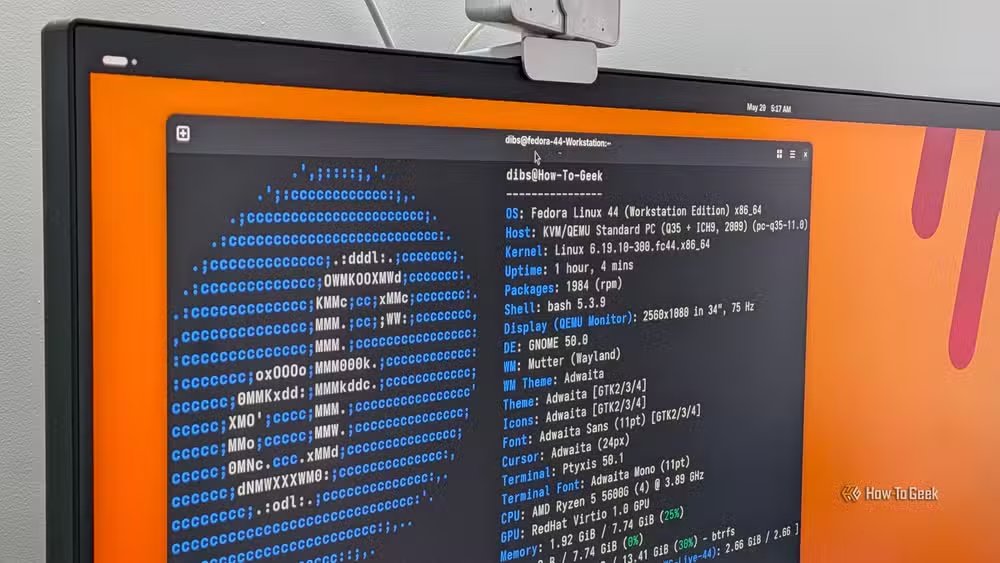
Unix philosophy favors programs that do one thing well. That design choice pays off when you pipe the output of one tool into the input of another. GUI apps are self-contained; the features available are whatever the developer shipped. CLI tools chain together, letting you solve problems the original authors never anticipated.
Suppose you want to find the ten largest files in your home directory. A graphical file manager can display sizes, but sorting thousands of files across nested folders is tedious. In a terminal, three utilities cooperate:
find ~ -type f -printf "%s %p\n" | sort -nr | headfind gathers every file, sort arranges them by size in descending order, and head shows only the top results. Each tool performs a narrow task; combined, they answer a complex question in seconds.
Terminal apps use fewer resources
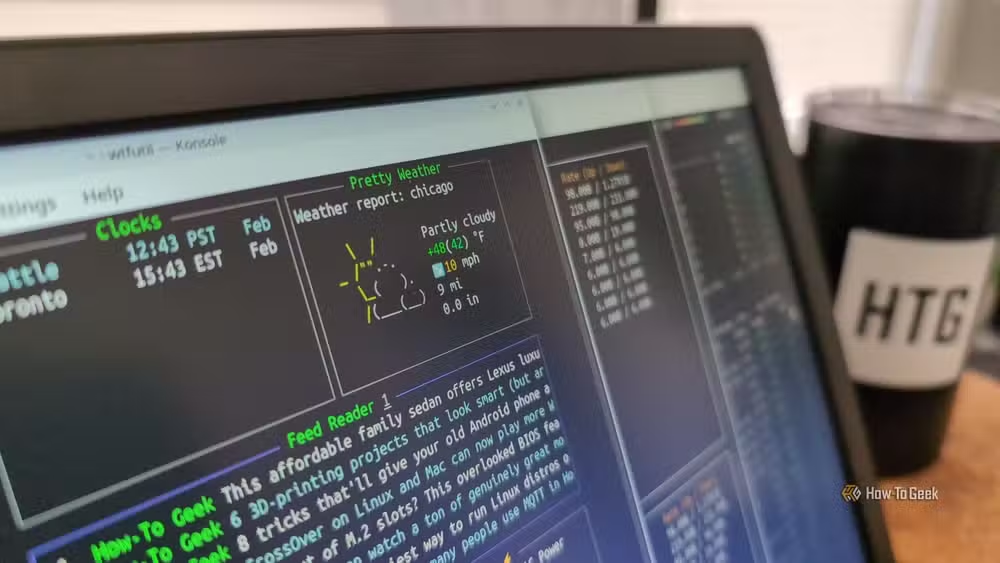
A graphical text editor loads fonts, themes, toolbars, and a rendering engine before you type a single character. A terminal editor like Vim or Nano starts in milliseconds and consumes a fraction of the RAM. On older hardware, or inside a container with tight memory limits, that difference matters.
Resource efficiency also affects responsiveness. CLI tools tend to finish faster because they skip the overhead of drawing windows and handling mouse events. When you are iterating on a script or debugging a server, speed compounds.
CLI works everywhere Linux runs
A GUI requires a display server. A headless cloud VM, an SSH session over a spotty connection, a Raspberry Pi tucked behind the router: these environments have no graphical interface, but they have a shell. CLI proficiency means you can manage any Linux machine with the same commands, regardless of whether it has a monitor attached.
Even on a desktop with a full GUI, you sometimes want to administer a remote server without launching a heavyweight remote-desktop session. SSH plus familiar CLI tools covers most needs.
When does GUI still win?
None of this means GUIs are obsolete. Photo editing, video timelines, and complex diagrams benefit from visual feedback that a terminal cannot replicate. The point is not that CLI is universally better, but that it excels at automation, composability, efficiency, and ubiquitous access. Knowing when to reach for the terminal is a skill that pays recurring dividends.
Frequently Asked Questions
Is the Linux command line hard to learn?
The basics take a few hours. Learning a handful of commands like ls, cd, grep, and find covers most daily tasks. Mastery takes longer, but the payoff is automation and flexibility unavailable in GUIs.
Can I use GUI and CLI together?
Yes. Most Linux users switch between them as needed. A terminal emulator runs inside the desktop environment, so you can copy output into a graphical app or drag files between windows.
Which CLI tools should a beginner start with?
Start with file management: ls, cp, mv, rm, mkdir. Add grep for searching text, find for locating files, and a text editor like nano or micro. Once comfortable, explore piping and shell scripting.
Do CLI apps work on macOS and Windows?
Many do. macOS shares Unix roots, so most commands transfer directly. On Windows, WSL (Windows Subsystem for Linux) provides a full Linux terminal inside Windows 10 and 11.
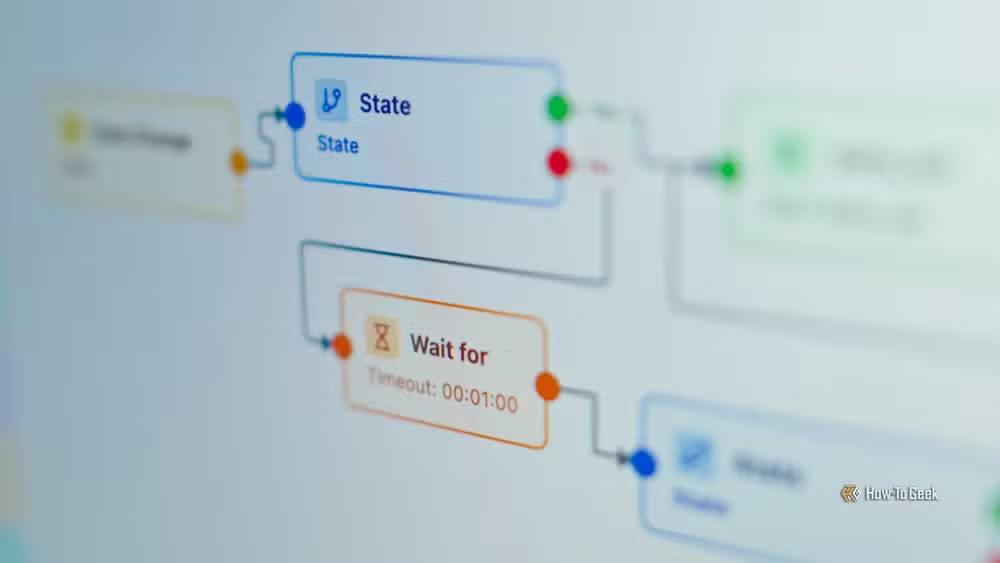
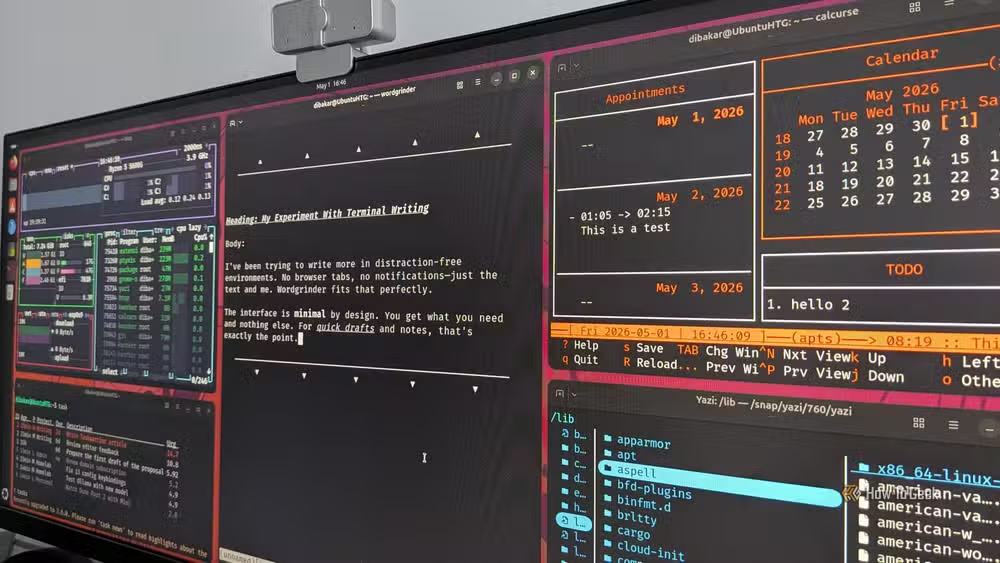
Another workflow that turns a tedious manual task into a quick automated process.
Logicity's Take
CLI proficiency is increasingly valuable beyond pure sysadmin work. AI coding assistants, infrastructure-as-code, and containerized deployments all assume comfort with a shell. Developers who avoid the terminal limit the tools they can use and the environments they can manage. Investing a few weekends in shell fundamentals pays compound returns.
Need Help Implementing This?
If your team wants to automate Linux workflows or integrate CLI-based DevOps tooling, reach out to the Logicity community. We connect readers with consultants and courses that accelerate the learning curve.
Source: How-To Geek
Huma Shazia
Senior AI & Tech Writer
اقرأ أيضاً

رأي مغاير: كيف يؤثر اختراق الأمن الداخلي الأميركي على شركاتنا الخاصة؟
في ظل اختراق عقود الأمن الداخلي الأميركي مع شركات خاصة، نناقش تأثير هذا الاختراق على مستقبل الأمن السيبراني. نستعرض الإحصاءات الموثوقة ونناقش كيف يمكن للشركات الخاصة أن تتعامل مع هذا التهديد. استمتع بقراءة هذا التحليل العميق

الإنسان في زمن ما بعد الوجود البشري: نحو نظام للتعايش بين الإنسان والروبوت - Centre for Arab Unity Studies
في هذا المقال، سنناقش كيف يمكن للبشر والروبوتات التعايش في نظام متكامل. سنستعرض التحديات والحلول المحتملة التي تضعها شركات مثل جوجل وأمازون. كما سنلقي نظرة على التوقعات المستقبلية وفقًا لتقرير ماكنزي

إطلاق ناسا لمهمة مأهولة إلى القمر: خطوة تاريخية نحو استكشاف الفضاء
تعتبر المهمة الجديدة خطوة هامة نحو استكشاف الفضاء وتطوير التكنولوجيا. سوف تشمل المهمة إرسال رواد فضاء إلى سطح القمر لconducting تجارب علمية. ستسهم هذه المهمة في تطوير فهمنا للفضاء وتحسين التكنولوجيا المستخدمة في استكشاف الفضاء.