4 Android Tricks You Can Only Do With ADB and a USB Cable
Key Takeaways
- ADB lets you control your Android phone from a PC terminal without rooting
- Scrcpy provides lag-free screen mirroring with no app installation on your phone
- You can remove carrier bloatware and wipe app data faster than through Settings
If you've ever rooted a phone or flashed a custom ROM, you've met Android Debug Bridge. ADB is a command-line tool that lets your PC talk directly to your phone through a USB cable. Developers use it daily for testing apps. But ADB's real power extends far beyond the dev environment.
The tricks below work on any Android phone. No root access. No custom recovery. No permanent changes. Just a USB cable, a few terminal commands, and capabilities your phone's Settings app will never offer.
Setting Up ADB: The One-Time Prep Work
Before anything else works, you need to pair your PC with your phone. This takes about five minutes and you only do it once.
- On your phone, go to Settings > About phone. Tap Build number seven times. This unlocks Developer options.
- Navigate to Settings > System > Developer options. Turn on USB debugging.
- On your PC, download Google's official Platform Tools from the Android developer website. Extract it somewhere easy to find, like C:\platform-tools on Windows.
- Connect your phone with a quality USB cable. Set USB mode to File transfer (MTP).
- Open a Command Prompt or PowerShell window inside the platform-tools folder. Run 'adb devices'.
- Your phone will show an 'Allow USB debugging?' prompt. Check 'Always allow from this computer' and accept.
- Run 'adb devices' again. Your phone's serial number should appear in the list.
That's it. Every trick below is just a different command typed into the same terminal window.
Trick 1: Mirror Your Phone to Your PC with Scrcpy
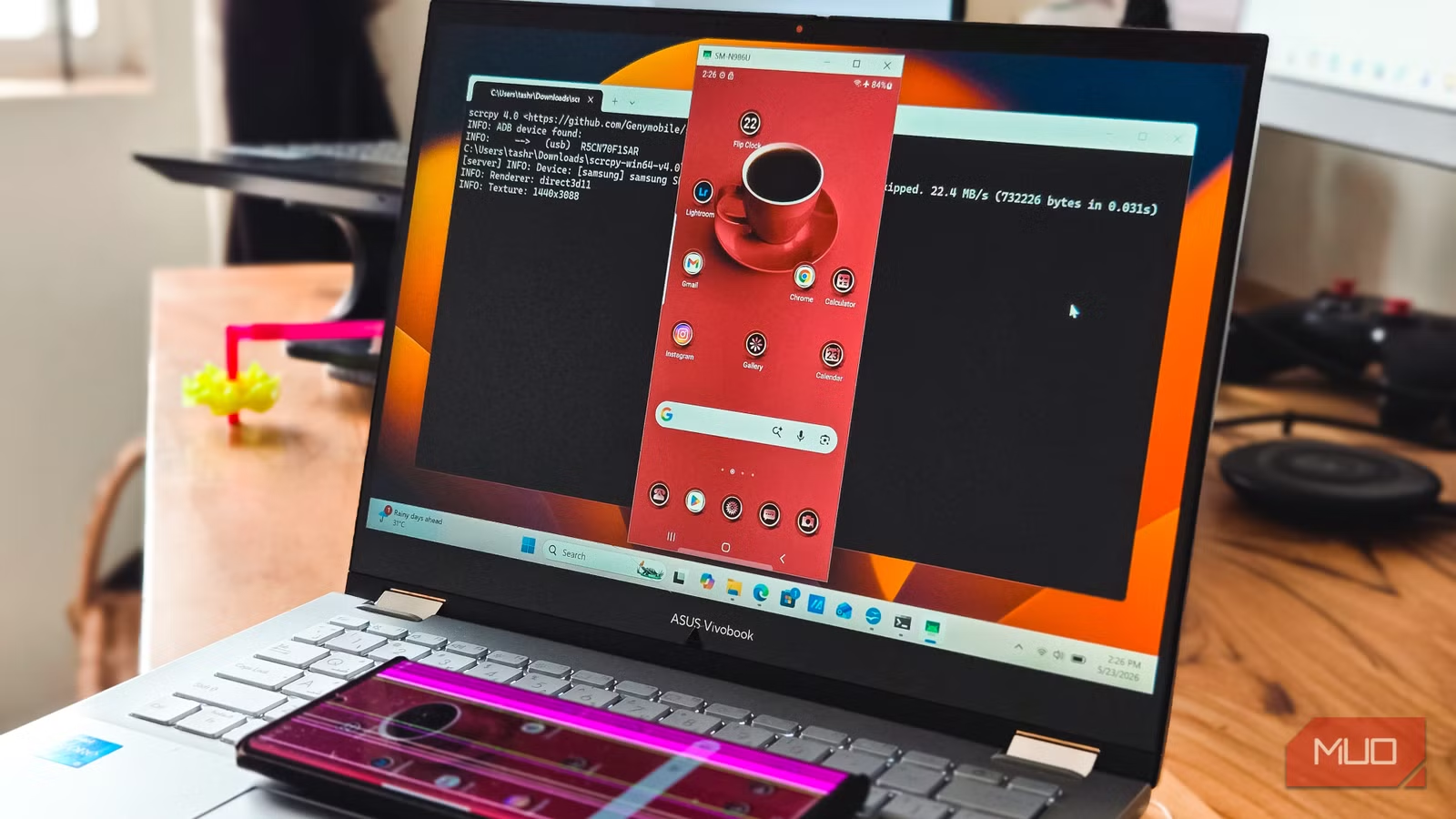
Scrcpy is an open-source tool that mirrors your Android screen to your computer. Unlike commercial alternatives, it requires no app installation on your phone. The display streams directly through the ADB connection.
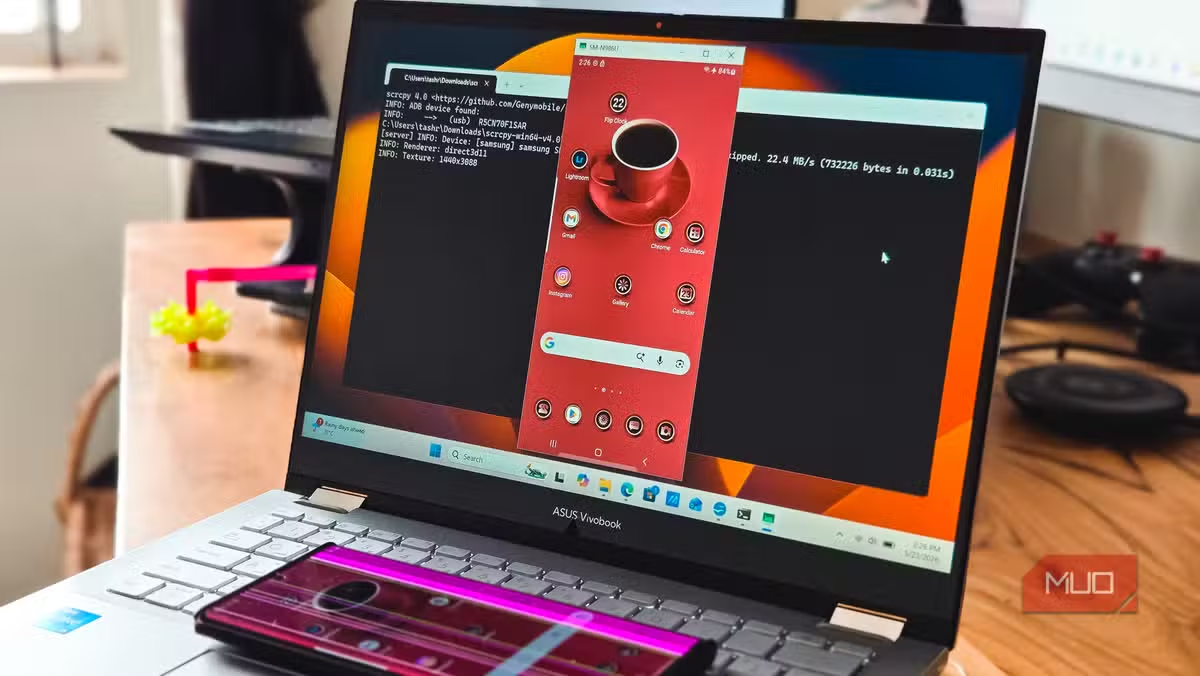
The latency is low enough for real work. You can type on your phone using your PC keyboard, drag files between windows, and run mobile apps on a larger display. Gamers use it to play Android games with mouse and keyboard controls.
To get started, download Scrcpy from GitHub, extract it to the same folder as your Platform Tools, and run 'scrcpy' in your terminal. Your phone screen appears in a resizable window within seconds.
“The power of ADB isn't just in debugging; it's in reclaiming your device from carrier constraints and bloatware that standard settings simply cannot touch.”
— Tashreef Shareef, Tech Writer at MakeUseOf
Trick 2: Wipe App Data Without Digging Through Settings
Sometimes an app misbehaves and needs a fresh start. The normal route involves tapping through Settings > Apps > [App Name] > Storage > Clear Data. With ADB, one command does the job.
adb shell pm clear com.example.appname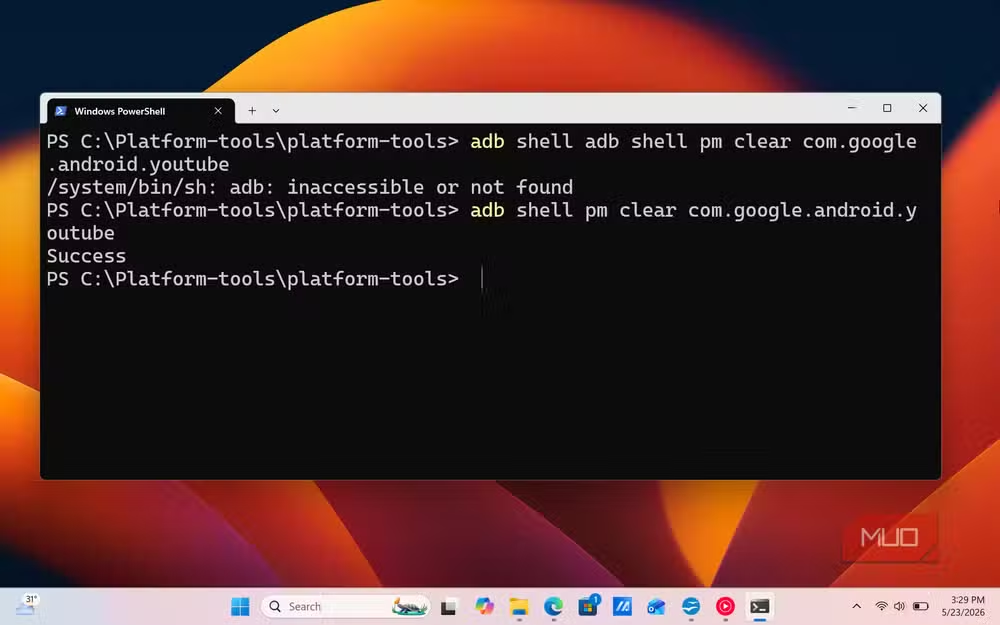
Replace 'com.example.appname' with the actual package name. You can find package names by running 'adb shell pm list packages' to see everything installed on your device.
This approach is faster when troubleshooting multiple apps. You can also script it to reset a specific set of apps in one go.
Trick 3: Remove Bloatware Your Carrier Won't Let You Delete
Every carrier and manufacturer preinstalls apps you can't uninstall through normal means. That carrier-branded sports app? The redundant file manager? ADB can disable or remove them.
adb shell pm uninstall -k --user 0 com.carrier.bloatappThe '-k' flag keeps the app's data in case you want to reinstall later. The '--user 0' flag removes it only for your user profile, which sidesteps system-level restrictions.
Be careful here. Removing certain system apps can cause instability. Communities on Reddit and XDA Developers maintain lists of safe-to-remove packages for specific phone models like Samsung's One UI or Xiaomi's MIUI.
Trick 4: Stream Local Media to Your Phone
ADB can forward network ports between your PC and phone. This lets you run a local media server on your computer and stream videos directly to your phone without uploading anything to the cloud.
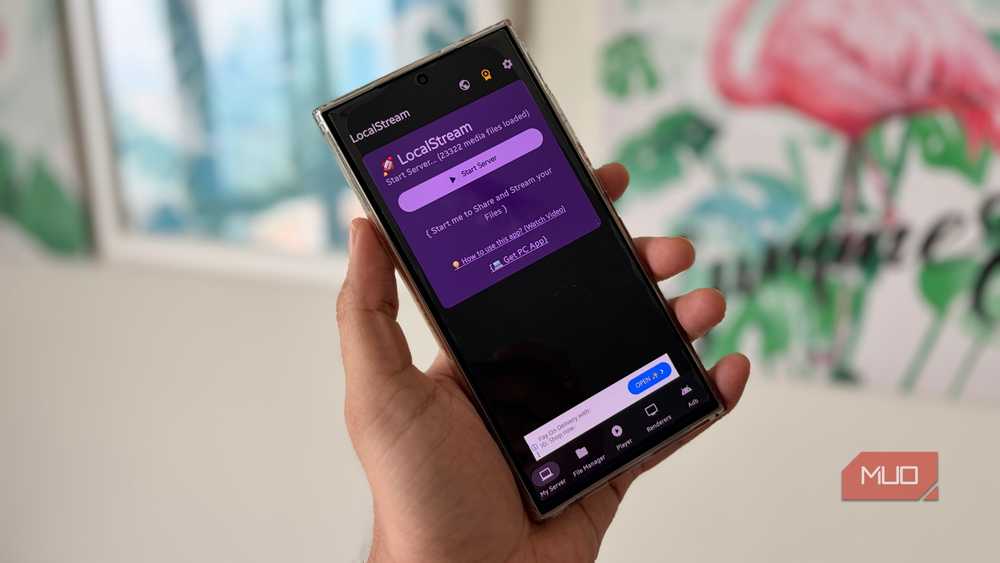
The command 'adb reverse tcp:8080 tcp:8080' tells your phone to route requests to localhost:8080 back to your PC's port 8080. Run a simple HTTP server on your computer, point a media player on your phone to localhost:8080, and your video library is accessible without any network configuration.
Why This Still Matters in 2026
An estimated 90% of professional Android developers rely on ADB for debugging and maintenance. But the tool's design means anyone can use it. No special permissions from Google or your carrier required.
The broader point: your phone is a general-purpose computer. Manufacturers lock down the interface to simplify the experience for most users. ADB is the escape hatch for those who want more control.
Logicity's Take
Frequently Asked Questions
Do I need to root my phone to use ADB?
No. All the tricks in this article work without root access. You only need to enable USB debugging in Developer options.
Is ADB safe to use?
Yes, when used correctly. ADB is Google's official tool for Android development. The main risk is removing system apps you shouldn't, which can cause instability.
Does using ADB void my warranty?
Generally no. Enabling Developer options and USB debugging doesn't void warranties. Rooting or flashing custom ROMs might, depending on your manufacturer.
Can I use ADB wirelessly without a USB cable?
Yes. After initial USB setup, you can enable wireless debugging in Developer options. ADB will connect over Wi-Fi, though USB is more reliable.
More practical tech that goes beyond standard consumer features
Need Help Implementing This?
Source: MakeUseOf
Manaal Khan
Tech & Innovation Writer
اقرأ أيضاً

رأي مغاير: كيف يؤثر اختراق الأمن الداخلي الأميركي على شركاتنا الخاصة؟
في ظل اختراق عقود الأمن الداخلي الأميركي مع شركات خاصة، نناقش تأثير هذا الاختراق على مستقبل الأمن السيبراني. نستعرض الإحصاءات الموثوقة ونناقش كيف يمكن للشركات الخاصة أن تتعامل مع هذا التهديد. استمتع بقراءة هذا التحليل العميق

الإنسان في زمن ما بعد الوجود البشري: نحو نظام للتعايش بين الإنسان والروبوت - Centre for Arab Unity Studies
في هذا المقال، سنناقش كيف يمكن للبشر والروبوتات التعايش في نظام متكامل. سنستعرض التحديات والحلول المحتملة التي تضعها شركات مثل جوجل وأمازون. كما سنلقي نظرة على التوقعات المستقبلية وفقًا لتقرير ماكنزي

إطلاق ناسا لمهمة مأهولة إلى القمر: خطوة تاريخية نحو استكشاف الفضاء
تعتبر المهمة الجديدة خطوة هامة نحو استكشاف الفضاء وتطوير التكنولوجيا. سوف تشمل المهمة إرسال رواد فضاء إلى سطح القمر لconducting تجارب علمية. ستسهم هذه المهمة في تطوير فهمنا للفضاء وتحسين التكنولوجيا المستخدمة في استكشاف الفضاء.